Do you own a small, bootstrapped business? If so, you don’t need me to tell you how every penny counts, right? And choosing the right tool can make a world of difference! Honestly! Take my word for it.
Here is a list of the 12 best tools that’ll do wonders for a small business!
Off we go!
Here’s a table for a quick sneak peek…
Tool
Purpose
Free Plan Available?
SurveySparrow
Collecting feedback through conversation
Yes
Asana
Project and task management
Yes
Slack
Team communication and collaboration
Yes
Zoom
Video conferencing and virtual meetings
Yes
BambooHR
HR management and employee tracking
No
Mailchimp
Email marketing and automation
Yes
HubSpot CRM
Customer relationship management
Yes
HootSuite
Social media management
No
Wave
Accounting and financial management
Yes
Zoho Workspace
Collaboration and productivity suite
Yes
Square Online
E-commerce platform
Yes
Canva
Graphic design and visual content creation
Yes
Now, let’s look at each of them in detail.
1. SurveySparrow– Conversational Surveys for Feedback Collection
Whether you are a startup or a blooming business, data holds the utmost value!
SurveySparrow is the tool for you if you aim to collect valuable customer feedback while keeping them happy and content.
The platform lets you create conversational surveys that fetch 40% more responses than traditional ones! Well, it does not stop at creation. You can collect data, visualize it on the executive dashboard, analyze it, and make informed decisions with rich insights.
Plus, you’ll never lose track of your users’ thoughts now that they have introduced the latest AI-driven Text Analytics feature- Cognivue.
Key Features
Conversational Surveys: Create chat-like surveys with the no-code drag-and-drop builder. The human-like approach will ensure your surveys aren’t abandoned in a corner of their inbox!
AI Surveys: If you lack the motivation to create surveys, let AI take over. You’ll have a survey at your fingertips—just a click of a prompt away!
Reputation Management: While collecting feedback is paramount, monitoring and managing your reviews is equally important. Turn your existing customers into advocates!
Ticket Management: Let’s admit it. Feedback won’t be perfect at all times. But what you can do is take prompt action! Convert them into actionable tickets and handle them in a single dashboard. I can’t put enough stress on it, but closing the loop matters.
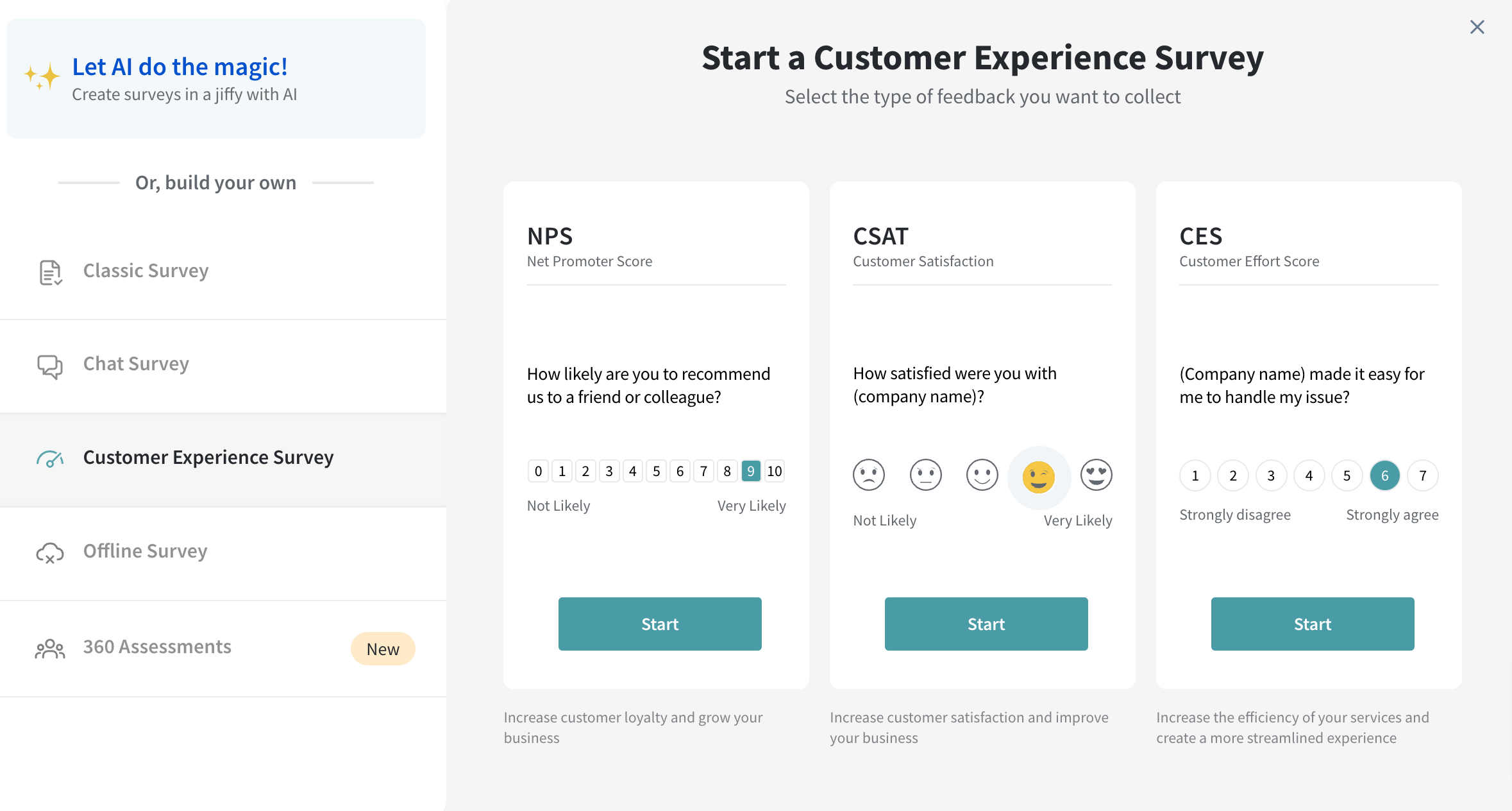
CX Module: The customer experience management platform includes product feedback, transactional and relational NPS, CSAT, CES, exit surveys, and event feedback.
SurveySparrow’s CX Module
Customer Journey Map: You can track your users’ experience at each touch point and visualize them with graphs and charts.
Cognivue: While collecting feedback might seem fun, analyzing it might be a bit of a task. Especially when you have multiple question types, including open-ended ones.
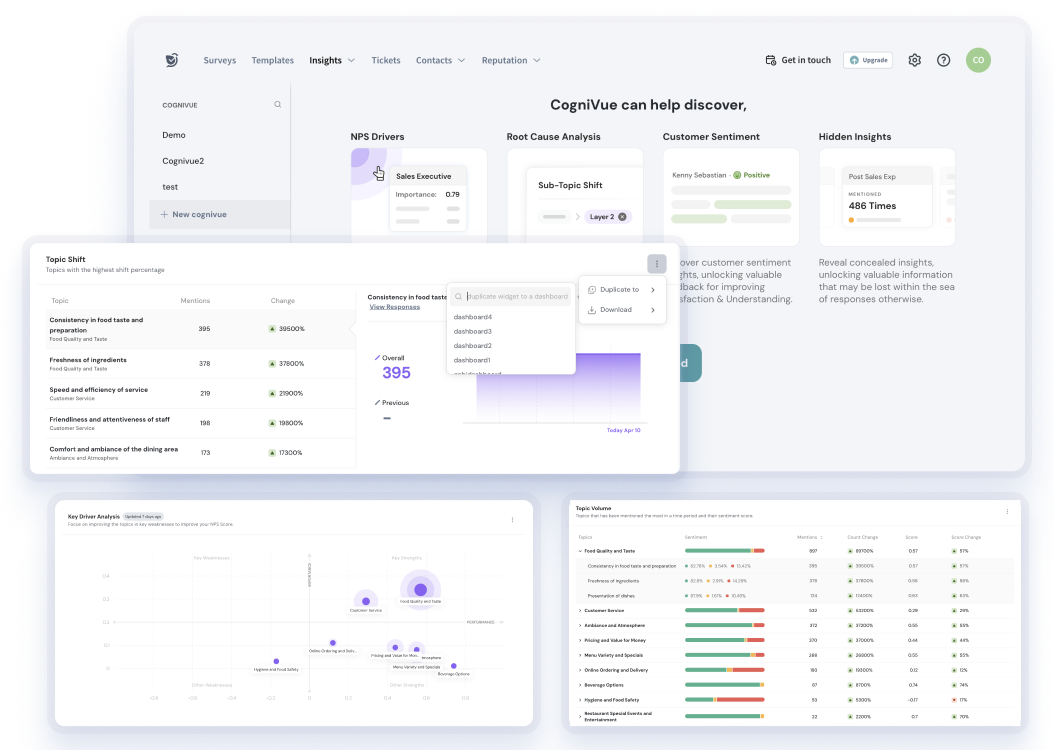
SurveySparrow’s AI-Powered Text Analytics CogniVue
This AI-powered text analytics feature allows you to conduct root cause analysis, find hidden insights, and give a score based on customer sentiments, topic mentions, and keyword counts.
Rating
G2: 4.4 / 5 (1,968 Reviews)
Capterra: 4.4/ 5 (107 Reviews)
User Reviews
A user shared a G2 review praising the platform’s ease of use.
They have also added that its ability to integrate with Zapier and efficient customer service is among the best perks.
Pricing
Are you wondering if it might be a bit spendy? Not at all!
You can choose a free-forever plan. The paid plan starts at $19/month.
Here’s a breakdown:
Pricing Plans
Starting Price
Features
Basic Plan
$19
Multiple question types and basic features
Business Plan
$79
Advanced features
Professional Plan
$249
Additional features
CX Suite
$249
NPS, CSAT, CES surveys- measuring customer loyalty, satisfaction, and effort scores
360 Assessments
Custom Quote
Research-backed question banks, advanced performance analytics, and group reports
Reputation Management
$0
Limited free version; $79 for full features
Why don’t you take the platform for a spin? It’s free!
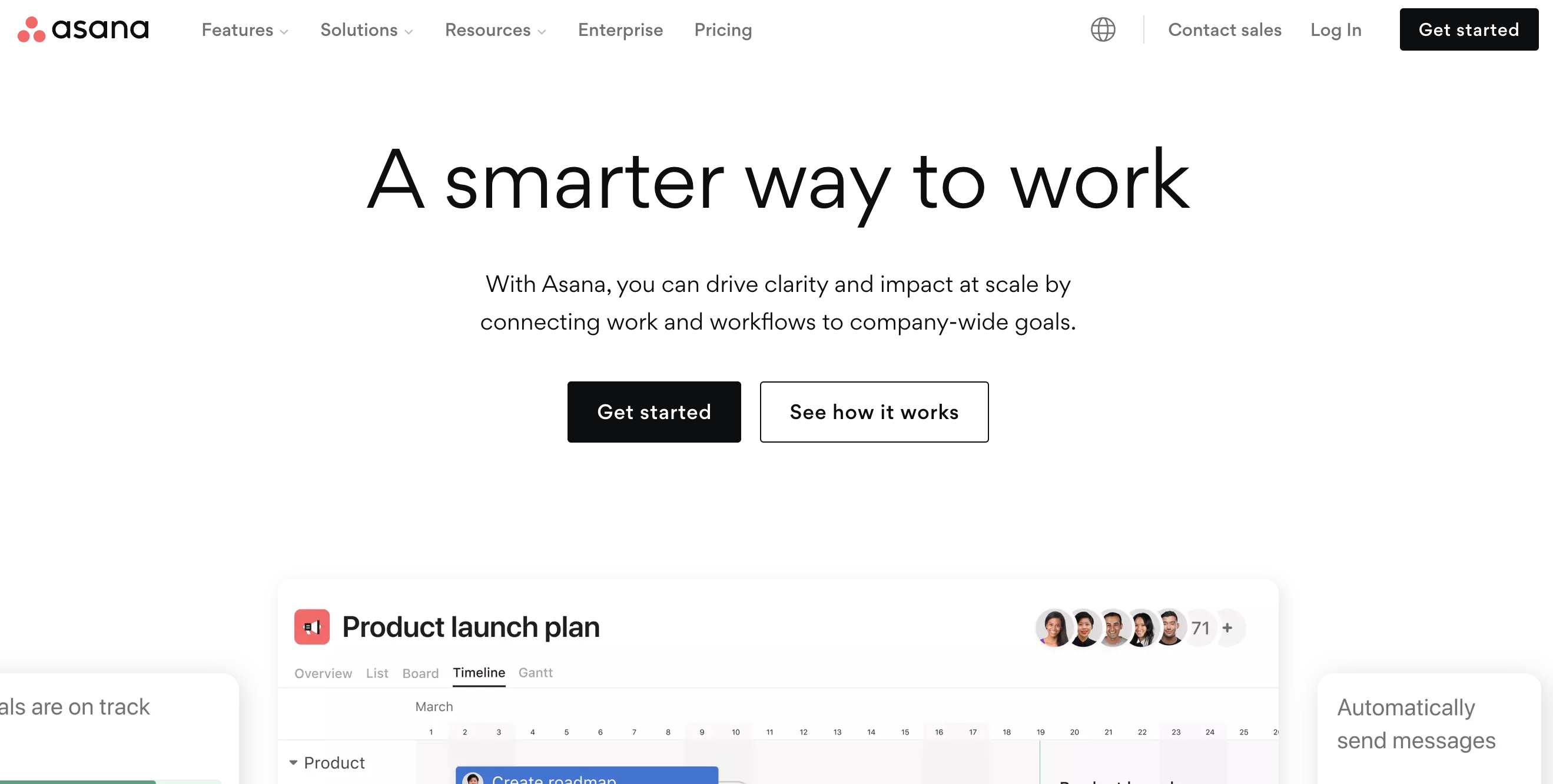
This platform is a cloud-based Project management solution that streamlines your workflow by aligning with your company goals. The platform has various tools that improve efficiency and support every project management task.
It is suitable for start-ups and companies of any size!
Now, Asana is the tool for your small business if you want a balance between comprehensive features and ease of use. Collaboration is key! And keeping track of what’s going on is paramount when you are a budding business aiming to grow!
Key Features
Task Management: Create a task, add context, and define it by assigning sub-tasks. The best part is that the platform acts as a collaboration hub.
That brings us to the next point….
Project Management: Building your projects within the platform is easy. You get ready-made templates and multiple customization options.
The project view lets you visualize them as a calendar, timeline, Gantt chart, or Kanban board.
Custom Fields: You can easily label your fields and add filters to capture precise data. This makes maintaining your data and creating reports quick and easy!
Rating
G2: 4.2 / 5 (9,992 Reviews)
Capterra: 4.5 /5 (12,503 Reviews)
User Reviews
Customization is one feature commonly appreciated by users on G2. One user even stated that the ease with which they could edit, remove, or add fields struck them!
Though the majority are happy with the tool, there was an opinion that the archive functionality needs to be fixed.
Pricing
Asana offers a free plan.
The starter option for individuals and small businesses is $10.99/ month.
3. Slack: For Team Communication and Collaboration
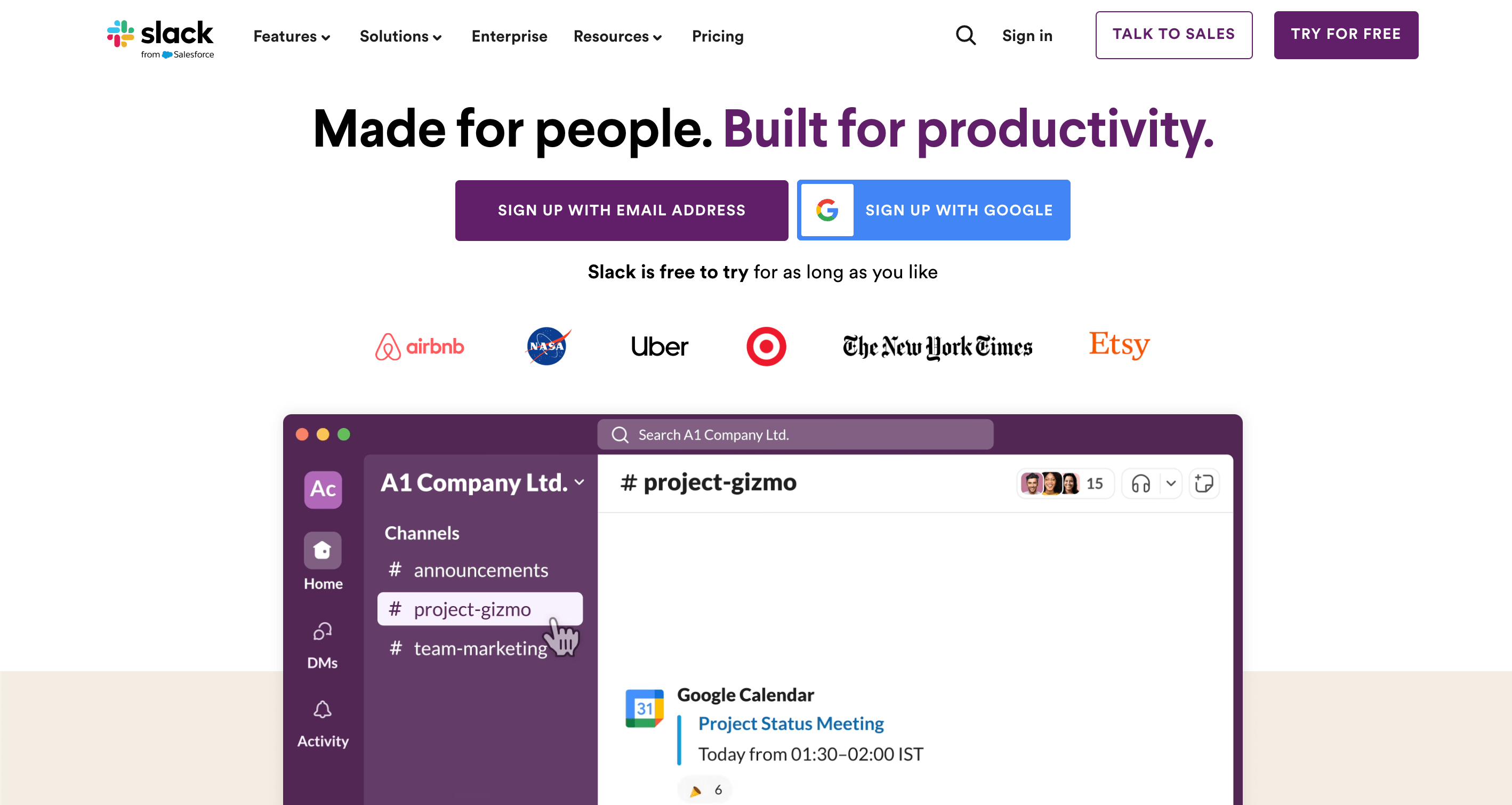
Source: slack.com
What I like the most about Slack is its ability to accommodate individual and multiple conversations in real-time.
This communication software is perfect, particularly for small businesses, because it can integrate with other platforms. Plus, your conversations will be safe and secure under the Slack Encryption Key Management.
Key Features
Create Channels: Easily create multiple channels to organize your work. Collaborating with like-minded people can help you come up with great ideas.
Huddle: This is my favorite feature! Sometimes, chats don’t do the deal. The platform solves this problem by including an audio and video section!
Workflow Builder: Did you think it’s just chats and calls? Nope! You can automate your workflows without coding a single line. Though the builder is a paid feature, it’s a must-try!
Slack AI: This feature will save you a lot of time! It includes an AI-powered search and conversation summarizer.
Rating
G2: 4.5 / 5 ( 32,510 Reviews)
Capterra: 4.7 / 5 ( 23,198 Reviews)
User Reviews
As reviews on Capterra indicate, Slack’s most beloved feature is its ability to integrate with other tools and API apps. Plus, you can access it on any device!
But again, when there are a lot of features, it is easy to get overwhelmed. Customers usually need help navigating the maze of channels.
Pricing
The free plan allows 90-day access to files and history. It is important to note that the plan does not include group huddles.
The pro plan is priced at $7.25 /month.
PS: For businesses looking to combine communication and customer management, a cloud-based business phone system can help you take calls anywhere and anytime.
4. Zoom: For Video Conferencing and Virtual Meetings
Source: zoom.us
Though primarily a video conferencing tool, Zoom offers various services, including AI-powered collaboration, real-time chat, screen sharing, file sharing, and webinars.
It is perfect for small to medium-sized organizations that frequently schedule meetings.
Key Features
AI-powered phone system: Here, you can request AI fetch post-call and voicemail text summaries. If you snooze your phone for a bit, you can get team SMS threads and not lose track of anything.
Scheduler: You can book appointments, share bookable time slots, and schedule meetings with a click. Enable notifications to remind users.
Workvivo: This is Zoom’s employee experience platform, which allows you to boost engagement. It is a human-centric intranet platform that helps small businesses easily find resources.
Record and Playback: no time to attend a session? Revisit the meetings at your preferred time.
Rating
G2: 4.6 / 5 (54,597 Reviews)
Capterra: 4.7 / 5 (13,791 Reviews)
User Reviews
User reviews are generally positive for Zoom. A customer reviewed on G2 that it is a platform that has “Minimum features with best meeting experience till date.”
However, a few users also feel that the menu pop-up can be distracting during meetings.
Pricing
You can use Zoom for free if you are on a budget.
The paid Pro Plan is $14.99/month/user.
Still waiting for the one for you? Let’s move on to the next one.
5. BambooHR: For HR Management and Employee Tracking
Source: bamboohr.com
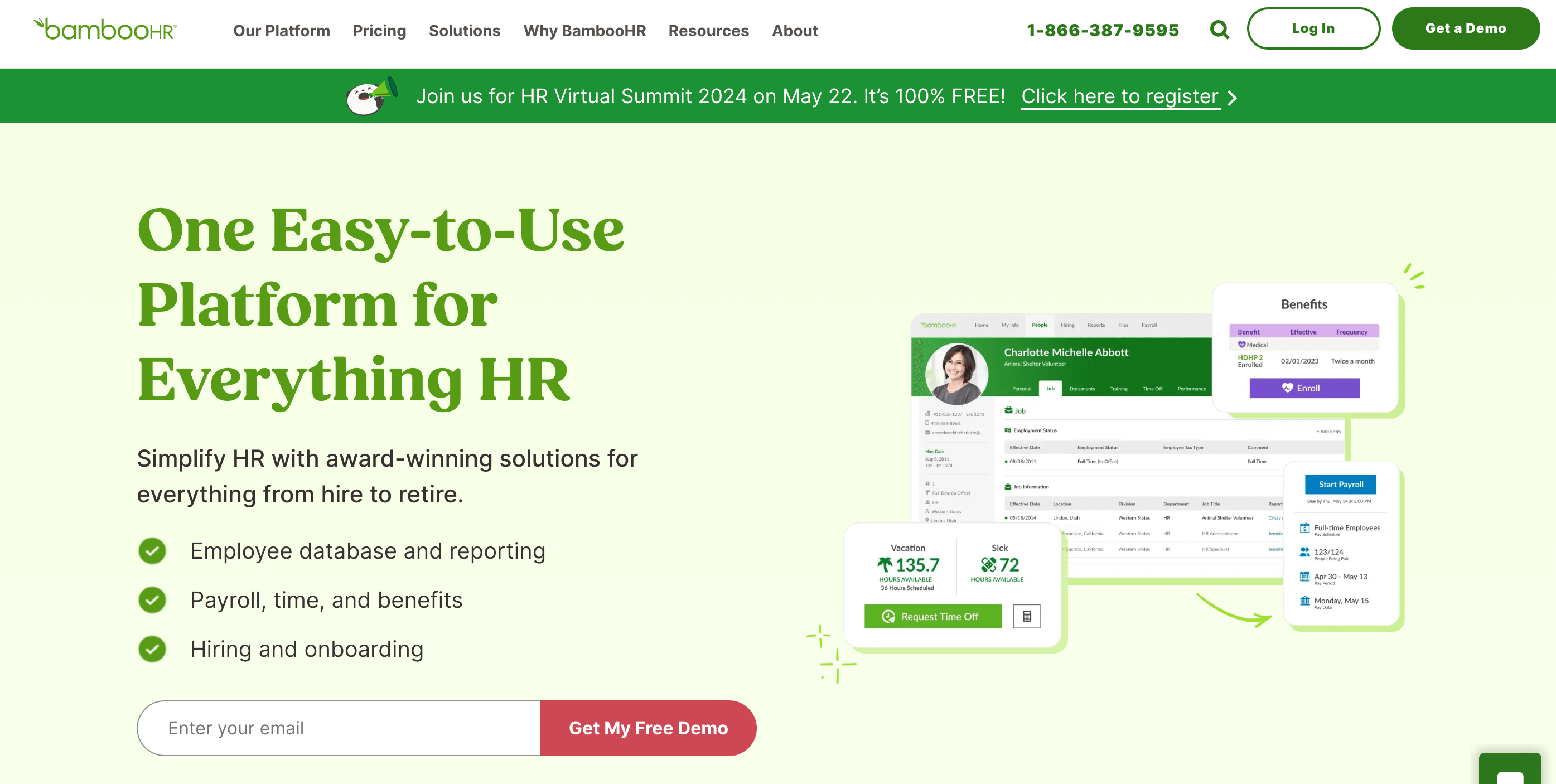
BambooHR is a familiar name for HR professionals. Suppose you are a small enterprise waiting to streamline its hiring process and HR tasks. From the onboarding to when they say goodbye, this platform has solutions for everything.
There are also 125+ integrations, including payroll, performance, time tracking, and scheduling solutions.
The tool is suitable for small businesses in any industry.
Key Features
Data Reporting: With a central database and 49 built-in reports, handling HR data has never been easier!
Applicant Tracking System: With this, you can locate and pick the best candidates before other companies snatch them away.
Electronic Signatures: Running a business, whether big or small, involves a lot of paperwork. With BambooHR, you can close deals online.
Payroll: We all love paydays, right? Oh, wait. Are you a business owner? Then it is vital to keep your employees happy! Pay them on time, create custom reposts, and avoid double data entry. The tool will also help you with tax filing!
Rating
G2: 4.4 / 5 (2,097 Reviews)
Capterra: 4.6 / 5 (2,781 Reviews)
User Reviews
The platform is very user-friendly according to customers. They also praise the platform’s peer feedback and staff survey features.
Some added that it would do well with more customization options, especially scheduling.
Pricing
You can try the platform for free. There is no Free plan
Contact the team to get a quote for the paid plan.
Now comes the time for your small businesses to find the a tool to run your marketing campaigns….
This marketing and automation platform specializes in emails. It allows you to manage your campaigns, landing pages, and social media ads and integrate with other popular apps.
It’s a must-have tool for small businesses if the primary aim is to grow an audience.
Whether you have an e-commerce site or run a cafe, you can use the platform to announce special offers and loyalty programs.
Key Features
AI Marketing: Use Intuit Assist to generate new leads or recover lost customers. It will create the first draft. All you need to do is review it and hit send!
Website Customization: Build and enhance your brand’s presence with the help of advanced marketing features. The customer journey builder will help you turn visitors to buyers.
Custom Layout Templates: You will get 100+ pre-designed templates. Whether you’re going through a writing slump or lack inspiration to optimize your landing pages, you’ll find something here.
Analytics and Reporting: The AI and analytics tools provide real-time insights into marketing campaigns. Plus, there is a vast library of 300+ integrations.
Rating
G2: 4.4 / 5 (5,168 Reviews)
Capterra: 4.5 / 5 (16,883 Reviews)
User Reviews
According to the reviews on G2, Mailchimp is known and appreciated for its simplicity and user-friendly interface.
A user went on to state that it is suited for both professional and base-level marketers because of its HTML block support.
Pricing
Pricing is based on the number of contacts you have. The minimum number you can choose is 500.
The Standard Plan is $6.86/month, and the Essentials Plan is $4.59/month.
There is also a free plan available.
7. HubSpot CRM: For Customer Relationship Management
Source: hubspot.com
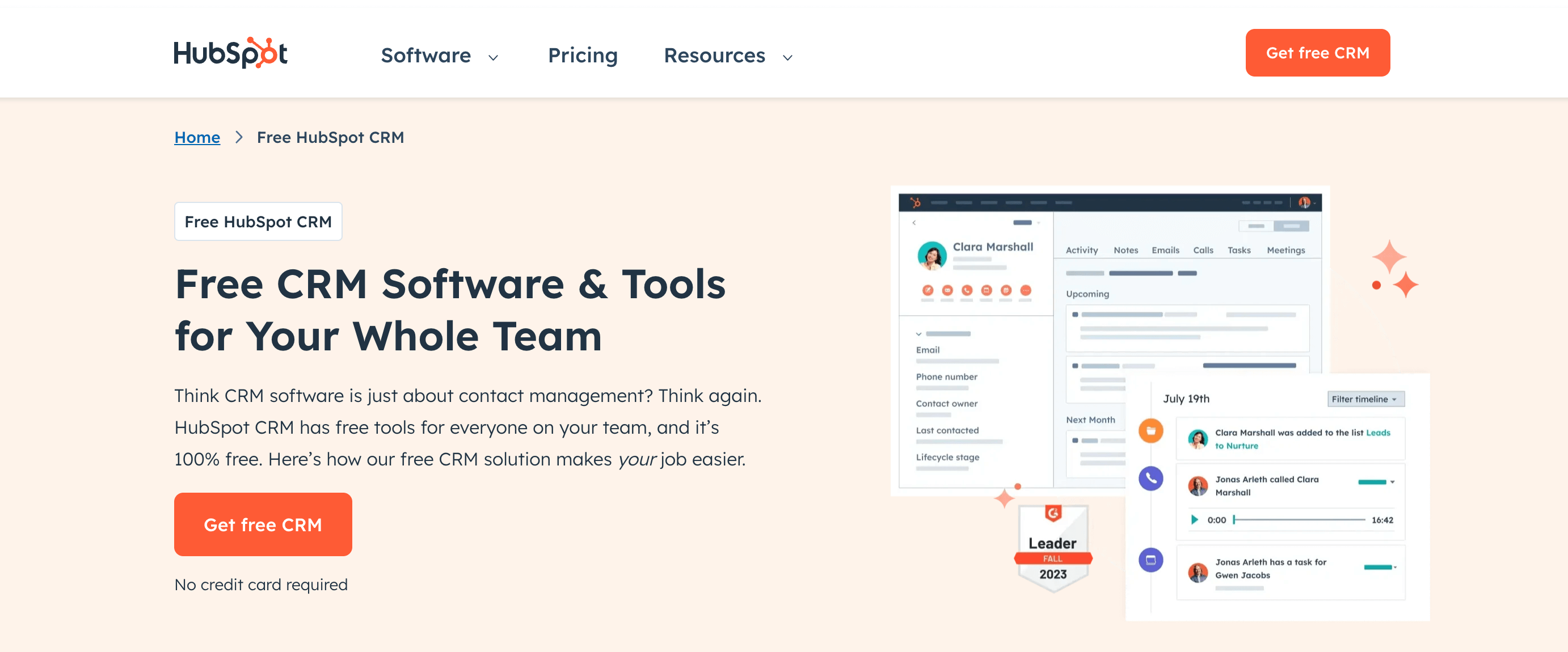
Hubspot CRM is a perfect tool for sales leaders, customer service teams, small businesses, and e-commerce and marketing agencies.
CRMs are software solutions that help you store customer information: their past engagement with your content, purchase history, queries, email exchanges within helpdesk software or other apps, and even call transcripts.
The platform offers various tools spanning different categories—sales, marketing, customer service, operations, and B2B commerce!
Key Features
Meeting Scheduler: You schedule meetings and appointments by connecting them to Google Calendar. You can customize meeting lengths and automate the sales process. Template Builder: Save time by sending personalized email templates via Outlook, Office 365, or Gmail. AI Email Writer: This automates email copywriting and generates sales email content. You can also customize them using slash and highlight commands. Live Chat: The chat automation feature allows you to offer real-time customer support.
Rating
G2: 4.4 / 5 (11,198 Reviews)
Capterra: 4.5 / 5 (4,110 Reviews)
User Reviews
The Hubspot CRM platform is self-explanatory. Users like to dive deep into customer data and provide personalized services.
However, recent reviews mention that the platform is a bit messy.
Pricing
A $0 plan is available for individuals and small teams. (Upto five users)
The Marketing Hub Starter costs $15/month/seat(a seat is a user)
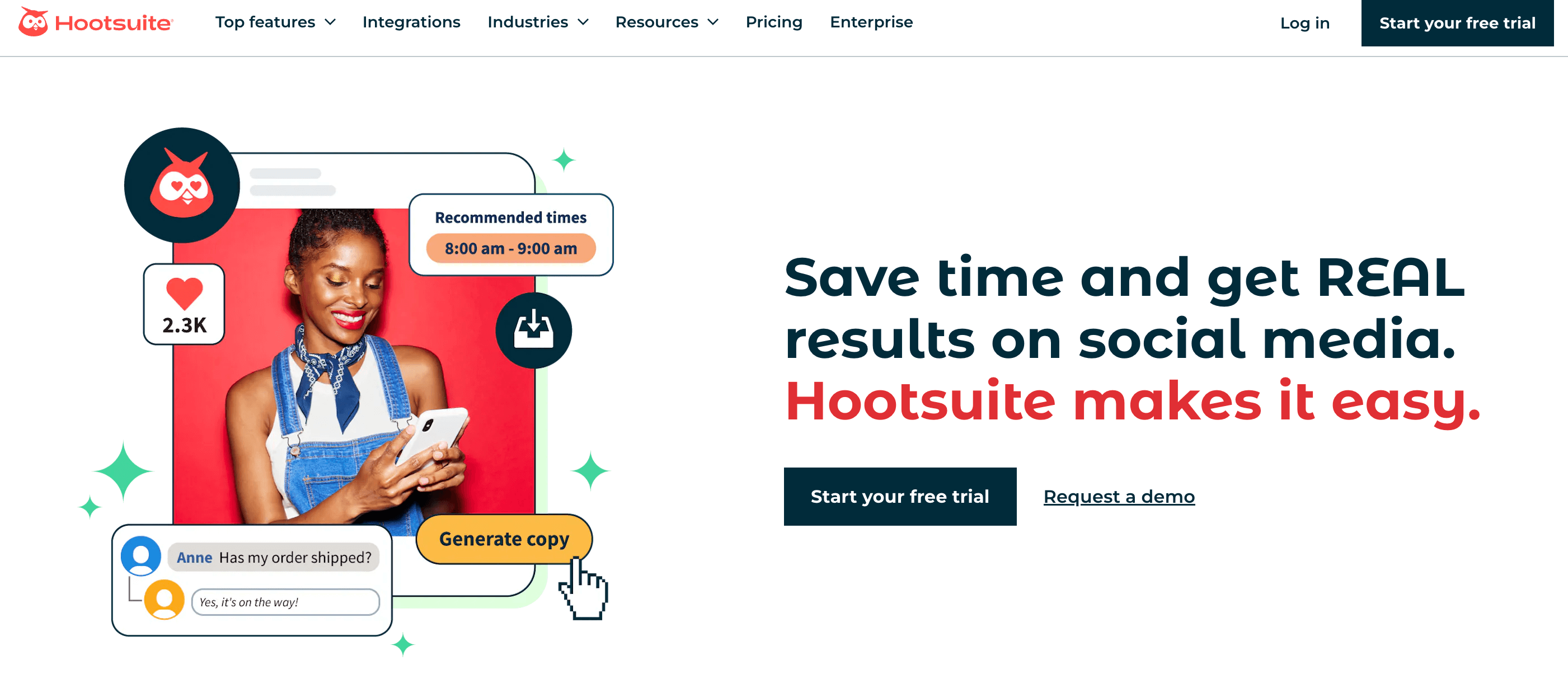
Social media management platforms are a must-have! And we can’t go without mentioning Hootsuite.
With its advanced analytics features, this tool helps you prove your social ROI (return on investment). Plus, social listening enables you to keep your brand image intact.
It is like having a centralized platform to handle multiple social media accounts.
Key Features
Content Generator: Their content writer is called Owliwriter AI. Cool name, huh? With it, you can generate crisp captions or engaging content ideas.
Publish and Schedule: Understand the best time to post with the smart calendar and publish them from a single dashboard.
Social Listening: Listening to your users’ voices can help you stay ahead of the competition. The Talkwalker integration also lets you monitor blogs, forums, news, and videos.
Analytics: This helps you understand which content works and repurpose the earlier ones with a click.
Rating
G2:Not much here. Just one review where the user has given a 5-star rating.
Capterra: 4.4 / 5 (3,674 Reviews)
User Reviews
According to their website, the customer reviews are awesome. A user recently shared that the platform is suitable for beginners who are still learning.
Some comments state that it saves a lot of their time as they can focus on other channels and lease social media management to Hootsuite.
Pricing
You can also try the advanced plan with a 30-day free trial.
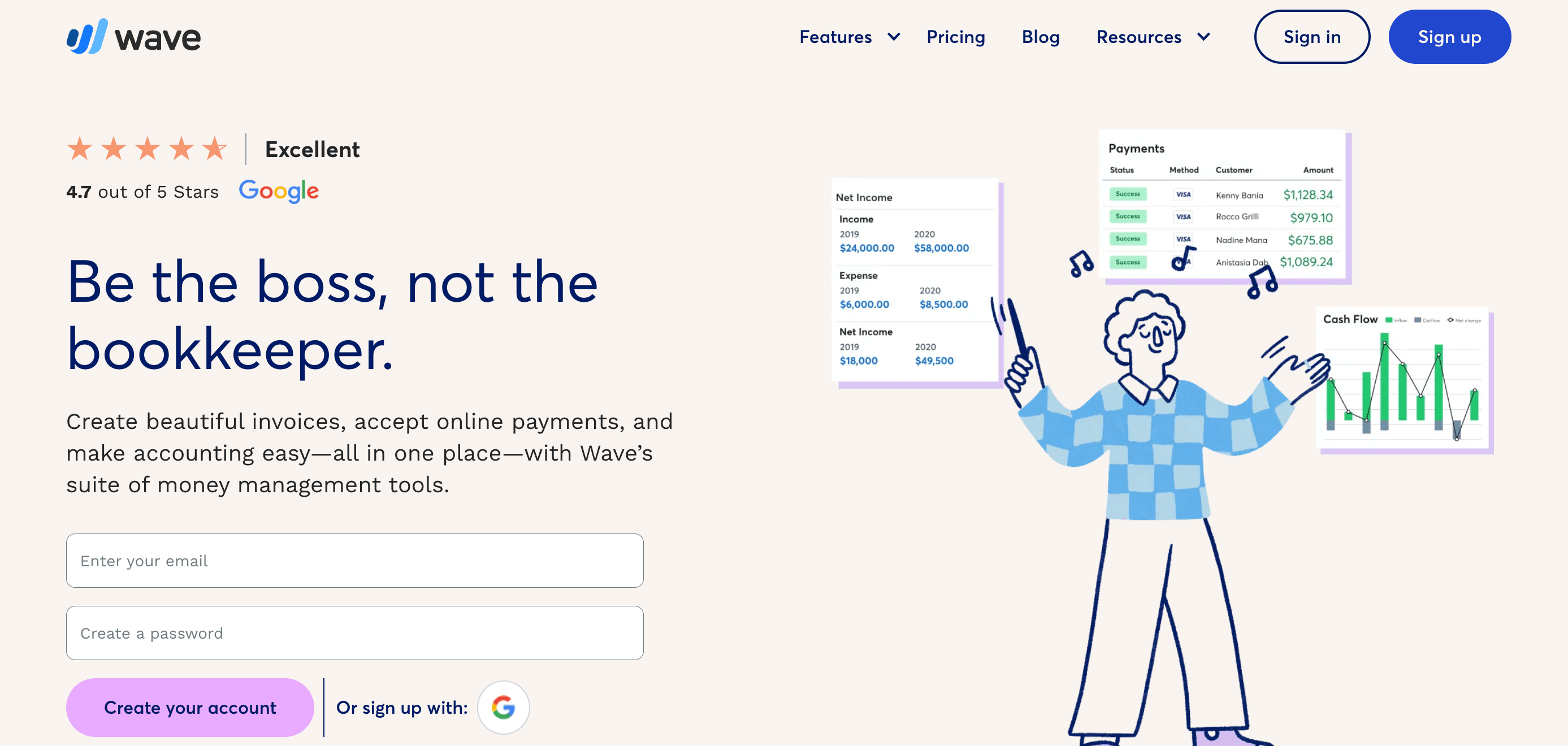
Wave was founded in Canada in 2009. The tool helps you grow your business, whether you are a small business owner or freelancer. You can automate crucial tasks, including bookkeeping, invoicing, and financial tracking.
Key Features
Let’s start with…
Invoicing: Quickly create professional invoices and set up recurring credit card payments.
Payroll: You can automate salary payments, Tax payments, and filings. It also enables secure and direct deposits.
Accounting Software: keep track of your inflows and outflows by creating month-to-month or year-to-year comparisons.
Advisors: The best part is having an expert by your side.
Rating
G2: 4.4 / 5 (291 Reviews)
Capterra: 4.4 / 5 (1,549 Reviews)
User reviews
A G2 review said it is one of the best tools for small businesses and proprietors. But again, they also believe that it might not be suitable if you want to get nuanced details.
Pricing
The starter plan is free of cost.
The Pro Plan is $16/month if billed monthly.
Common Challenges you might face while accounting:
Accounting Standards and tax laws keep on changing. This forces accountants to stay updated and continue to learn every day!
And, new software and automation tools can be complex to learn and integrate into existing workflows.
10. Zoho Workplace: Collaboration and Productivity Suite
Source: zoho.com
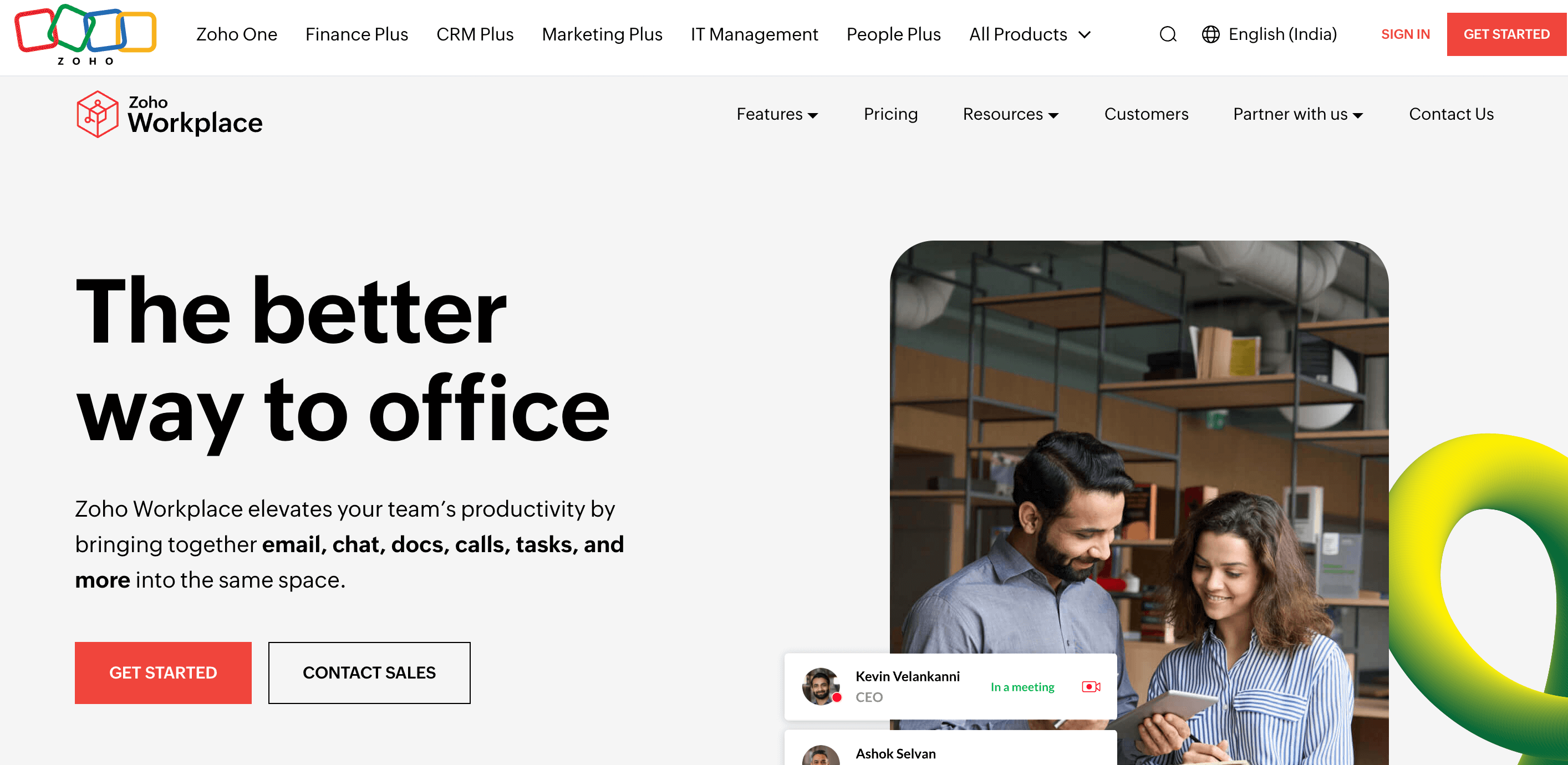
This cloud-based suite helps enhance your team’s productivity. It provides a centralized hub for email, chat, docs, calls, tasks, and more.
You have to keep in mind that only Zoho Mail and Workdrive are HIPAA compliant.
So, why is it good for your business? It is an all-in-one platform, affordable and easy to use.
Key Features
Dashboard: As I mentioned, Zoho lets you combine everything in one place. You can also personalize your dashboard.
Collaboration: Work as a team on the same platform, attend online meetings, and organize and store data in Workdrive.
Security: Your data will be safe as it has to undergo Intrusion Detection and Prevention systems (IDS/IPS) screening. The products are GDPR compliant.
Powerful Suite: This office suite offers a variety of templates and an easy-to-use writer that suits all your needs. It also has secure spreadsheets and slides for presentations.
Because of all these advanced features, Zoho is one of the best alternatives to Google Workspace.
Rating
G2: 4.5 / 5 (2,515 Reviews)
Capterra: 4.6 / 5 (20 Reviews)
User Reviews
Users praise the platform’s ability to ensure data security and privacy. Among the tools, Zoho mail and webinars are highly appreciated for their advanced features.
Pricing
You can make individual plans from the suite.
The standard plan starts at $3.00/month
The free plan can hold up to 5 users with web access only.
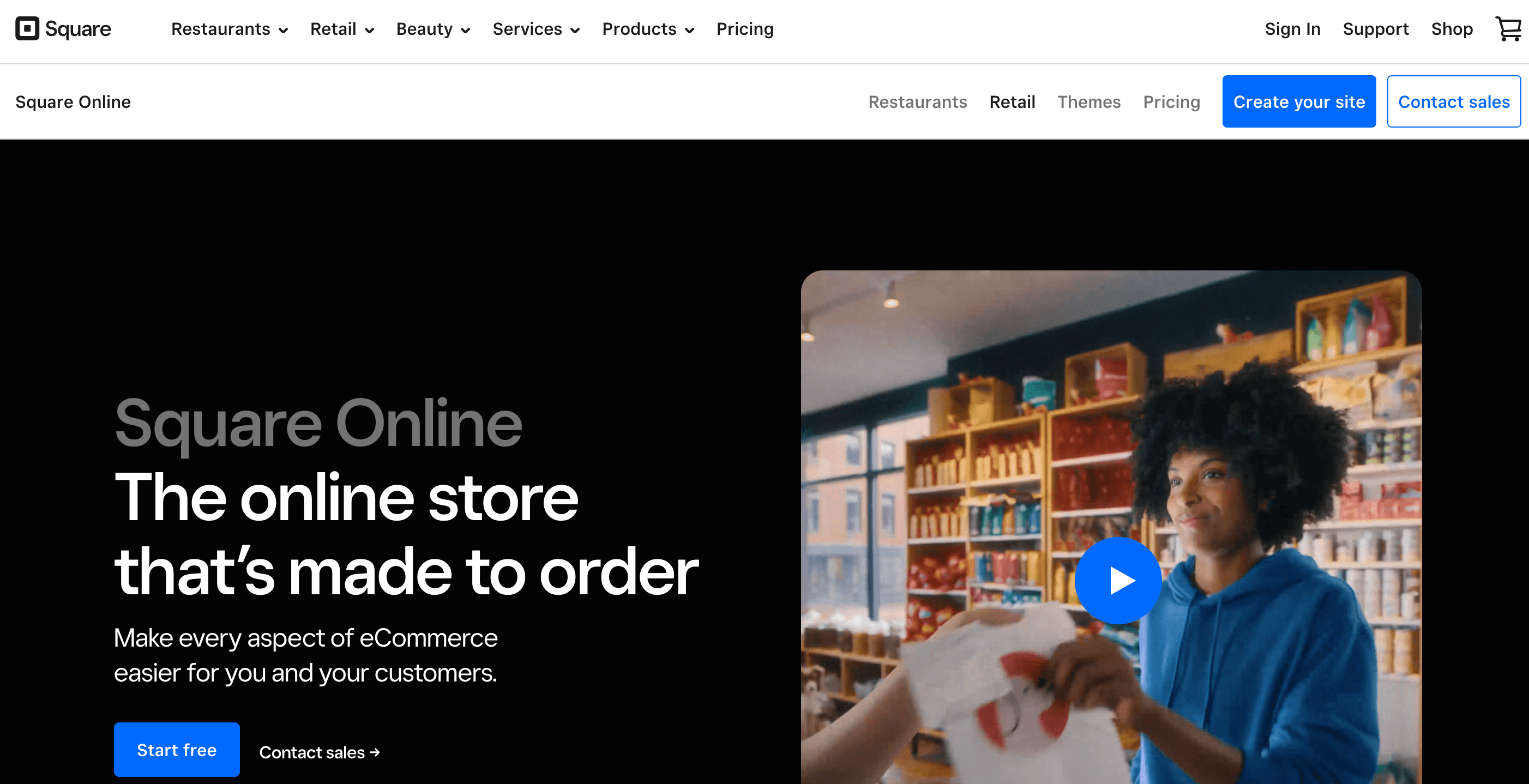
Square is an e-commerce platform that lets you be seen online, manage online sales, and streamline your online or in-store operations.
Did you know that 76% of people check out a business’ online presence before going to a physical location?
Nonetheless, a recent survey revealed that 23% of small businesses still don’t have a website.
You can manage data, offer various payment methods, and provide a seamless experience to your customers. The tool is perfect if you’ve just started your small e-commerce business journey. Plus, it is seen as an alternative to Shopify.
Key Features
Personalized accounts: the platform lets you track orders and save payment information.
Free in-store Pickups make your products accessible to local customers. They can collect them whenever and wherever they are.
Payment: You can collect via Square Pay, Apple Pay, Cash App Pay, and Google Pay.
Variety of Themes: You can choose from various themes and change the color or style.
Rating
G2: 4.2 / 5 (459 Reviews)
Capterra: 4.7 / 5 (281 Reviews)
User Reviews
Users call it one of the best website editors because of the no-code platform and the customizable templates. A customer on G2 reviewed it as the best tool for creating professional-looking websites without any technical knowledge.
But again, there are mixed opinions regarding customer service.
Pricing
They offer a free plan with no monthly fees.
The Plus Plan starts at $29/month.
Not done yet? Here’s the last tool in our list.
12. Canva: For Graphic Design and Visual Content Creation
Source: canva.com
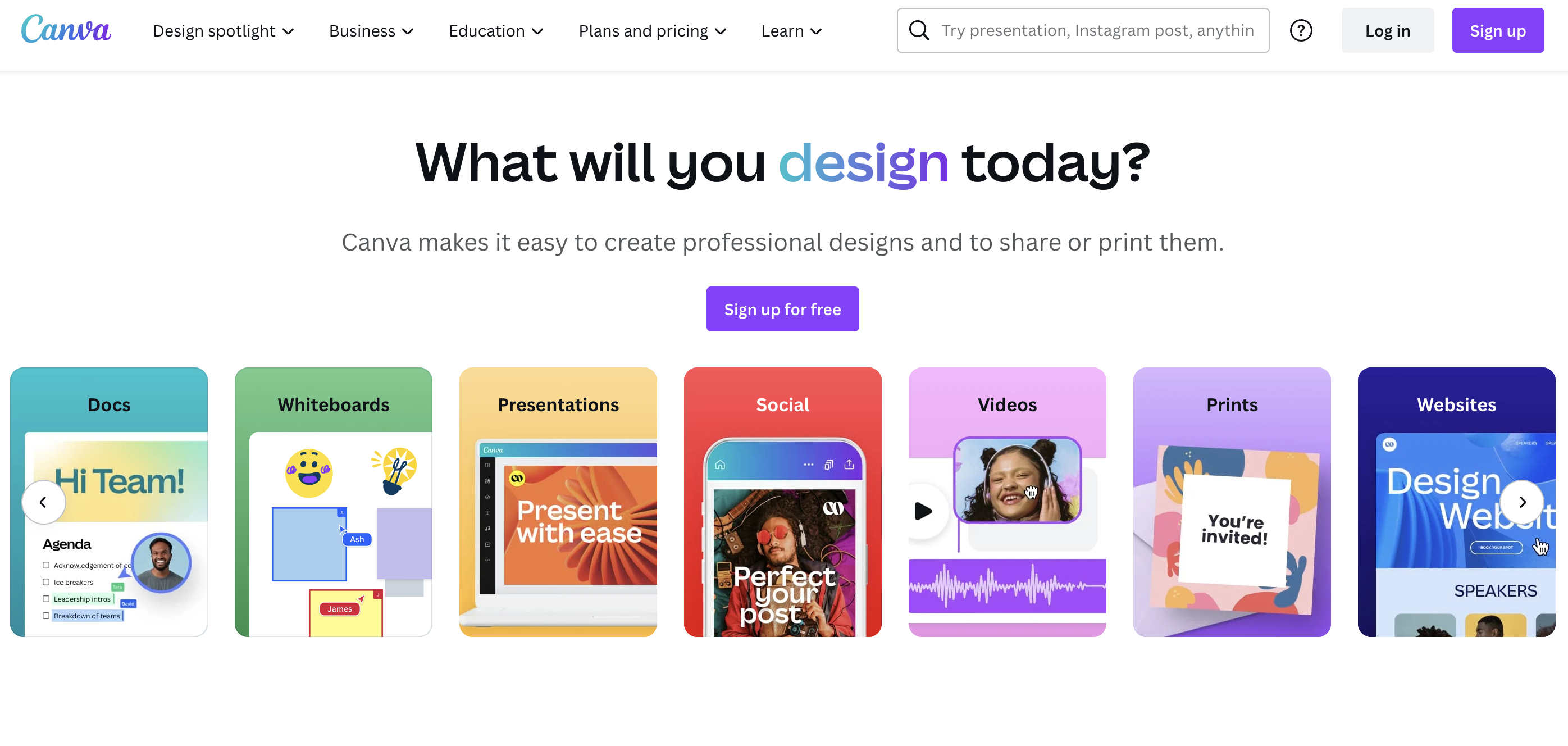
Canva is a must-have tool for creating visually appealing images and presentations. Its usage is not restricted to any industry, and it is a must-have for any business, regardless of size.
The platform is so easy to use and self-explanatory! Trust me, I use it!
Key Features
PDF Editor: To use the PDF Editor, upload your PDF onto the platform and edit it as you please! You can also merge files and split, insert, or extract pages.
Text to Image: The AI image generator will create images from your simple prompt. Once it is made, edit and layer them with filters.
Video Trimmer: This tool can trim, split, or cut videos. It also helps you add music, text, effects, and transitions with the editor.
TypeCraft: This is Canva’s curved text editor. This text can then be printed into circular stickers and badges.
Canva is a good alternative to Adobe Creative Cloud.
Rating
G2: 4.7 / 5 (4,631 Reviews)
Capterra: 4.7 / 5 (11,800 Reviews)
Pricing
The platform is available for free but with limited features.
The Canva Pro costs $15 / month.
Pheww! That’s a wrap.
Let’s now look at an important question…
What Should You Look For in a Small Business Tool?
I will only take up a little of your time with it. Let’s quickly sum it up:
First, you should do…
A Needs Assessment: You must identify your pain points, consider the time-consuming aspects, and determine your goals.
Once that’s done, check the…
Tool Functionality: Check to see if the tool is easy to use, scalable, and has advanced features that suit your needs.
Integration Capability: This is important to reduce your workload. See if your chosen platforms can connect with other channels.
Security and Support: You’re dealing with data, and safety is paramount! Need I say more?
Pricing and Budget: Before investing in a new tool, make sure you have checked your pocket once. Some tools might have all the features you need but might be a bit too expensive for those under a budget.
Bonus!
Other Must-Have Tools
CMS Tools
To start with, it’s more important than ever for a business to have a solid online presence.
Your website is your calling card. It’s where you centralize all the essential information about your business – your products, prices, team, and contact information.
The reason this is so crucial is because customers expect it, even if you don’t run an online business.
The most important tool here is WordPress. This CMS currently powers over 455 million websites. And for good reason.
WordPress makes it easy to set up your own small business website, without having to deep-dive into web design. And, of course, you can hire a
More importantly, it also makes it a breeze to manage the content on your site. That means you can easily change product details, add news, or run a blog that provides great information to your customers.
SEO Tools
As mentioned above, it’s essential to maintain a solid online presence for your small business through your website.
But creating that website is only part of the work you have to do on that front. You also need to make sure that people can find it in search engines.
That’s where Search Engine Optimization (SEO) comes in. This is a set of practices to optimize your content and make sure it can be found by Google.
SEO is absolutely crucial if your small business is web-based or if you also sell products online.
But even if you run your small business at a physical location, you need to tick a few local SEO boxes to make sure that potential customers can find you.
Fortunately, there are a few great SEO tools out there to help you.
One of the best all-round solutions is SEMrush. It can help you research the right keywords to target, audits your website for SEO blunders, and monitors your performance in search engines.
If your website runs on WordPress, you can install an SEO plugin like Yoast to help you optimize your content in real-time.
That’s about it!
Wrap up!
We have reviewed a list of must-have tools for small businesses. However, there is no magic tool that can help you get ahead of the competition.