Best Of
Top 5 No Code Form Builders You Need to Know About

Article written by Jaby
Growth Marketer at SurveySparrow

11 min read
23 May 2024


Best Of
Article written by Jaby
Growth Marketer at SurveySparrow
11 min read
23 May 2024
Creating forms with a snooze-fest design and endless text boxes can feel like a chore. Wouldn’t it be great if creating forms could be fun and adorable?
Yes, you heard that right!
With no-code form builders, no coding is needed—just drag-drop and let your creativity flow.
Okay, so here’s what we are going to do!
I will walk you through the ten fantastic no-code form builders that will make creating forms easier so that you can take a back seat and see all the magic they are about to perform.
And, for those seeking a specific tool, I’ll introduce you to SurveySparrow, a robust alternative to no-code form builders that offers more aesthetic appeal and functionality.
Let’s also cover these topics below as a quick refresher on the essentials you need to consider before picking the best tool for the job!
Now, getting back to what you’re primarily looking for:

SurveySparrow is renowned for its powerful conversational surveys, enabling you to create forms in seconds without coding. Its AI survey feature simplifies form creation tremendously—describe what you need, and your survey is ready to distribute in minutes. SurveySparrow doesn’t just excel as a no-code form builder; it also adeptly interprets the sentiments behind responses. With SurveySparrow, you can analyze the feedback gathered to uncover underlying strengths and weaknesses.
Best for: Service-oriented businesses that benefit from in-depth customer feedback, such as hospitality, healthcare, and retail. It’s also great for HR departments looking to engage employees in feedback and surveys.
Here’s a free survey build with no coding at all!
Vendor Information Form
Use This TemplateG2 Rating: 4.5/5
Pricing: Starts at $19/month with a free version available.
Exclusive Features:
Pros: Highly engaging survey experience; versatile formats.
Cons: A little advanced for beginners.

A personalized walkthrough by our experts. No strings attached!

Known for its design-centric approach and user-friendly interface, Typeform has been around for quite some time. With Typeform, you can create forms that are both responsive and appealing. Its ability to design elegant forms that connect seamlessly with other programs makes it an excellent form builder.
Best for: Creative professionals, marketers, and businesses that value aesthetics and user engagement in surveys, quizzes, and feedback forms.
G2 Rating: 4.6/5
Pricing: Starts at $30/month with a free basic plan.
Exclusive Features:
Pros: Visually attractive forms.
Cons: No free versions available. Premium features can be expensive.
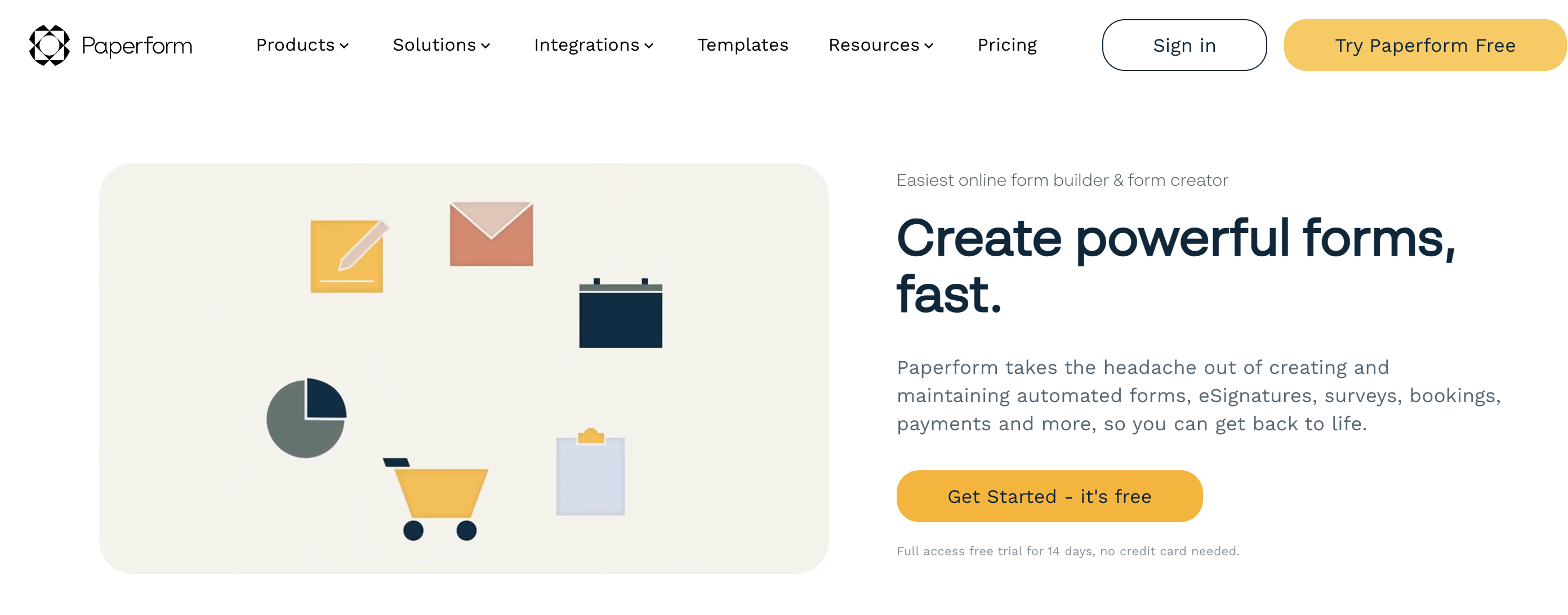
Paperform excels at creating forms that resemble landing pages. It offers a highly flexible platform that enables users to craft dynamic forms, incorporate e-signatures, and more—all from a single location. Paperform’s approach to form building, similar to designing landing pages, positions it as a tool that collects data and enhances brand identity through a unique design approach, effectively promoting the brand’s aesthetic.
Best for Agencies, freelancers, and enterprises specializing in branding and design that require precise information, payment processing, or booking.
G2 Rating: 4.7/5
Pricing: Starts at $24/month with a free trial available.
Exclusive Features:
Pros: Visually striking forms
Cons: Steep learning curve
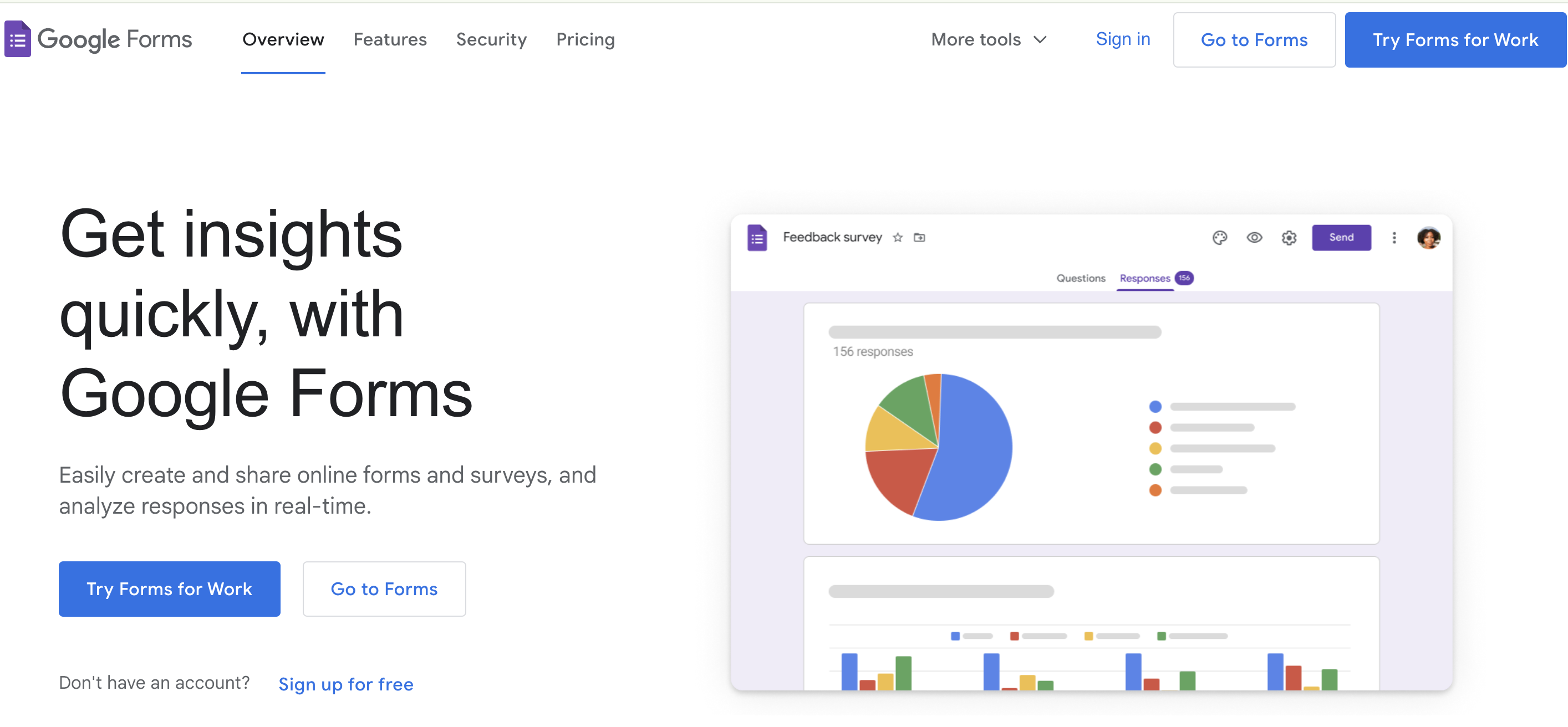
Google Forms is a tool we all have encountered in our lives. An early leader in the form-building niche, Google Forms helps you create simple forms that integrate well with Google Workspace. It’s best known for its ease of use and free use. While we have to admit that it lacks some of the advanced features that other players offer, it’s always a reliable choice for people who are looking to create straightforward and less complex data.
Best for Students, educational institutions, non-profits, and small businesses needing straightforward, no-frills data collection tools.
G2 Rating: 4.7/5
Pricing: Free
Exclusive Features :
Pros: Completely free; integrates well with other Google apps
Cons: Lacks advanced features
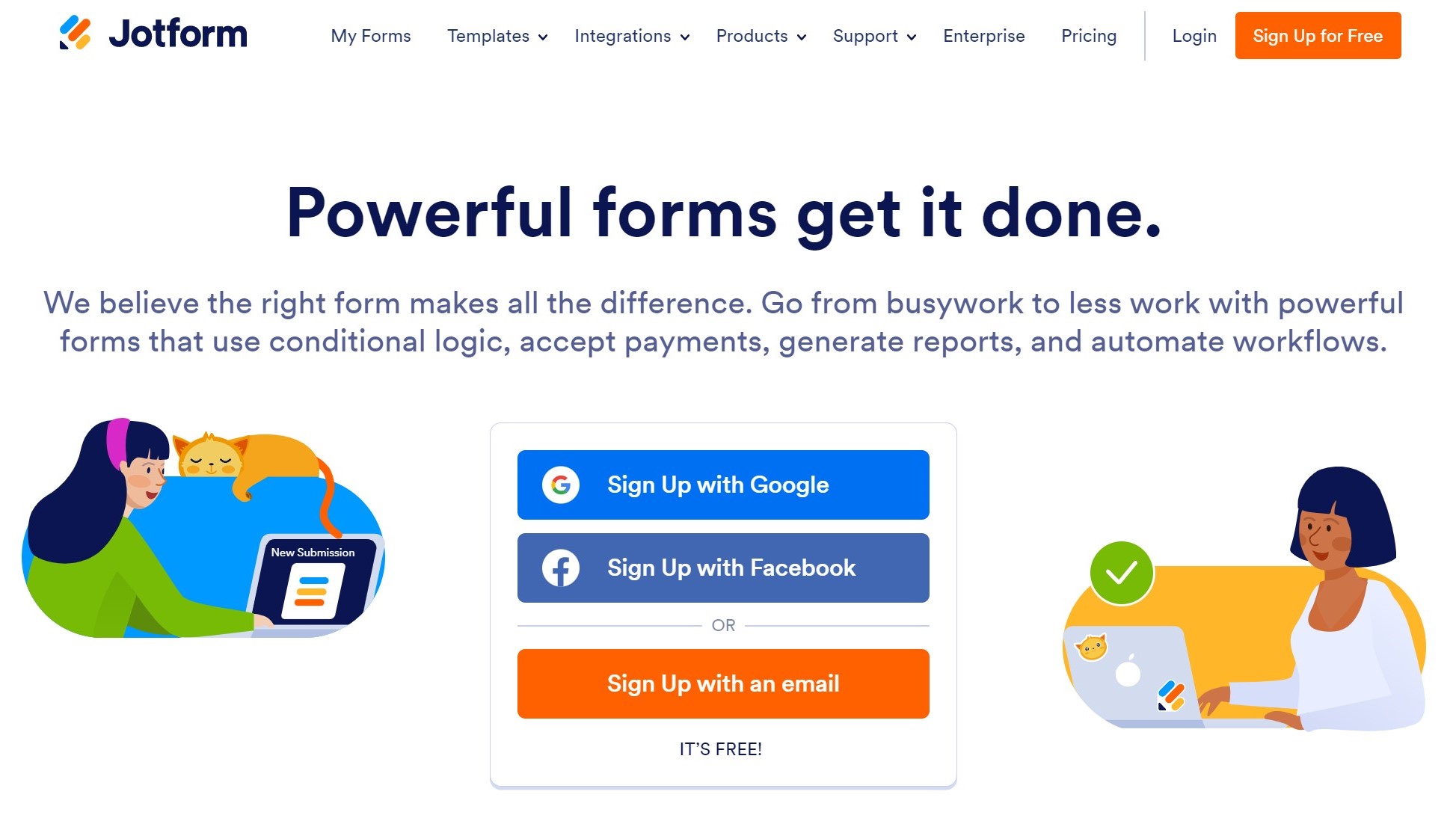
Jotform is best known for its user-friendly form builder, which helps you create versatile forms without witnessing any huddle in the process. The drag-and-drop options make it easy to create surveys for free, and the tool offers a wide range of functionalities, such as event registrations, order forms, and feedback surveys.
Best for: E-commerce sites, educational institutions, and any organization that requires complex form capabilities, including payment integrations and registration forms.
G2 Rating: 4.4/5
Pricing: Free plan available; paid plans start at $44/month.
Exclusive Features :
Pros: Comprehensive feature set; high degree of customization.
Cons: Some users may find the interface cluttered with many features.
Surveysparrow comprises a built-in text analysis tool that can analyze survey responses to understand the intent and emotions of a user taking the survey! This rich analytics feature, which uses Natural Language Processing Technologies (NLP), can discover whether the responses received are positive, negative, or neutral.
As a rich sentiment analysis tool, SurveySparrow allows organization business owners to understand their hidden strengths, weaknesses, and things to look into to give a fruitful experience, thereby acknowledging the intent of the response.
This capability is invaluable for understanding deeper customer or employee feelings and can guide more nuanced responses and strategies.

No-code forms builders are nothing but forms that are created using no codes.
Imagine you’re looking for a form for your website, an event registration form, a customer feedback form, or even a sports survey questionnaire form. However, most form builders demand coding, which you are not technically inclined to do. Fortunately, no-code form builders are available to simplify this task. They allow you to create forms effortlessly, without coding, making the data and feedback collection process much more manageable.
Alright, let me break that for you into just four simple points!
Saves Plenty of Time and Money: A no-code form builder, such as SurveySparrow, which I’ll cover below, has a free plan that allows you to generate several forms at no cost and distribute our surveys to collect the necessary data promptly.
Customizable Forms: The user-friendly interface allows you to create, update, and configure forms.
Universal Usability: No-code forms establish a new environment where anyone may build forms without knowing how to code, allowing individuals to be more inclusive of their requirements.
Efficiency is critical: Using No-code builders streamlines your workflow, allowing you to focus more on acting on vital input.
Mobile Friendly Interface: no-code forms are easily accessible and responsive on practically all platforms, including mobile phones, tablets, and kiosks.
Alright, here’s a list of the top 5 no-code form builders that are all set for you to try and choose from! I hope this helps!
If you need any information related to no-code form builders, our support team is here to provide it!
Just leave your email here, and we’ll get in touch soon!
A personalized walkthrough by our experts. No strings attached!


Thousands of brands trust SurveySparrow to turn feedback into growth. Try it free today!


Best Of
15 MINUTES
24 May 2021

Best Of
14 MINUTES
26 January 2022

Best Of
14 MINUTES
8 November 2020

Best Of
16 MINUTES
26 June 2021

