Alternative
Top 10 Microsoft Forms Alternatives [Features, Pros, Cons, Customer Reviews, & Ratings]
![Top 10 Microsoft Forms Alternatives [Features, Pros, Cons, Customer Reviews, & Ratings]](/_next/image/?url=https%3A%2F%2Fsurveysparrow.com%2Fwp-content%2Fuploads%2F2021%2F07%2Fmicrosoft-forms-Alternatives.png&w=3840&q=100 "Top 10 Microsoft Forms Alternatives [Features, Pros, Cons, Customer Reviews, & Ratings]")
TRUSTED BY BEST-IN-CLASS BRANDS


Are you searching for Microsoft Forms alternatives after using it for a while now?
We understand your dilemma. While the tool can be a good form builder, there are some challenges and shortcomings that make MS forms look inferior. Now, for those who are wondering what these are, here are some issues raised by their users.
NOTE – these were taken directly from the MS Forms G2 profile.
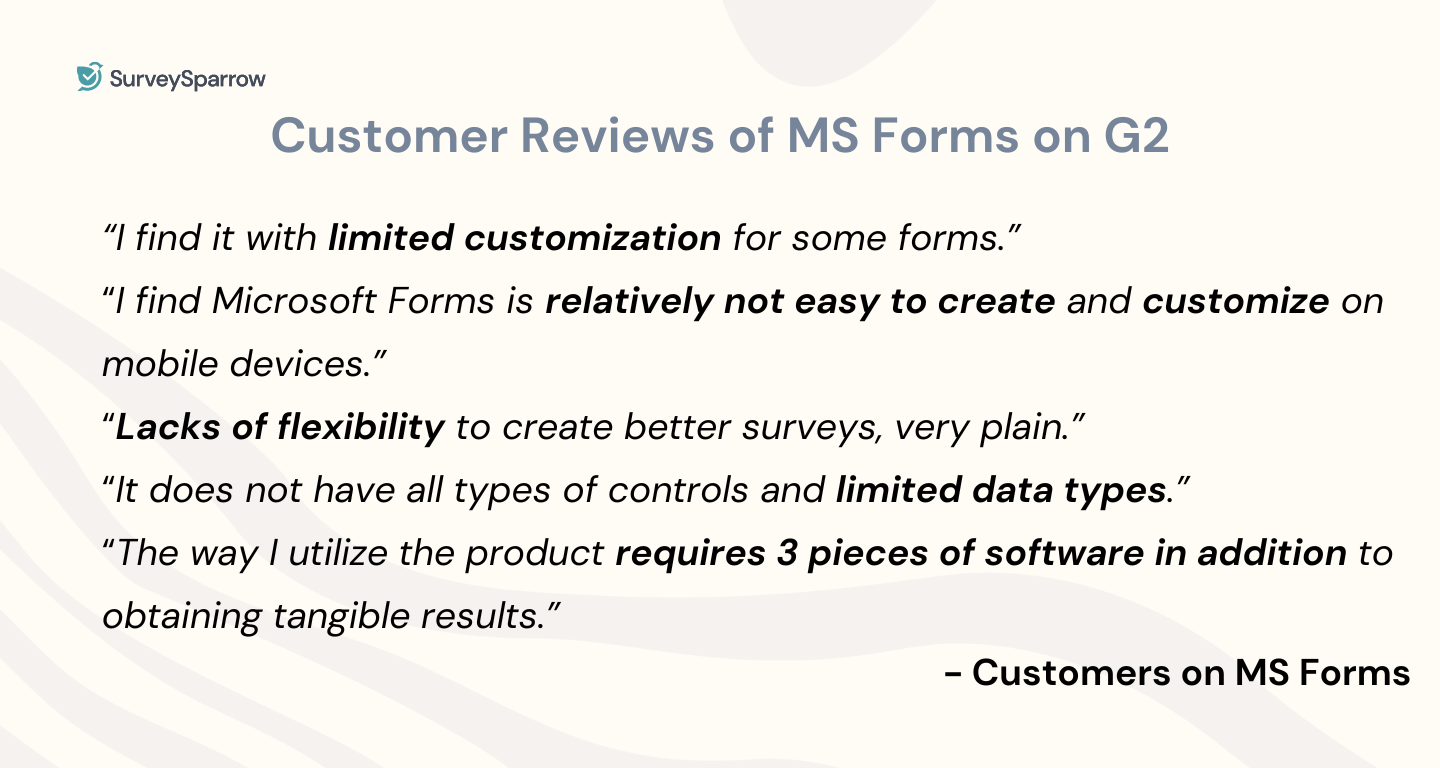
The above-mentioned are only a few among the long list of issues faced by the users. Moreover, the tool is not available as a standalone one. If you want Microsoft Forms, you will have to purchase the entire suite – Microsoft 365.
With that being said, we will be looking into the top Microsoft Forms alternatives you can try out.
Microsoft Forms Alternatives: Key Features, Reviews, & Rating
At the same time, Microsoft Forms has its fair share of downsides. So, without further ado, let’s dive into the top 10 Microsoft Forms alternatives.
- SurveySparrow
- JotForm
- Cognito Forms
- SoGoSurvey
- Typeform
- Google Forms
- Paperform
- Formsite
- Wufoo
- LimeSurvey
Let’s discuss in detail!
1. SurveySparrow

Ranked as the #1 survey software by softwareworld.co, SurveySparrow has flown a long way since 2017 – from a survey tool to an omnichannel feedback solution.
So if you want an online survey software, one that helps you improve the experience of your product, employee, and customer journeys, SurveySparrow is just what you need. The tool not only makes it easy to create surveys with its AI feature but also offers AI-powered text analytics feature for in-depth analysis.
It is also one of the most pocket-friendly solutions out of all the Microsoft Forms alternatives on this list.
🛠 Features
- Conversational interface: Make your surveys feel human with multiple question types, custom logic (Skip & Display) & variables.
- Survey types: Go classic, chat, NPS®, CSAT, CES, in-app, or offline.
- Advanced Analytics: Get to know your customer emotions, business key drivers, and more.
- AI-powered surveys: Create surveys from scratch at a moment’s notice with AI Wing.
- Advanced survey tools: Get creative with 1000+ templates, video backgrounds, multi-language surveys, answer randomization, question morphing, and multi-file upload.
- White-labeling: Make your forms match your brand with custom rebranding (Logo, CSS, Domain, Email, SSL).
- Survey shares: Expand your reach with SMS, email, embed, weblink, MS Teams, Slack, QR Codes, and chatbot for a website, or SurveySparrow Offline survey app.
- Automation: Give manual effort a miss with survey redirect, 4,500+ integrations, webhooks, API, and real-time reporting.
- Follow-ups: Never miss a beat with feedback alerts and management, response tracking, survey reminders, case management, and recurring surveys.
✅ Pros
- Intuitive and easy to use
- Cost-effective
- Advanced text analytics
- Great customer support team
- Multichannel distribution
- Sentiment analysis
🚫 Cons
- Developer support for the advanced CSS feature.
- A learning curve due to SurveySparrow’s breadth of features.
💳 Pricing plans
🔑 Entry price: $0/month.
💵 Starting paid plan: $19 per month
- Personal, Business, Reputation Management, CX Suite, Ticket Management with sub-plans.
- Custom quotes for custom solutions under Full Suite and CX Suite for Enterprises.
⭐️ Ratings & Reviews
G2 Rating: 4.4 (1900+ reviews)
“SurveySparrow was easy to use, inexpensive, and allowed logic to be used at the lowest level. I appreciated the number of people able to respond also for the entry level pricing.” – SurveySparrow G2 Profile.

2. JotForm
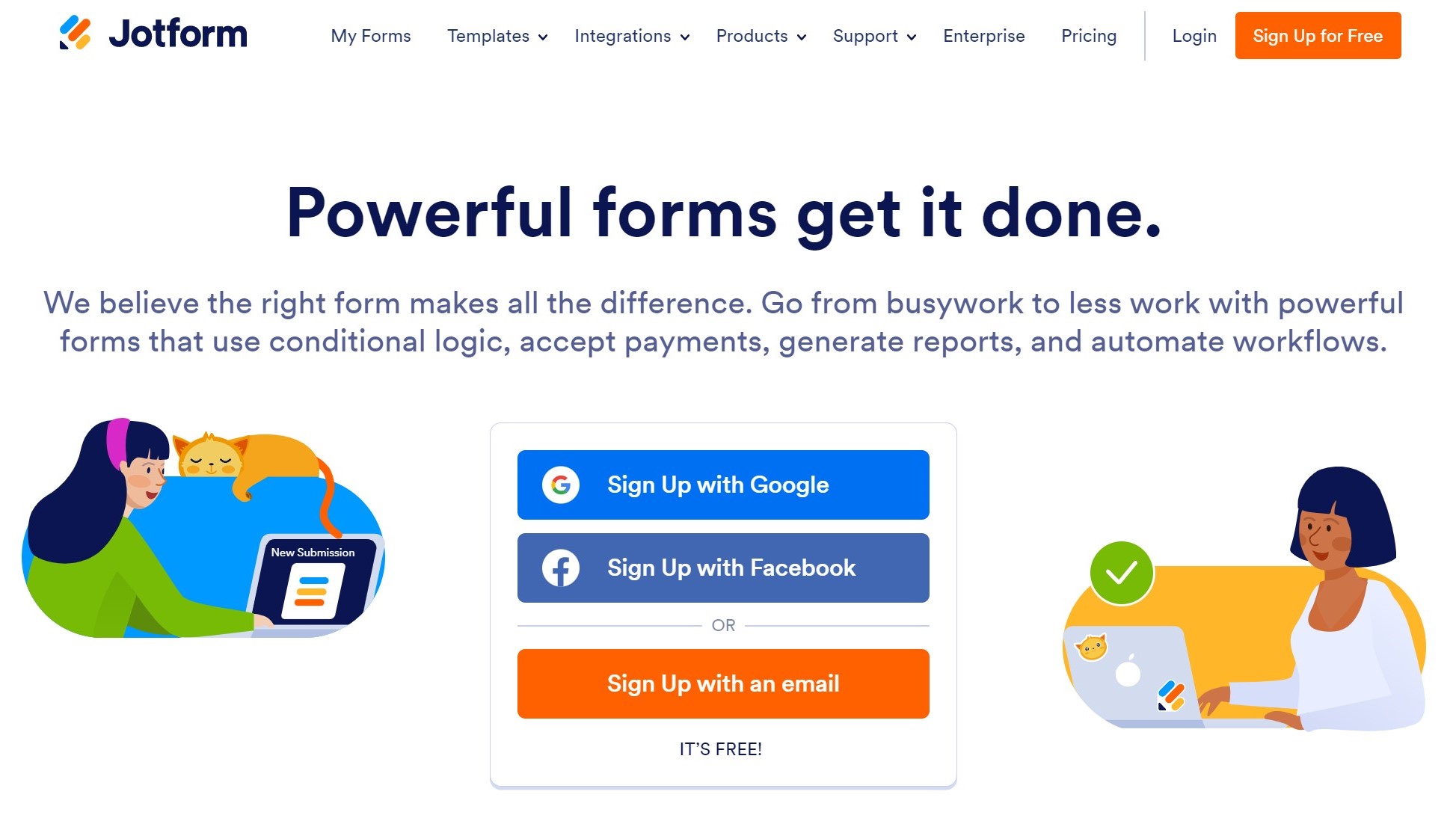
JotForm has an easy form builder and a multitude of payment gateways. These features make the platform especially popular with nonprofits and e-commerce brands.
JotForm’s biggest strength, however, is its immense template library – 10,000 templates for every purpose, from lead generation to event sign-ups.
And if you want to view responses on the go, you can integrate JotForm with your preferred RSS reader app for easy viewing. Though this is the case, it’s pricing – if you are not an enterprise – can be a bit expensive. This is one of the reasons why users go in search of alternatives.
🛠 Features
- The tool offers a simpler user interface with a drag-and-drop builder, making it easy to create forms.
- Add your brand logo, color palette, and other elements with CSS customization and make the survey uniquely yours.
- Mobile-only forms
- The 10,000+ form templates offered by the tool can be customized to fit your needs.
- Choose from the 30+ payment gateways that are preferred by your customers.
- Share your surveys through website embeds, email links, and web links.
- Adopt Jotform into your existing tech stack with ease through 100+ integrations, webhooks & API.
✅ Pros
- Easy to use
- 30-day money-back guarantee
- Form notifications & alerts
🚫 Cons
- Custom domains and white labeling only for Jotform Enterprise users.
- Limits on forms and payment submissions under all paid plans except Gold.
- Support is limited to a web form. No live chat support or demos.
- Clunky and outdated template design.
💳 Pricing plans
🔑 Entry price: $0/month.
💵 Starting paid plan: $39 per month.
- Free for up to 5 forms with JotForm branding.
- Other pricing plans include Bronze, Silver, Gold, and Enterprise. 50% off for nonprofits and educational institutions
⭐️ Ratings & Reviews
G2 Rating: 4.7 (3000+ reviews)
“It’s easy to navigate interface, the diversity of customization options, and how easy it is to integrate with other apps. For personal usage, the free plan is limited, and the premium ones, if you’re not part of a large enterprise, tend to be very pricey.” – Jotform G2 Profile.
3. Cognito Forms
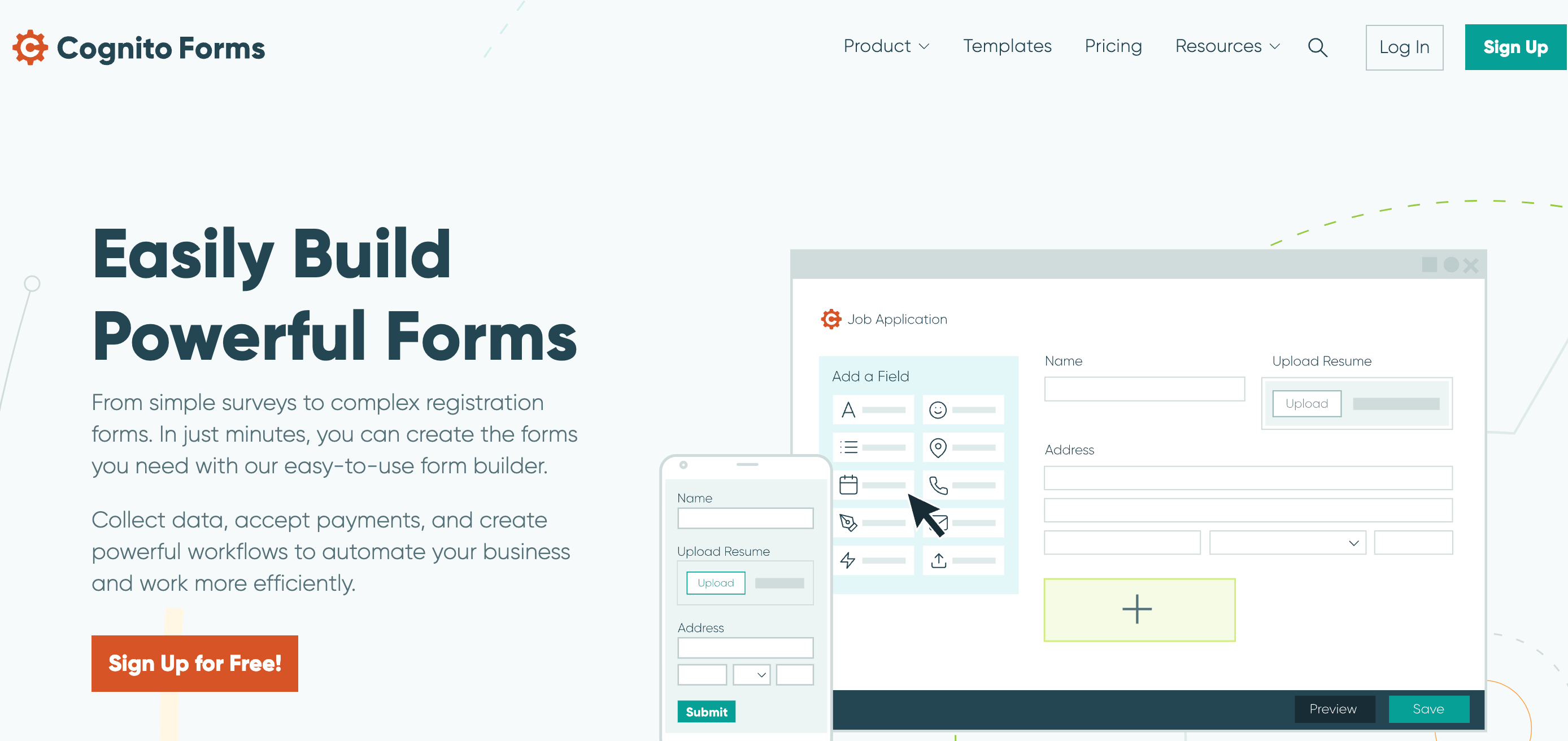
Cognito Forms is a form builder for more complex requirements than Google Forms.
With an easy-to-use form builder, you can create simple feedback forms or complex registration forms that accept payments.
Forms created with Cognito Forms are also HIPAA and GDPR-compliant.
🛠 Features
- Make your surveys responsive to customer responses and collect valuable feedback with conditional logic.
- Collect payments through forms using different payment gateways like Stripe, Square, and Paypal.
- Use multi-page forms to break down the data collection into more understandable bits.
- Automate and get notifications on your email every time a respondent completes a form.
- Help your fellow researchers collect feedback in a uniform format with a lookup field.
✅ Pros
- Comprehensive support page on their website to help with almost everything on using their tool.
- Versatile form builder for registration forms, surveys, and payment forms.
- Compatible for offline usage.
🚫 Cons
- For collecting more entries, paid plans are needed.
- No email or phone support.
- When you opt for more features, the interface becomes more complex.
💳 Pricing plans
🔑 Entry price: $0/month.
💵 Starting paid plan: $15 per month.
- The starting price is for 2 users, and moving up the tier, the prices depend on the (per) user and the feature you want.
- The enterprise plan of $99 per month makes it costly for the features included.
⭐️ Ratings & Reviews
G2 Rating: 4.5 (80+ reviews)
“Easy to create a responsive form using conditional logic, answer piping, and automation with Stripe/Zapier. Easy to share templates between accounts. Formatting is unattractive and wastes space when exporting a copy to PDF.” – Cognito Forms G2 Profile.
4. Sogolytics
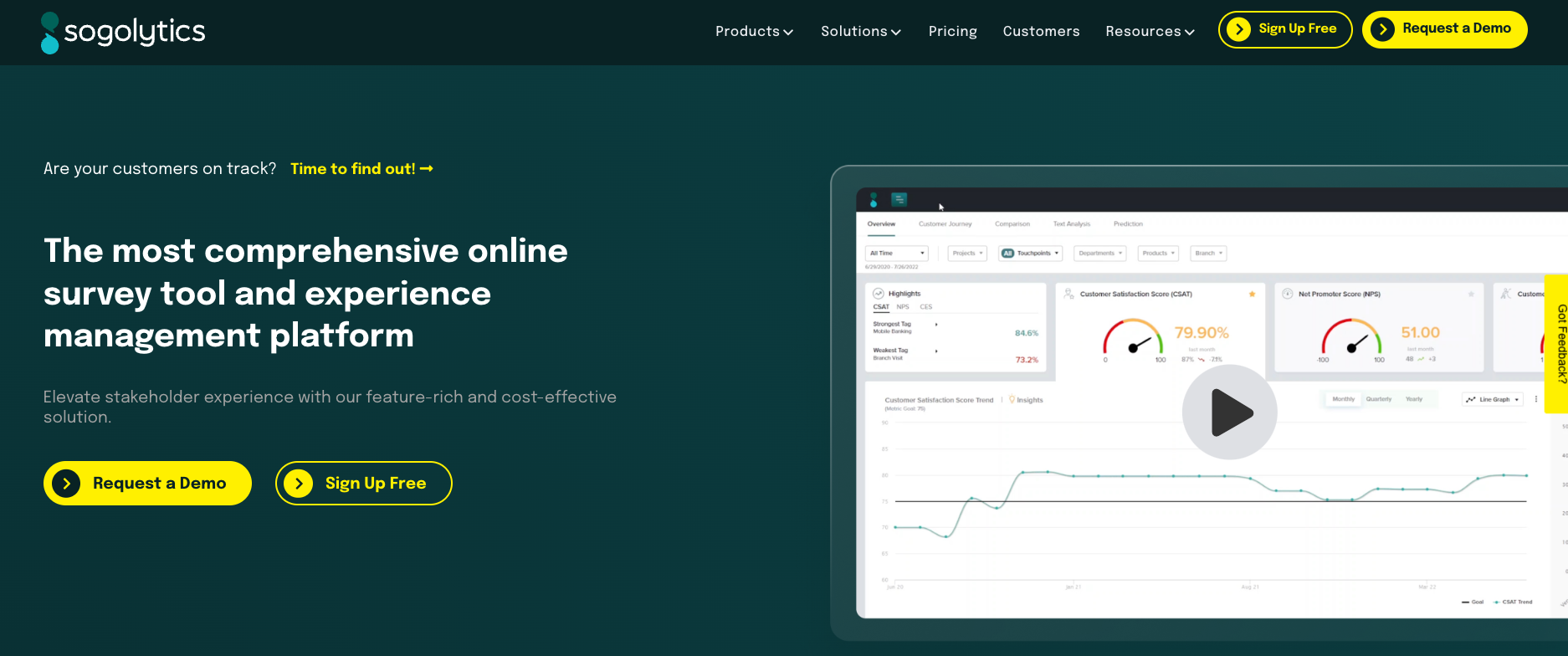
Formerly known as SoGoSurvey, Sogolytics is a comprehensive platform for quizzes, CX, employee engagement, and online surveys.
The best part about Sogolytics is that, like Microsoft 365, it’s packaged as a suite of tools for different needs. The only difference is that instead of MS Office and Word, Sogolytics offers a different set of tools specifically for experience management.
This includes everything from the primary survey tool to custom solutions for CX and EX. It has everything you need for your data collection efforts.
🛠 Features
- Share your surveys across channels and reach out to customers where they are.
- Collect and manage customer feedback securely with Sogolytics.
- Generate and share live reports with your colleagues and keep them in the loop.
- Customize the surveys to make each one uniquely yours (brands).
- Understand the underlying customer emotions of your customers.
✅ Pros
- Great customer success team to support at every stage.
- Generate surveys that are visually appealing.
- Offers a variety of survey questions to choose from.
🚫 Cons
- Lack of helpful features under the free plan, like custom Thank-you messages, variable question sequences, or result downloads.
- Certain question types are inaccessible to Individual users.
- Dull and outdated form design.
💳 Pricing plans
🔑 Entry price: $0/month.
💵 Starting paid plan: $25 per month.
- There is a 10-day free trial for all the paid plans offered by the tool.
- The online survey tool – SoGoSurvey – is suitable for personal use and for small businesses only.
⭐️ Ratings & Reviews
G2 Rating: 4.5 (80+ reviews)
“Sogolytics has been a great survey tool for our work. It makes it easy to create, publish, and customize surveys to meet our needs. Not intuitive as its competitors.” – Sogolytics G2 Profile.
5. Typeform

Typeform takes the approach: ‘Less is more.’ With its sleek interface and stripped-down features, Typeform works well across all devices and browsers.
But what sets Typeform apart? The Logic Jump feature. Unlike other survey builders, users can create their own question logic paths with unlimited Logic Jumps. How cool is that!
On top of this, the tool also offer a video feedback tool – VideoAsk. This will be particularly useful for organizations looking to hire new blood. They can streamline the entire process from scheduling and interviews to interactive onboarding messages.
🛠 Features
- Make your surveys more responsive and dynamic by skipping and displaying logic.
- 1000+ pre-built survey templates, which can be customized to your needs.
- From logos to colors, you can customize the surveys with your brand elements.
- Use the 28 different survey questions to collect any data types.
- Provide 120+ integrations, including HubSpot, Salesforce, and Zapier.
✅ Pros
- Easy to use and straightforward.
- Very impressive and responsive interface.
- Easy to implement and integrate with other tools.
🚫 Cons
- Steep pricing for early-stage startups and individual researchers.
- No in-built analytics or reporting feature.
💳 Pricing plans
🔑 Entry price: $0/month.
💵 Starting paid plan: $25 per month.
- The starting paid plan is for only one user and 100 responses per month.
- The paid plan offers no free trial. So, you will have to make the most out of the free option provided by the tool.
- The paid plans are Basic, Plus, Business, and Enterprise.
⭐️ Ratings & Reviews
G2 Rating: 4.5 (700+ reviews)
“Typeform offers a sleek, user-friendly interface for creating interactive surveys and forms. Its visually appealing design and is easy to customize. I would like to see more analytical tools to help with analysis of results and conclusions.” – Typeform G2 Profile.

Get AI-powered Text Analytics Feature with SurveySparrow!
A personalized walkthrough by our experts. No strings attached!
6. Google Forms
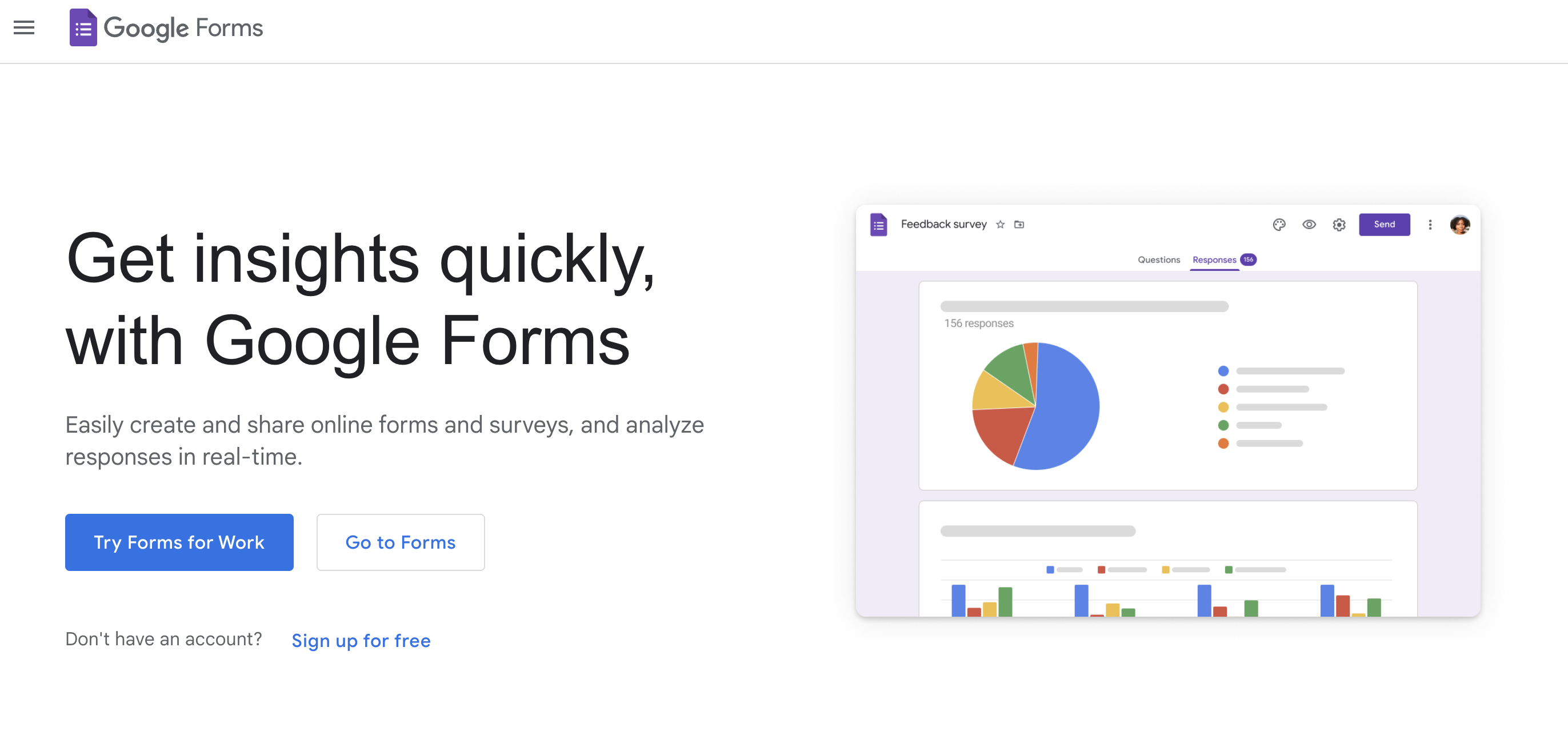
Google Forms is an excellent tool for quickly creating efficient forms. The best part? It’s free and easy to set up. All you need is a Google account.
Google Forms is an incredibly easy MS Forms alternative to edit on both desktops and your phone. In addition, the results can be quickly converted to spreadsheets on Google Sheets to create custom reports.
What’s more, you can expand Google Forms’ functionalities with add-ons and the App Script feature. But, as we’ll see, it does have some drawbacks.
🛠 Features
- Though not extensive, Google Forms also offers various survey questions to choose from.
- Customize your surveys with brand elements, albeit with limited capacity.
- The flow and pie charts help visualize the survey data, making it easier to understand them.
- Share the created surveys through email, website, or links.
- Robust integration with the entire G-suite.
✅ Pros
- Easiest to work with among all other Microsoft Forms alternatives.
- Great value for the money spent (according to its users).
🚫 Cons
- There are no templates for questionnaires and surveys.
- Lacks branching and display logic, which makes the surveys dynamic.
- Very limited customization options with respect to both questions and design.
- No customizable templates for organizations.
💳 Pricing plans
🔑 Entry price: $0/month.
💵 Starting paid plan: $12 per user per month.
- It’s completely free for personal use, but for businesses, they charge this meager rate.
⭐️ Ratings & Reviews
There’s no G2 profile for Google Forms. So, we are taking Capterra Instead.
Capterra Rating: 4.7 (10,000+ reviews)
“Love how easy it is to use and the powerful functionality (relative to cost). For example, the ability to add conditional-based questions is huge. However, there are no templates for questionnaires and surveys, branching, or logic skipping.” – Google Forms Capterra Profile.
7. Paperform
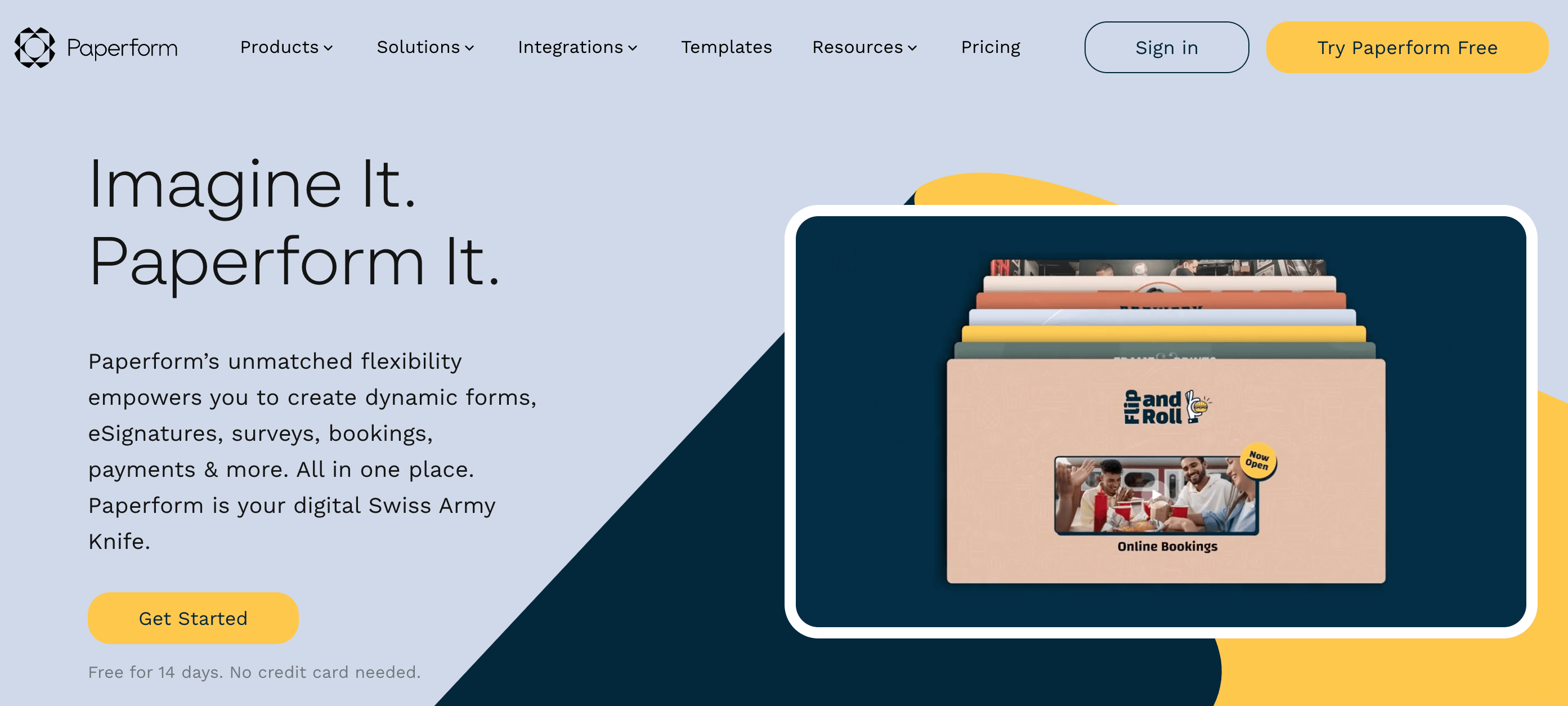
Paperform is great for building forms fast for landing pages, payment, or product pages.
Moreover, users love it because of the platform’s slick design and ease of use. You can add fields and type the text directly into the form like how you would type in a doc.
Compared to Microsoft Forms, Paperform’s forms and fields are mobile-friendly. At the same time, the platform has some downsides, as we’ll see below.
🛠 Features
- Robust integrations with Zapier and Integromat help with collecting payments.
- Inbuilt booking software to schedule anything from simple meetings to complex events.
- White labeling feature to make every form created yours.
- Share your surveys through web links or emails or embed them on your website.
✅ Pros
- Video can even be added to the form.
- Forms and surveys are mobile-responsive and easy for anyone to complete.
- It can calculate the overall price of the orders as clients add more items to their carts.
🚫 Cons
- Limited UI customization & post-submission integrations for lower price tiers.
- Customer support is limited to chat and has no option to book a demo.
- Lack of different survey questions.
💳 Pricing plans
🔑 No free version to try out, but it offers a 14-day free trial.
💵 Starting paid plan: $24 per month for one user.
- You can only get 100 responses per month for the starting price.
- For enterprises, connect with their team for a personalized quote.
⭐️ Ratings & Reviews
G2 Rating: 4.5 (40+ reviews)
“The forms can use all your branding, fonts, design, and the questions themselves can use advanced logic. Paperform has connections to Stripe and Zapier making it easy to collect payments and update our CRM.” – Paperform G2 Profile.
8. Formsite
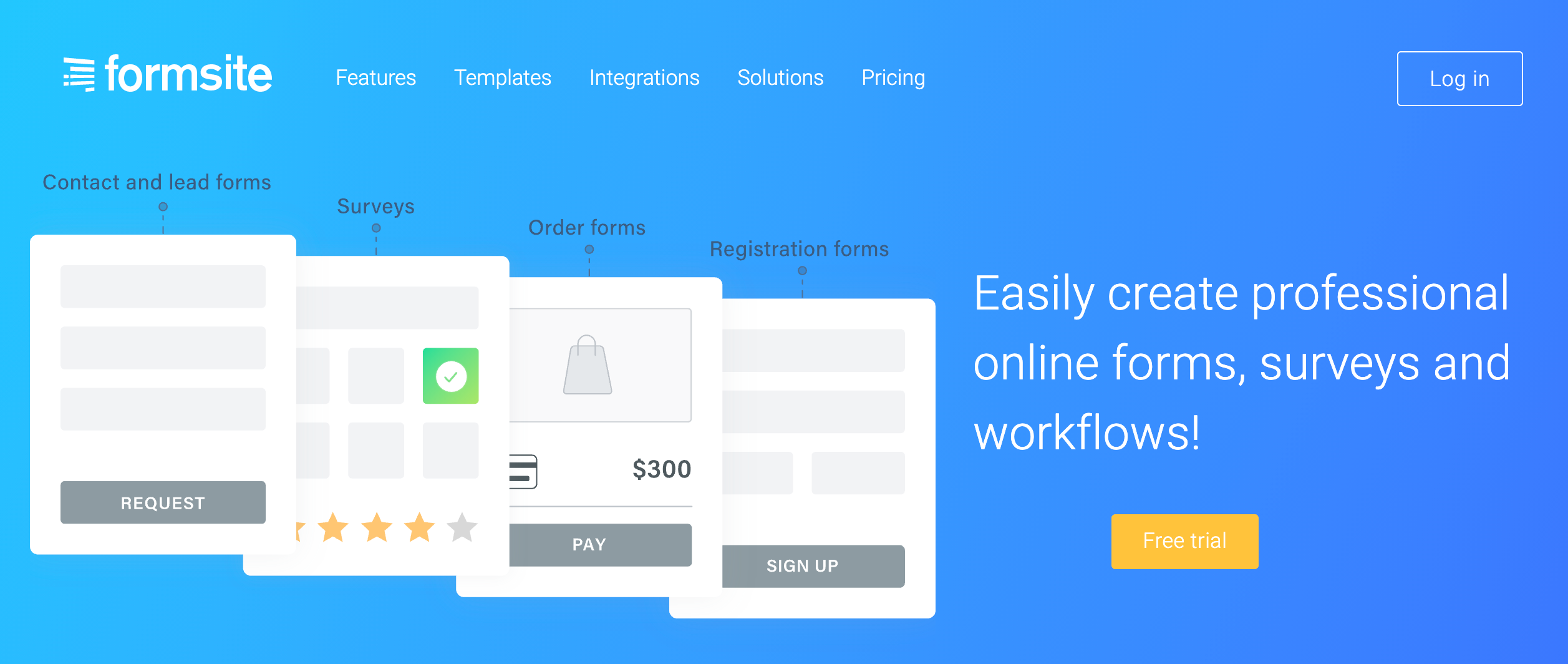
Is form security your top priority? Then, Formsite might be the software you need.
With field encryption and viewer permissions, Formsite is a reliable tool for collecting sensitive data. Moreover, Formsite’s interface is simple and professional.
However, users might find it visually boring. Also, there isn’t much to distinguish it from other survey software.
🛠 Features
- Calculate value-based output with calculation forms.
- Collect payment through forms that are specifically designed for gateways like Stripe, PayPal, and Braintree.
- Avoid spamming your surveys through reCAPTCHA.
- Export the survey report as an Excel or CSV file and integrate it with other customer data for further analysis.
✅ Pros
- It’s quick and easy to set up.
- Good for payment collection forms.
🚫 Cons
- The platform is hard to navigate.
- It offers limited customization options.
- Its features hardly changed over time, but the price has gone up.
💳 Pricing plans
🔑 No free version to try out, but it offers a 14-day free trial.
💵 Starting paid plan: $21 per month for one user
- The starting paid plan is Deluxe, and it only allows for 5 forms per month.
⭐️ Ratings & Reviews
G2 Rating: 4.4 (30+ reviews)
“It’s quick and easy to set up basic forms and have them operational. It was also the first solution I found that allowed applicants pay online to a variable value depending on the requirements of the trader.” – Formsite G2 Profile.
9. Wufoo
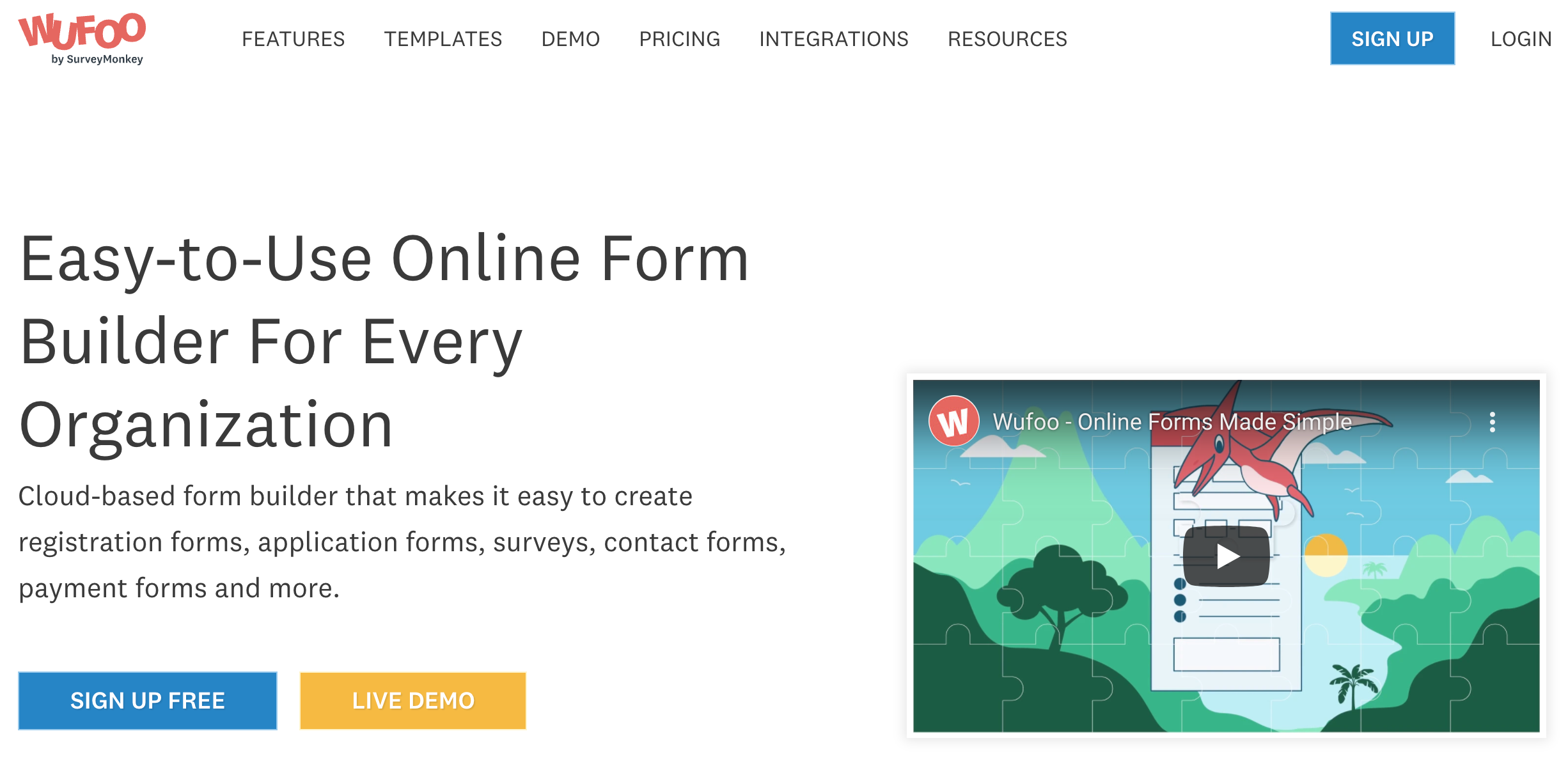
With a history dating back to the 90s, Wufoo is one of the web’s oldest online form builders. So perhaps that’s why Wufoo’s forms look a little clunky!
Still, the forms are incredibly easy to customize if you know your CSS.
Additionally, Wufoo is compatible with WordPress. So, if you are looking for an easy survey builder for your WordPress website or blog, look no further.
🛠 Features
- Simple drag-and-drop builder for easy survey creation.
- Get real-time notification when your customer completes a survey.
- Personalize the surveys with branching and logic.
- Good integration capabilities with tools like MailChimp, Stripe, Google Sheets, and Salesforce.
✅ Pros
- Easy to use and straightforward.
- Cheaper than all other alternatives to Microsoft Forms.
🚫 Cons
- Wufoo forms are visually outdated and lack an intuitive UI.
- Lacks live chat and onboarding support for advanced features.
- Hard to navigate to automated responses.
💳 Pricing plans
🔑 Entry price: $0/month.
💵 Starting paid plan: $14.08 per month.
- You can get up to 10 forms per month and 1 GB of storage space with the starting paid plan.
⭐️ Ratings & Reviews
G2 Rating: 4.2 (250+ reviews)
“It’s easy, and you don’t need to have advanced coding skills to understand even the advanced forms. The tool is very straightforward and simple, and the services are extremely engaging.” – Wufoo G2 Profile.
10. LimeSurvey
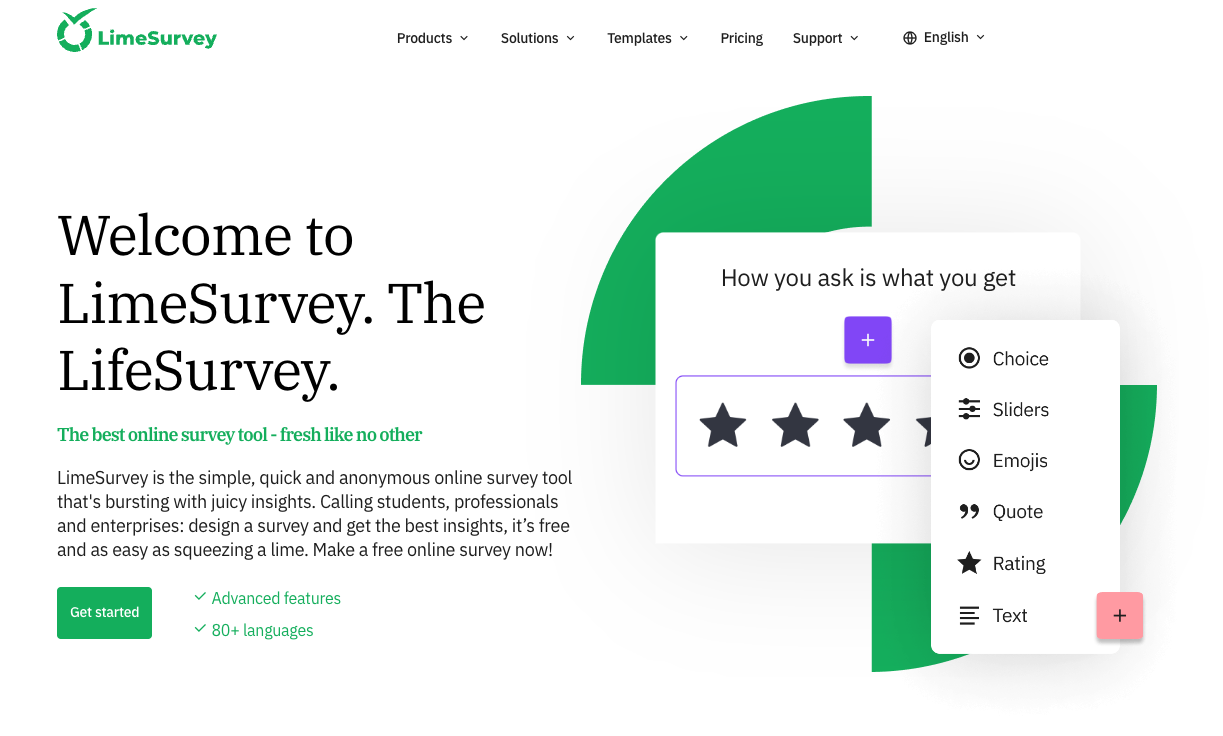
What if you don’t wish to pay for survey software? In that case, LimeSurvey has an ace up its sleeve: you can download its software code for free and completely customize it as you like.
As a popular open-source survey tool, LimeSurvey offers data hosting and storage on its servers – as well as the option for users to self-host.
Thanks to LimeSurvey’s open-source agility, you can use it for all types of research applications.
🛠 Features
- Share and collect feedback from across the globe using multi-language forms.
- Customize the polls and forms with images and videos, or add any of your brand elements.
- Check the integrity of the collected data using the data integrity function of Limesurvey.
✅ Pros
- Ease of use.
- Free and open source nature of the product.
🚫 Cons
- Hard for beginners to learn and use.
- Software is manageable only from a web interface.
- Basic statistical and graphical analysis.
💳 Pricing plans
🔑 Entry price: $0/month.
💵 Starting paid plan: $34 per month.
- The billing will be done in Euros.
- There are four different paid plans – Basic, Expert, Business, and Corporate.
- The Corporate plan is specifically for Large enterprises
⭐️ Ratings & Reviews
There’s no G2 profile for Google Forms. So, we are taking Capterra Instead.
Capterra Rating: 4.4 (40+ reviews)
“Being an open source tool it gave me an excellent opportunity to implement it immediately without spending a penny. The only disadvantage to me is that it’s not made for CATI surveys.” – LimeSurvey Capterra Profile.
Run & Share Any Survey of Your Liking With SurveySparrow!
A personalized walkthrough by our experts. No strings attached!
6 Reasons Why Users Are Looking for Microsoft Forms Alternatives
If you’re considering Microsoft Forms alternatives, you’ve experienced the following problems or more:
- Microsoft Forms is maddeningly short on form types. For instance, it has basic online surveys, polls, and quizzes. But it does not include SMS surveys, NPS®, or 360° assessments.
- It’s only available for users of Microsoft 365. So testing the tool on its own is currently impossible if you don’t have a Microsoft account and an Office 365 subscription.
- Microsoft Forms has a limited number of templates that are mobile-optimized (not mobile-friendly).
- It offers limited customization options.
- Form authors have two modes of survey sharing: within and outside the organization. However, respondent profiles from outside the organization are set to anonymous. This makes it hard to get insights into them.
- Microsoft Forms is short on advanced features like question and answer logic, custom workflows, and integrations with third-party apps. To get those, you have to upgrade to Microsoft Forms Pro.
Pro offers advanced branding, question types, and data analysis through its integration with the Dynamics 365 Customer Voice software.
Wrapping Up
With all these software options and their features, it’s going to be hard for you to find the perfect solution immediately! That’s why we recommend giving them a try before you buy.
To make your search easier, here’s a list of features to look for when choosing your preferred Microsoft Forms alternatives. Choose wisely, and happy surveying!
FAQs
Which is better, MS Forms or Google Forms?
There is no definitive answer as to which is better, MS Forms or Google Forms. They both have their own strengths and weaknesses. MS Forms are perhaps a bit more difficult to use than Google Forms, but they offer more customization options. Google Forms are simpler to use but may not be as versatile.
What is Microsoft Forms used for?
Microsoft Forms is a tool that allows users to create and share surveys, polls, and questionnaires. It is a part of the Microsoft Office suite, and is available as a web-based application or as a mobile app. Forms can be used for a variety of purposes, such as market research, customer feedback, and event planning.
Which survey tools are better than Microsoft Forms?
1. SurveySparrow
2. QuestionPro
3. Typeform