Compare
Jotform vs Wufoo: Which one is the Better Form builder?

Article written by Kate Williams
Content Marketer at SurveySparrow

14 min read
25 April 2024


Compare
Article written by Kate Williams
Content Marketer at SurveySparrow
14 min read
25 April 2024
Torn between Jotfrom and Wufoo?
I know how crucial it is to choose the right form builder!
Surprisingly, yesterday, a sparrow told me that Jotform vs Wufoo is the hot topic of discussion in town! And a good debate can’t be overlooked. This is why the team and I researched and came up with all the facts you need to make an informed decision.
But again, I know we have some curious minds lurking here. We can’t just cut right to the comparison without an overview, right?
Feel free to jump ahead to the comparison quickly.
You’ll also find a table at the end.
For the rest of us, off we go!!
Let’s start with…
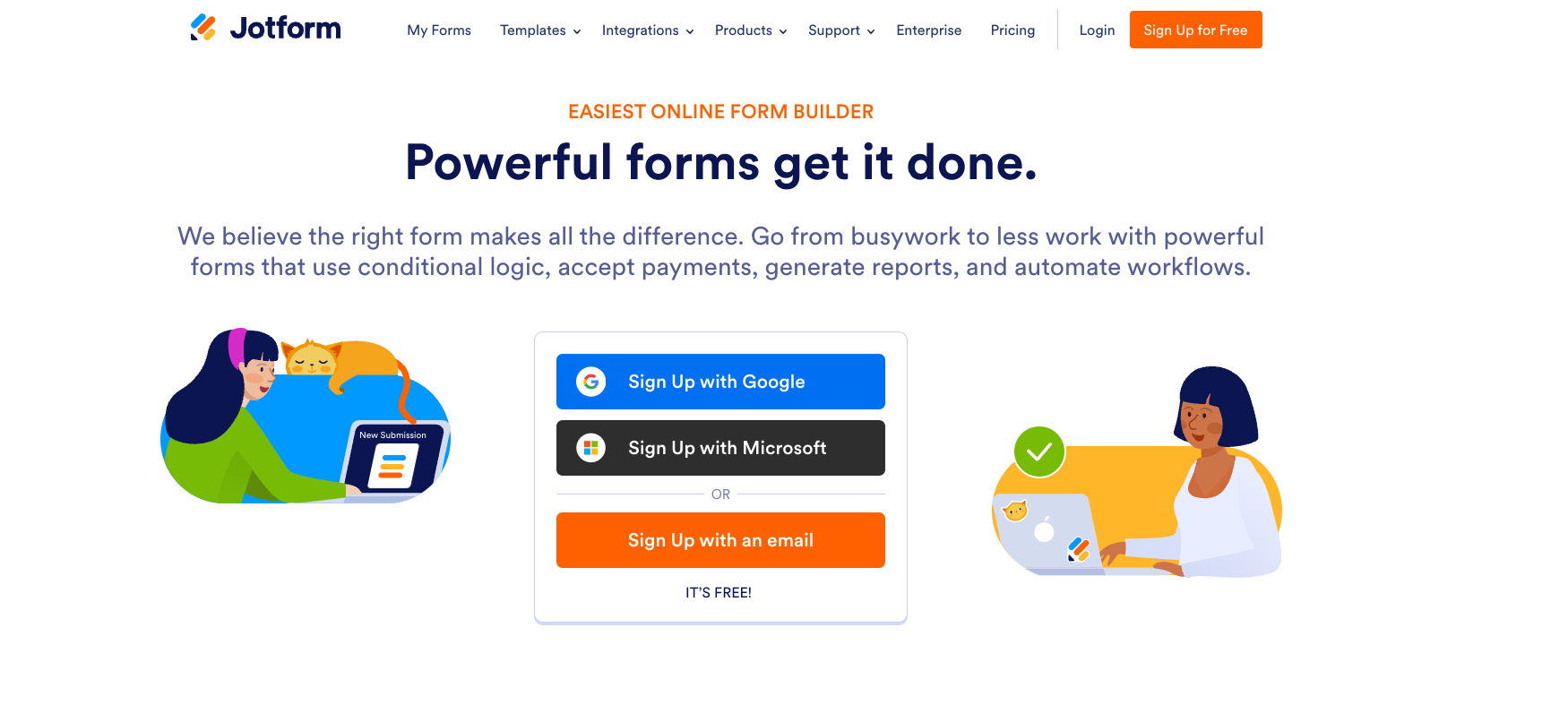
Jotform was founded by Aytekin Tank in 2006. This San Francisco-based company offers an intuitive interface that simplifies the form-building process.
Whether you aim to gather customer feedback, streamline event registration, or conduct intricate surveys, Jotform provides the platform to bring your vision to life.
The platform is also about power. With advanced features, they let you go beyond basic form building!
Let’s start with the form builder features.
The intuitive interface lets you create customer fields quickly. This allows users to easily add form fields and images, change colors, and use widgets and integrations.
Make your forms look and feel the way you want. You can customize your forms’ web address (URL) and tweak the look using custom CSS code. Embedding forms into your website is a piece of cake too! And with features like answer piping, you can add a personal touch to every form.
No language barrier here! JotForm lets you translate your forms so everyone can understand. That means people can fill out your forms in their language, making it easier for everyone to participate. More people means a higher response rate!
With JotForm, you get advanced tools to make your forms super smart. The easy drag-and-drop builder lets you create conversational forms. Also, set your forms to turn on and off automatically when they reach a certain limit. And don’t worry about losing your work — the “Save & Continue Later” feature keeps everything safe. Plus, they have autofill, so you never have to type the same thing twice!
Accessibility ensured!
Enable accessibility features and point out issues when adding a widget or field that is not section 508 compliant. The WCAG compliance ensures that the platform is accessible to differently-abled audiences.
You can also review Jotform’s Voluntary Product Accessibility Template (VPAT) to see how they adhere to Section 508 and WCAG compliance standards.
Ease of Use: Customers praise the user-friendly interface. It makes form creation as simple as it possibly can be. Plus, you can create conversational forms that are engaging and effective.
Pricing: The pricing structure of Jotform may be a concern for some users. The free version offers limited features and cannot be customized much.
Now, if you have tried Jotform and are here looking for an even better option, here is a list of the Top Jotform Alternatives
Let’s take a look at the other contender.
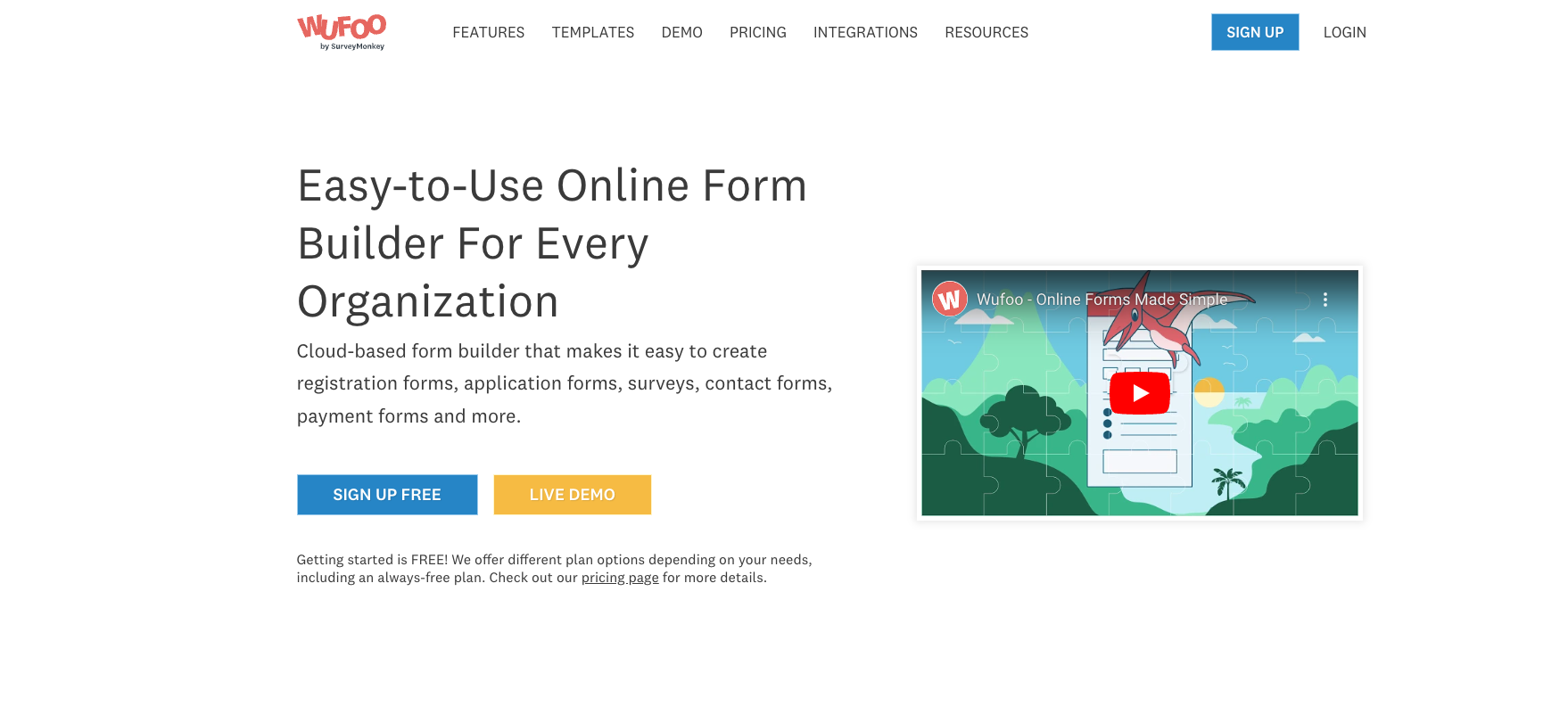
This Cloud-based form builder was founded in 2006 by the trio- Chris Campbell, Kevin Hale, and Ryan Campbell and was acquired by a prominent survey tool in 2011.
Did you know that the name WUFOO comes from a combination of their favorite rock bands, “Wu-Tang Clan” and “Foo Fighters”?
The platform was founded with the idea that forms are the first step to anything substantial. And it must be made accessible to anyone, with or without coding knowledge.
Wufoo’s form builder includes features such as logic and branching, allowing users to set up forms with conditional logic to direct respondents to relevant questions based on previous answers.
The platform has a drag-and-drop interface, which makes the form-building process simple. The easy customization allows users to create registration, application, surveys, and contact forms. You can also easily collect and access files directly from your account.
This lets you create forms the way you want them to look. You can use the ready-to-go themes or design those that fit your liking. Moreover, custom branding helps you add your logo, brand color, and other elements to personalize it.
This lets users personalize questions based on a respondent’s previous answers and adjust the form layout with CSS keywords. You can show and hide fields, skip certain pages, or reach out to individuals via email based on their responses.
Customer Support: Some users praised their customer service in a g2 review. They think that they are responsive and helpful.
Limited Survey Functionality: Wufoo lacks the comprehensive survey capabilities of some competitors.
How did that go? Again, if you’re looking for more options, check out our blog on Top Wufoo Alternatives.
Now, let’s compare the two tools and pick the perfect one for you.
Now that we know the form features, we can look at other important aspects that set both tools apart.
Let’s start with…
Jotform offers plans that suit various needs. Though it might seem a bit on the pricier end compared to its contenders, the platform covers everything you need under the umbrella of form building.
We’ll keep it simple so you’ll get it at a glance!
| Plan | Price/Month |
|---|---|
| Starter | Free |
| Bronze | $34 |
| Silver | $39 |
| Gold | $99 |
| Enterprise | Custom |
Wufoo’s plan caters to those on a budget. You can trust the platform with your money if you plan to start your form-building journey.
| Plan Name | Price/month |
|---|---|
| Free | $0 |
| Starter | $14.08 |
| Professional | $29.08 |
| Advanced | $74.08 |
| Ultimate | $183.25 |
Form building can’t go without HIPAA compliance if you want to cater to the Health industry.
The platform has over 100+ categories of integrations. Check out their website if you want a detailed list of Jotform integrations. Here, I’ll add some of the most important ones that might help you:
Wufoo has 2000+ integrations that span across various categories. If you want a comprehensive list, check their website.
Either way, your data is in safe hands!
Was this comparison clear enough? Before you go, I have a solution if you want a perfect alternative for Jotform and Wufoo.
If you want the best of both worlds, perhaps you can try SurveySparrow.
Don’t take my word for it! Let me give you enough reasons to back this up.
So…
SurveySparrow stands out by offering a dual-mode survey experience. You get both chat-like surveys and conversational forms. Moreover, it is introduced to simplify the form-building process by introducing innovative features beyond conventional survey building.

| Pricing Plans | Starting Price | Features |
|---|---|---|
| Basic Plan | $19 | Multiple question types and basic features |
| Business Plan | $79 | Advanced features |
| Professional Plan | $249 | Additional features |
| CX Suite | $249 | NPS, CSAT, CES surveys- measuring customer loyalty, satisfaction, and effort scores |
| 360 Assessments | Custom Quote | Research-backed question banks, advanced performance analytics, and group reports |
| Reputation Management | $0 | Limited free version; $79 for full features |
So, why don’t you give it a try?

A personalized walkthrough by our experts. No strings attached!
Let’s end this with a bang, shall we?
| Features | SurveySparrow | JotForm | Wufoo |
|---|---|---|---|
| Unique Feature | Conversational forms, AI form builder | Conditional logic, extensive customization options | Integration with third-party applications |
| Ease of Use | Intuitive interface, User-friendly | Drag-and-drop form builder | Simpler interface |
| Starting Price | Free plan available. Basic Plan Starts at $19/ month | Free plan open, paid plans start at $34/month | Free plan available, paid plans start at $14/month |
| Suitable For | Small to large businesses | Medium to large businesses | Small businesses |
Yes, just like any comparison, Jotform vs Wufoo also doesn’t have a winner. It’s just not viable to deem one as the best among the lot. Choose the one that perfectly fits your budget and varied form-building needs, and that’s your winner.
Each platform has its strengths and weaknesses. Carefully consider the points, compare the features, and make your decision.
And hey, if you have any queries on SurveySparrow, feel free to reach out!
Happy Exploring!


Thousands of brands trust SurveySparrow to turn feedback into growth. Try it free today!

Best Of
21 MINUTES
9 August 2018

Compare
8 MINUTES
28 April 2023

Compare
16 MINUTES
23 January 2023
![Top 10 Microsoft Forms Alternatives [Features, Pros, Cons, Customer Reviews, & Ratings]](/_next/image/?url=https%3A%2F%2Fsurveysparrow.com%2Fwp-content%2Fuploads%2F2021%2F07%2Fmicrosoft-forms-Alternatives.png&w=3840&q=75 "Top 10 Microsoft Forms Alternatives [Features, Pros, Cons, Customer Reviews, & Ratings]")
Alternative
22 MINUTES
21 July 2021

