Best Of
Top 13 Form Builder Apps You Must Explore

Article written by Kate Williams
Product Marketing Manager at SurveySparrow

18 min read
31 July 2024


Best Of
Article written by Kate Williams
Product Marketing Manager at SurveySparrow
18 min read
31 July 2024
Yes, we know, choosing the right option from so many form builder apps can feel daunting. But don’t worry – we’ve got you covered.
In this blog, we’ll simplify the process and help you find the perfect form builder for your needs. We’ll walk you through the best form builder apps, their key features, pricing, and more.
We’ve have gone through multiple review platforms and analyzed the form creator apps available on the market. Based on our research, we’ve put together this list.
Read on to learn more about them.

SurveySparrow is one of the best form builder apps on our list.It supports all form types – from chat to classic to kiosk surveys – and helps you create one in just minutes. The conversational behavior of the forms makes them engaging and enables a higher response rate. Learn more about our conversational form builder.
Do you want to speed up form creation? Use the templates! SurveySparrow has 1,000+ built-in templates from which you can choose the one that suits you.
Free Version: ✅ | Free Trial: ✅ | Offline Forms: ✅
Pros
Cons
The pricing of SurveySparrow is twofold. For Individuals, the tool offers two tiers:
Similarly, for Teams, it offers:
Need a personalized quote? Just reach out to us for more details.
Want to test-drive our form builder? Get access to all of our form features by clicking on the template below.👇
Free Lead Generation Form Template
Use This Template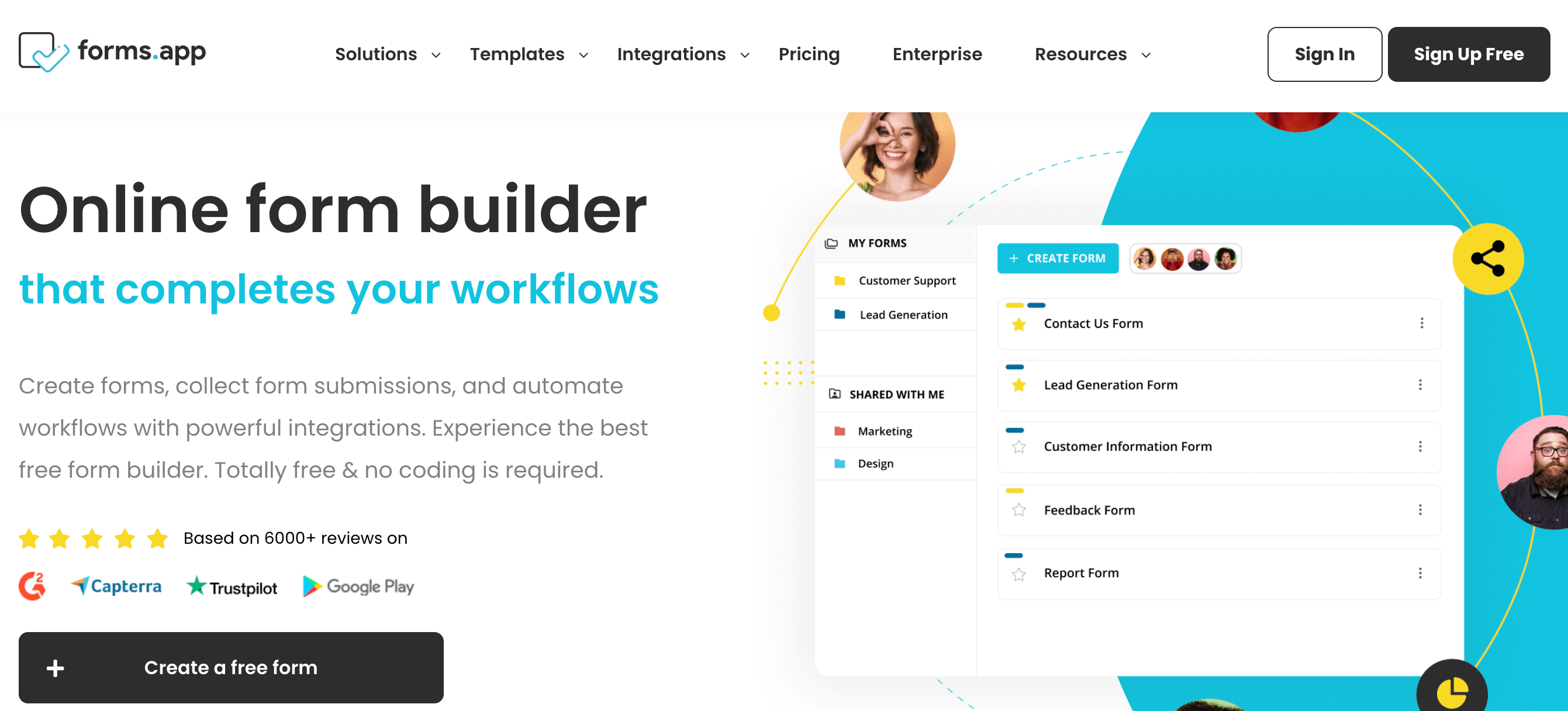
forms.app is an online form builder application that is distinguished by its AI form generator feature. and over 4,000 ready-made templates. Its user-friendly interface makes it easy to utilize various form fields, change themes, or customize the design according to your preferences. The free plan makes it suitable for all types of users.
Free Version: ✅ | Free Trial: ❎ | Offline Forms: ❎
Pros
Cons
forms.app basic plan starts from 12.5 USD when paid yearly.
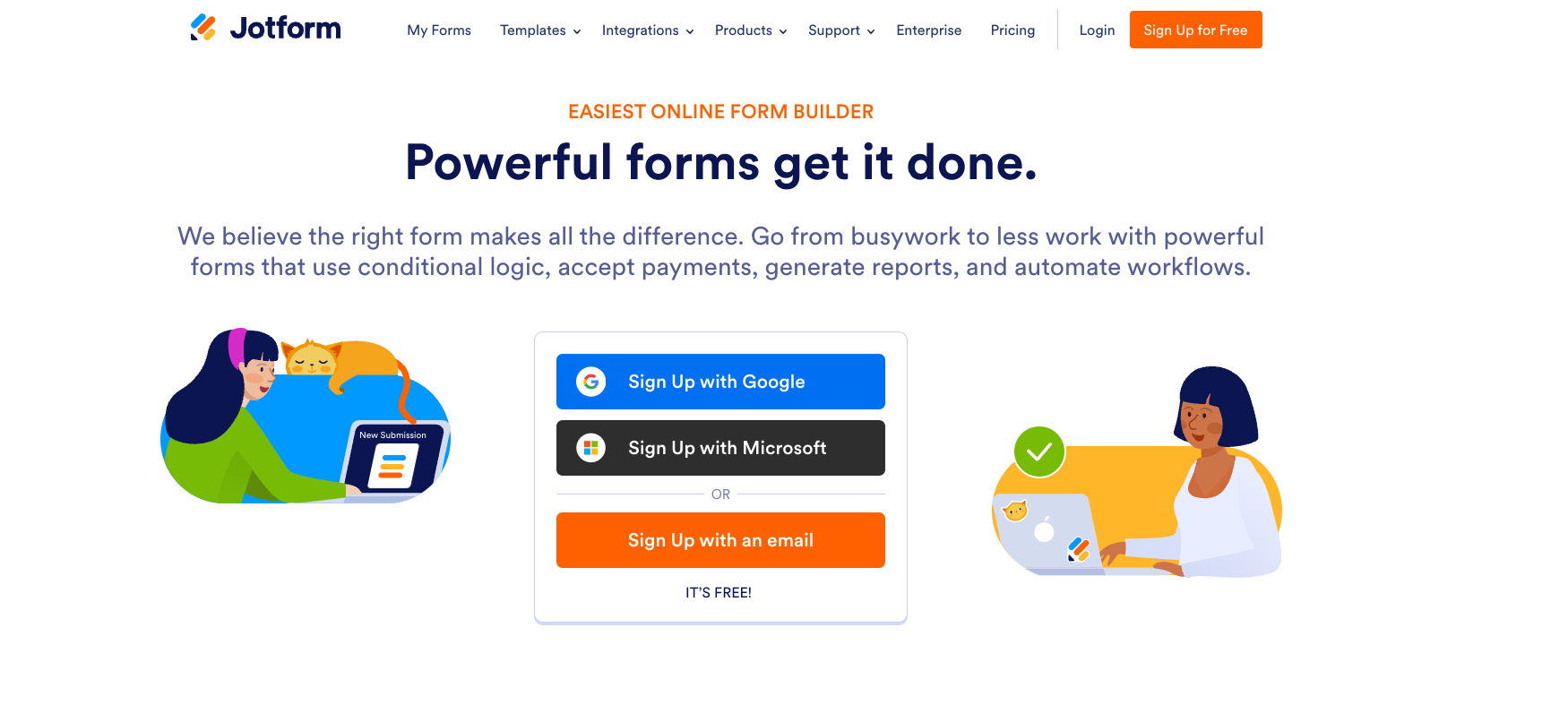
The Jotform app stands out as a highly intuitive and comprehensive form builder app that caters to a wide range of needs. With its drag-and-drop interface, it simplifies the creation of custom forms without any coding skills. However, it’s the vast template library that makes Jotform the center of attention.
Free Version: ✅ | Free Trial: ✅ | Offline Forms: ✅
Pros
Cons
The pricing starts from $34 per user per month when billed annually.

Typeform also offers a good platform to build and share online forms. Like SurveySparrow, it also offers a range of form templates and AI to help create new forms. It lets users respond to one question at a time rather than displaying a series of questions, avoiding survey fatigue.
Free Version: ✅ | Free Trial: ✅ | Offline Forms: ✅
Pros
Cons
According to their website, the starting price starts at $25 per month.
Suggested Read: 10 Best Typeform Alternatives of 2024
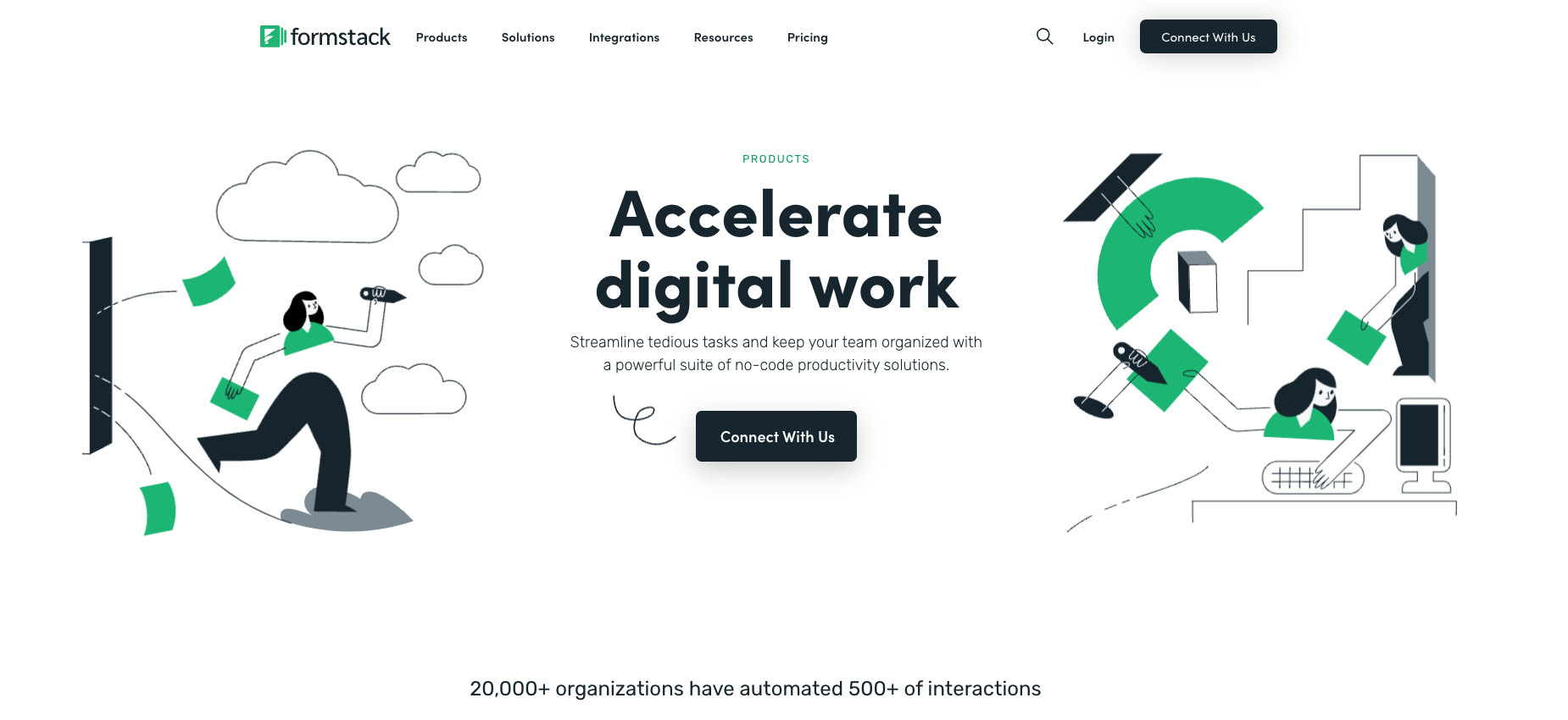
Formstack Forms is a no-code platform for creating forms and surveys. It allows you to do an A/B testing to compare two or more versions of forms. The form builder is user-friendly and features drag-and-drop functionality, conditional logic, and analytics to optimize data collection processes.
Free Version: ✅ | Free Trial: ✅ | Offline Forms: ✅
Pros
Cons
The paid plan for Formstack Forms starts at $50 per month.

This is a powerful form builder app that helps you create forms in a few minutes. It enables users to select from an array of beautiful templates, each customizable to match any brand or style. The tool is suitable for both single-page and multi-page forms.
Free Version: ✅ | Free Trial: ✅ | Offline Forms: ❎
Pros
Cons
The pricing starts from $15 per month when billed annually.
Free Version: ✅ | Free Trial: ✅ | Offline Forms: ❎
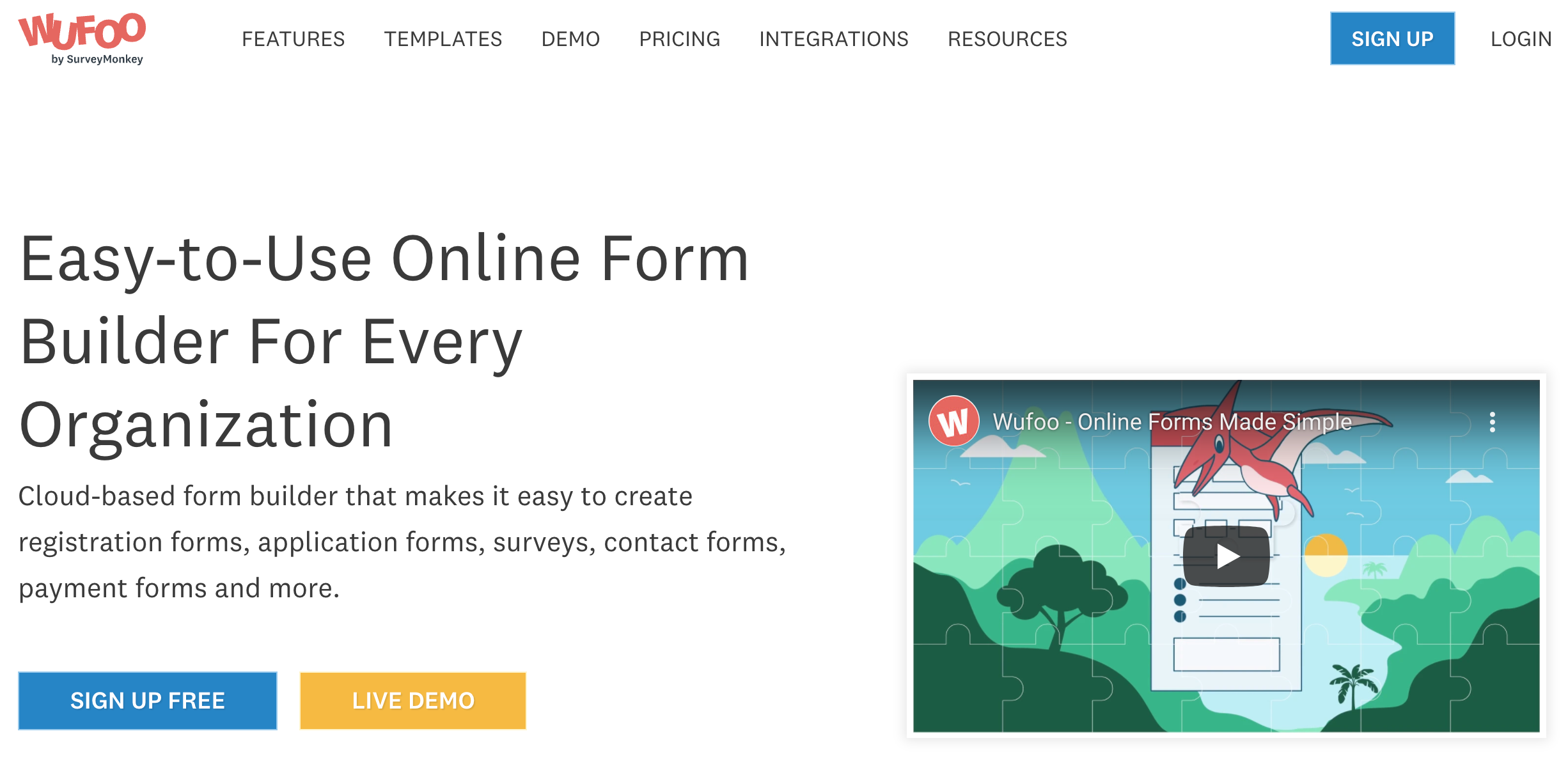
Wufoo is an online form builder app from a prominent survey tool. It helps in creating engaging and customized forms through simple drag-and-drop options. Moreover, the Wufoo form builder is one of the first no-code solutions that allow for the easy collection of data and automation of processes.
Pros
Cons
The pricing starts at $14.08 per month for one user.
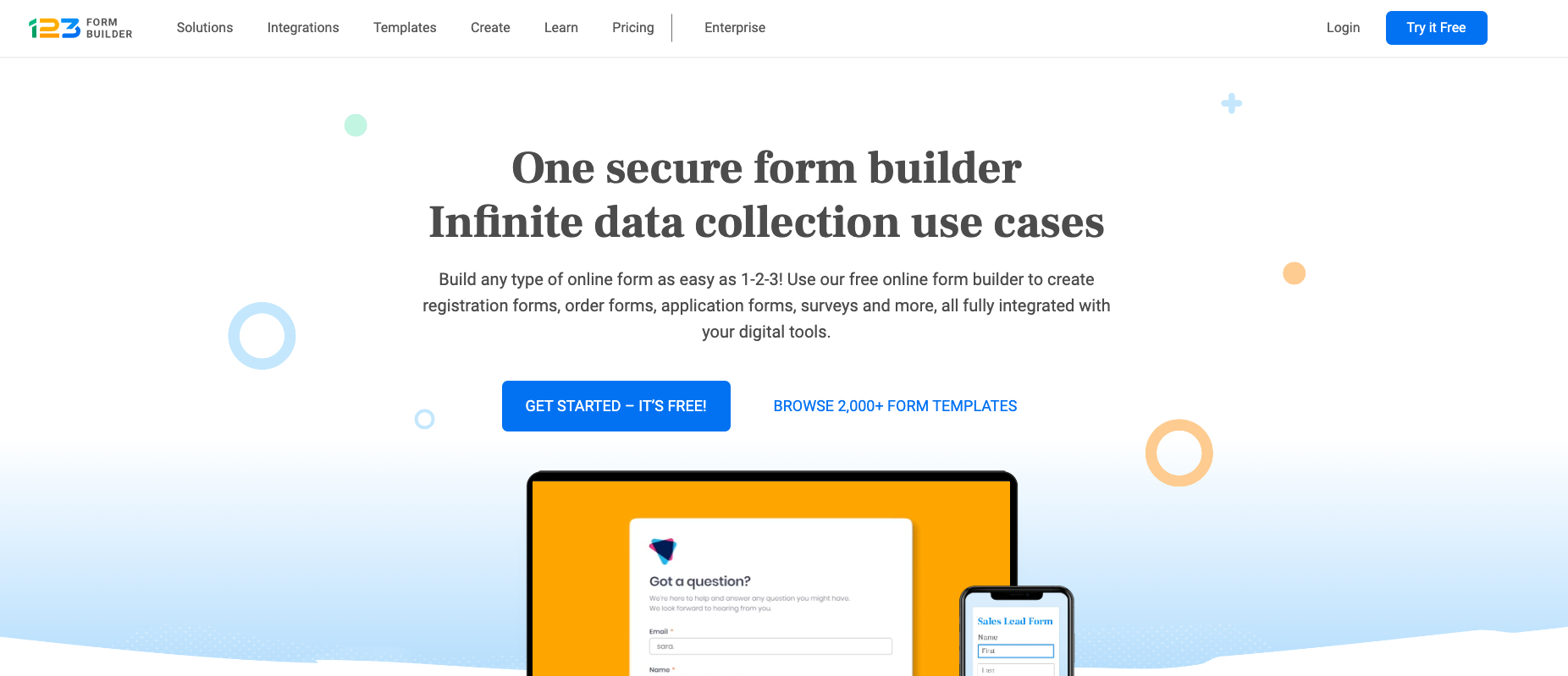
Free Version: ✅ | Free Trial: ✅ | Offline Forms: ✅
123FormBuilder is one of the simplest and best online form creators to use and is quite popular for its intuitiveness. Its drag-and-drop form builder lets you make simple, unsophisticated forms within minutes. Apart from forms, it also supports surveys, quizzes, and polls.
Pros
Cons
There are four paid plans available, starting with the Gold plan – $32 per month.
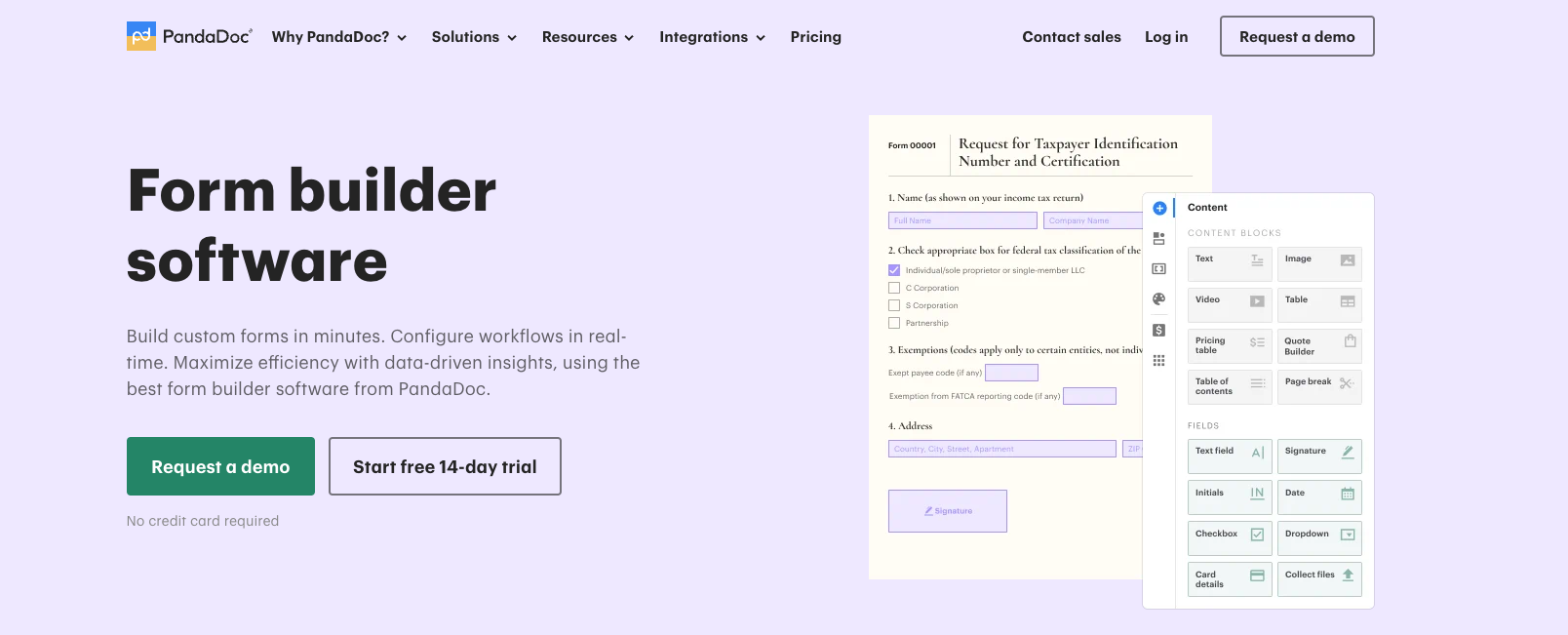
PandaDoc is an e-signing platform that makes it easier for businesses to collect signatures from their customers. Even though this is the case, they offer form builder software. It allows users to create forms with the same document editor, which is used to create quotes, proposals, and contracts in the first place.
Free Version: ❎ | Free Trial: ❎ | Offline Forms: ❎
Pros
Cons
It offers users a plan that starts from free and goes to $89 per month per user, depending on the features you choose.
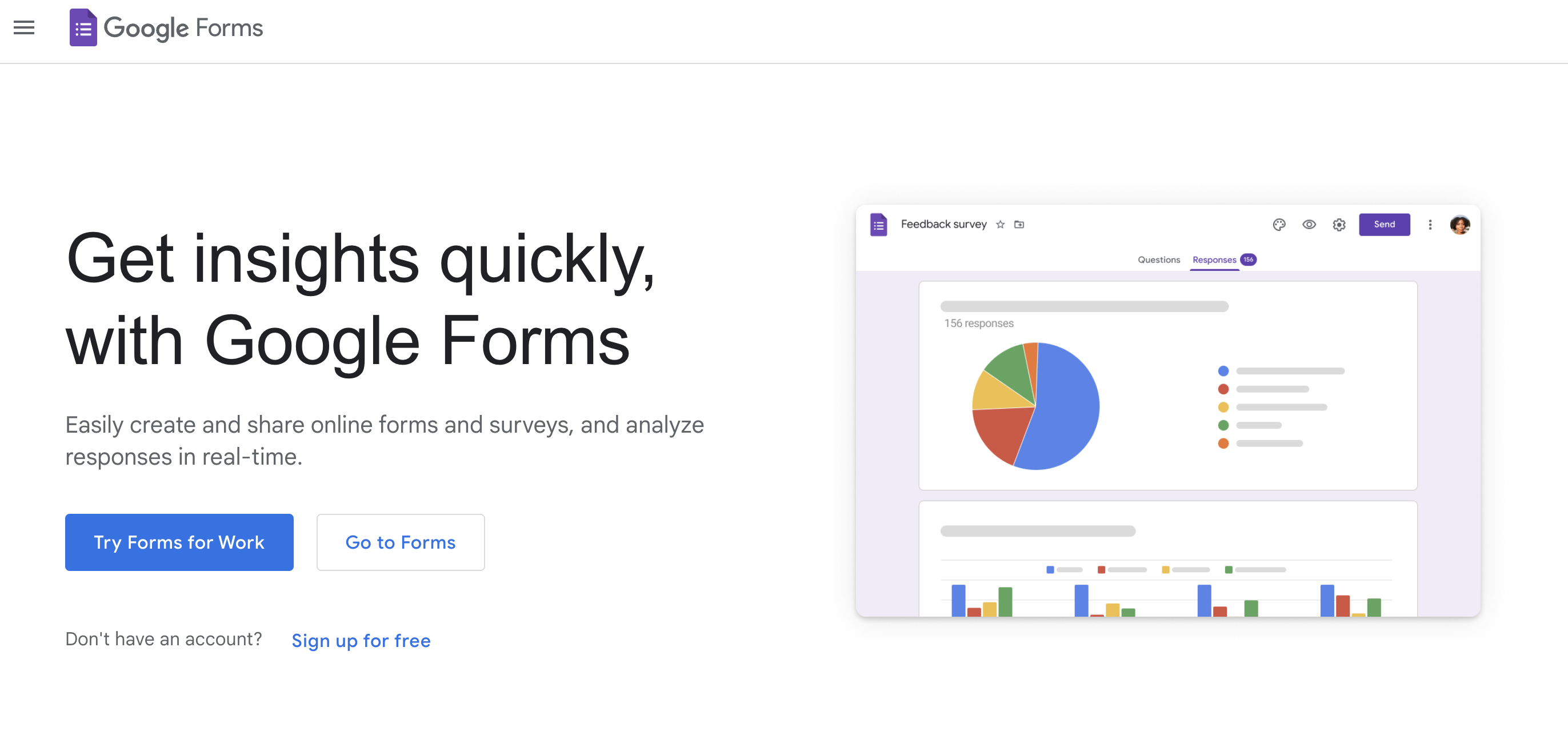
A product of Google, Google Forms is one of the so-called free form builder apps you can try. The tool is actually very easy to use, but the forms you can build are very basic. However, its robust integration with the G-Suite makes it easier to collect and analyze data.
Free Version: ✅ | Free Trial: ❎ | Offline Forms: ❎
Pros
Cons
There is a free option, and it’s great. Though others aren’t aware of this, Google Forms offers a paid version of the tool for business. It starts at $12 per user per month.
NOTE: if you are looking for a highly professional online form creator, then Google Forms might not be the right choice. Consider exploring potential Google Forms alternatives.

Zoho Forms is another form builder app you can use to collect and manage data efficiently. With its dynamic drag-and-drop interface, Zoho Forms allows for the creation of complex forms using a collection of over 30 field types.
Free Version: ✅ | Free Trial: ✅ | Offline Forms: ✅
Pros
Cons
The tool is very cheap compared to its competitors, with just $12 per month.

Microsoft Forms are good for building online surveys and forms. It helps you collect and analyze responses in real-time and visualize the data through analytical charts. Like Google Forms, Microsoft Forms has robust integration with the Microsoft Suite. So it will be easier to collect data through Excel.
Free Version: ❎ | Free Trial: ✅ | Offline Forms: ❎
Pros
Cons
Microsoft Forms is part of Microsoft 365 and is not available alone. Therefore, you’ll have to buy the whole package to just use it. The starting price is £4.90 per user per month.
Those who are already using Microsoft Suite can try it. If not, check out the other form creator apps on this list.
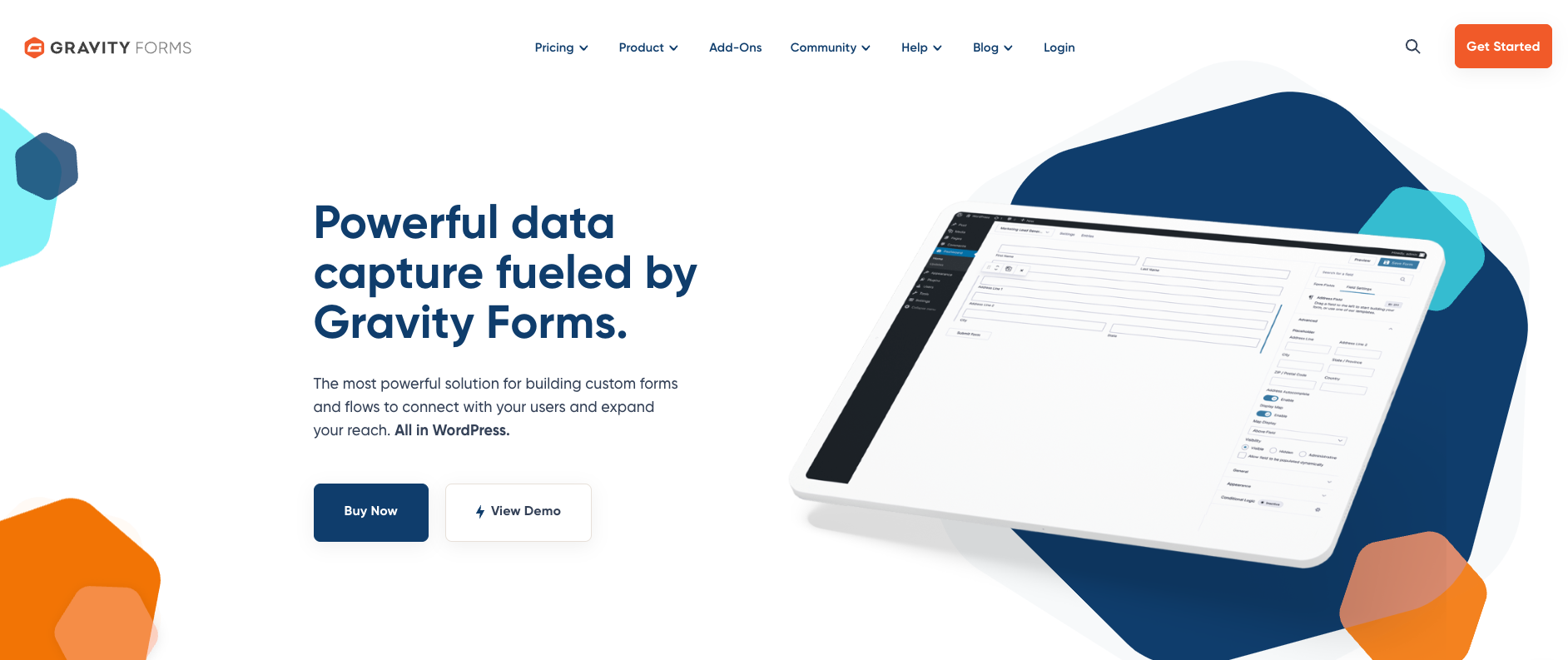
If you are looking for a form builder app for your WordPress website, Gravity Forms is the right choice. With this form creator, you can make forms in a couple of minutes, be they basic or advanced forms. It also provides you with an array of useful integrations to ease the workflow.
Free Version: ❎ | Free Trial: ✅ | Offline Forms: ❎
Pros
Cons
The pricing for this tool is a bit different. Instead of plans, they have licenses. It starts from $59 per year for one website.
When you’re in the market for a form builder app, there are some key features and aspects to consider to ensure the tool fits your requirements.
Here’s a comprehensive checklist.
| Feature | Importance | Description |
|---|---|---|
| Ease of Use | High | Simple, intuitive interface with drag-and-drop features, requiring minimal technical skills. |
| Customization Options | High | Flexibility in design and functionality to align with specific branding and data collection needs. |
| Integration Capabilities | Medium | Compatibility with other tools for seamless workflow automation and data management. |
| Mobile Responsiveness | High | Forms should be easily accessible and functional on smartphones and tablets. |
| Data Analysis and Reporting | Medium | Tools for straightforward analysis and reporting on the collected data. |
| Security and Compliance | High | Ensures data protection through encryption and adherence to regulations like GDPR or HIPAA. |
| Sharing and Publishing Options | Medium | Various methods for form distribution, including embedding and direct links. |
| Notification and Automation | Medium | Automated notifications and actions (e.g., emails or redirects) based on form submissions. |
| Scalability | Medium | The ability to support growing needs, such as handling more submissions or providing more advanced features. |
| Customer Support and Resources | Medium | Access to help and information through support channels and educational materials. |
| Pricing | Variable | Consideration of the app’s cost relative to the features and value it provides. |
Consider this checklist as a guideline for testing form builder apps. The importance column is only a general prioritization, but ultimately, your needs come first.
Consider what aspects are most crucial for your specific context and use cases. This will help you make informed decisions when choosing a form builder app.
Bonus: if you have a specific use case in mind, you might want to check out these form templates.👇
Our top 6 form templates:
Need more form templates? Get them here.


Thousands of brands trust SurveySparrow to turn feedback into growth. Try it free today!


Best Of
15 MINUTES
11 May 2024

Best Of
17 MINUTES
28 November 2020

Best Of
17 MINUTES
31 August 2020

Best Of
20 MINUTES
26 September 2020

