Unpopular opinion: Data is fun!
It indeed is if you have the right Data Entry Tools!
If you’re nodding your head left and right, it might be because you have heaps of data waiting to be copied and pasted into your spreadsheet. Am I right?
Don’t worry—we will look into ten data entry platforms that will automate repetitive tasks, improve accuracy, and save you a ton of time!
But before that, you need to understand what data entry tools are.
(If you’re already clear, jump right ahead to the list)
Data entry is a methodical way of recording information accurately and keeping it well-organized.
It is like putting information into neat little boxes so you can find it later. It’s all about making sure everything is written down correctly and easy to find when you need it.
However, the process can be somewhat tedious (a bit? Who am I kidding?) But a data entry tool can help streamline it.
A Data Entry Tool is a software application designed to streamline and automate the data entry process.
This can include basic text editors, spreadsheets, or platforms that provide advanced features like format control and data validation.
Here’s why you need a tool to help you out with your data:
Automates repetitive tasks: Most tools have an autofill feature, which allows you to save hours of typing.
Data Validation: They improve accuracy by checking missing fields or invalid formats.
Integration: You can connect with your favored automation software for a seamless flow from one system to the other.
Reduced Cost: You needn’t spend on error correction, validation, or improved accuracy. That itself saves you a bunch, right?
1. SurveySparrow: For Simplified Data and Advanced Analytics
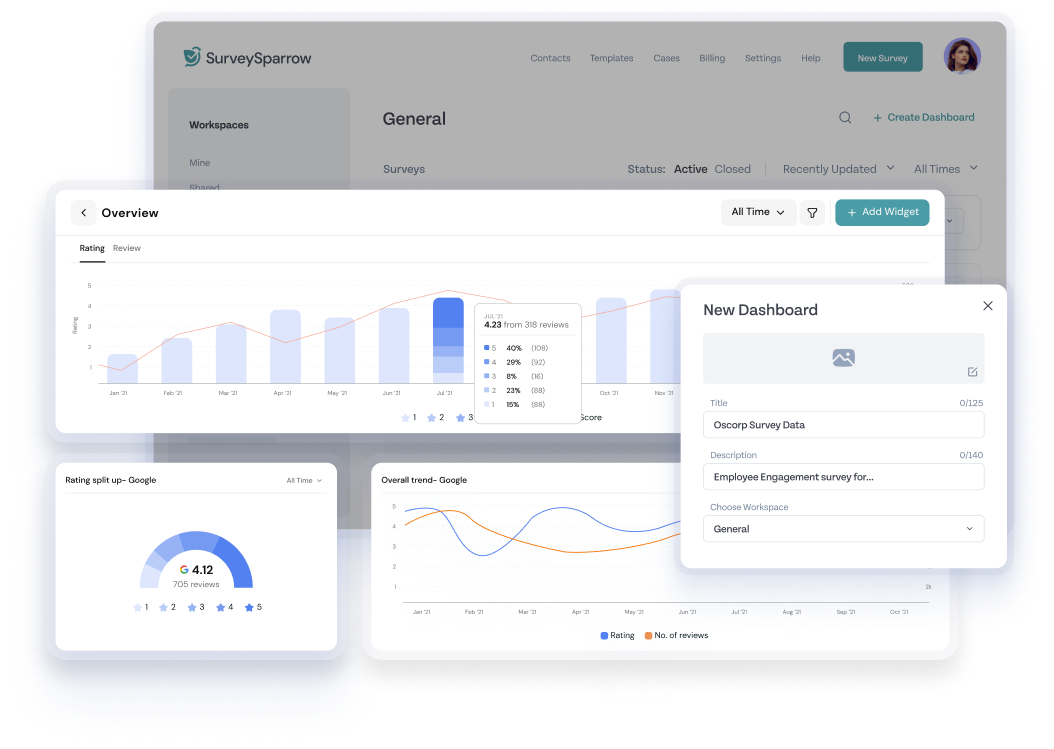
With SurveySparrow, collecting and organizing data is as easy as pie! You can hook your customers by creating conversational surveys with a 40% higher response rate! That’s not all. Share them via multiple channels and visualize the data on an executive dashboard. Once that’s down, analyze it with the advanced analytics tool!
Plus, the newly introduced AI form builder and Cognivue for text analytics will make your lives easier.
Let’s look at the features that make it one of the best tools on the market.
Key Features
Conversational Interface: As I mentioned, it makes you feel like you’re chatting with your customer. Engage your audience with chat-like forms and reap a higher response rate and improved customer satisfaction.
The drag-and-drop form builder, multiple question types and themes, question piping, and skip and display logic help you customize your forms to your heart’s desire. Here’s a sample survey created with SurveySparrow. You can test it out right now and use it if you like!
AI Surveys: Though creating a survey with the platform is simple, the AI form builder simplifies it with just a prompt and a click! Plus, the ChatGPT plugin changes the entire game!
Template Library: There are 1000+ pre-designed templates that you can customize. Remove the questions that don’t fit the bill and add new ones. You can also edit the existing fields with the Wing feature!
Audience Management: Segment your customers based on demographics and create targeted strategies to reach the right audience.
Analytics and Reporting: Connect the dots with real-time reporting cross-tabulation. You can also get the reports delivered straight to your inbox. No more stacks of data waiting to be sorted!
SurveySparrow’s Executive Dashboard
Oh, I forgot to tell you that you can generate a sharable copy and export it as PDF or SPSS.
Pros
Ease of use: The user-friendly interface makes it accessible to everyone. You don’t need a coder’s brain here! A long-time user shared a G2 review praising the UI, sales team, and customer support. They appreciate the multiple customization options and integration capabilities with CRM platforms.
Customer Support: The sales and support team will never leave you hanging. Contact them with any queries.
Rating
G2: 4.4 / 5 (1,968 Reviews)
Capterra: 4. 4/ 5 (107 Reviews)
Major Integrations
Mailchimp, Google Analytics, Zoho CRM, Freshdesk, Hubspot, Salesforce, Microsoft Dynamics 365, Stripe, PayPal
Pricing
There’s something for everyone here!
You can start with a free-forever plan.
Here’s a detailed list of the paid plans:
Pricing Plans
Starting Price
Features
Basic Plan
$19
Multiple question types and basic features
Business Plan
$79
Advanced features
Professional Plan
$249
Additional features
CX Suite
$249
NPS, CSAT, CES surveys- measuring customer loyalty, satisfaction, and effort scores
360 Assessments
Custom Quote
Research-backed question banks, advanced performance analytics, and group reports
Reputation Management
$0
Limited free version; $79 for full features
Why don’t you take the platform for a free spin? No need to invest right now. Take the free 14-day trial and get the feel of the data entry tool first!
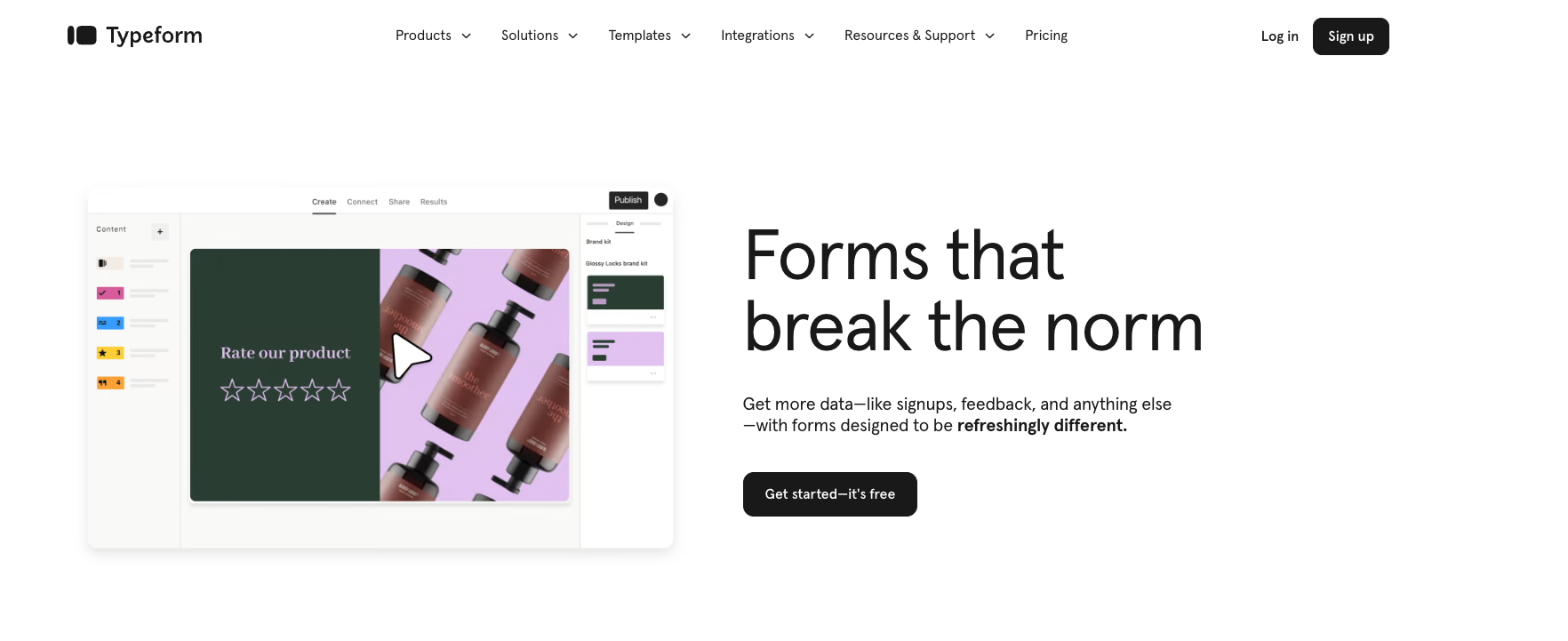
Typeform is a visual master! The platform allows you to create engaging forms, quizzes, and surveys with advanced customization and design features.
The striking look is due to its founders, David Okuniev and Robert Muñoz, a web designer duo. It was founded in 2012 and is headquartered in Barcelona.
Key Features
Formless is Typeform’s AI form builder. It allows you to reach global audiences in 120+ languages and automate responses by training AI to answer customer queries.
Videoask: Talk to your audience through video forms and be available round the clock. Keeping them engaged while collecting data is key!
Customization: You get 20+ question types, multiple sharing options, custom branding, and 10,000+ template designs. What more do you want?
Conditional Logic: Tailor the questions according to the customers. Skip and display questions according to the previous answers to simplify data entry for both parties.
Pros
Design: I can’t say enough, but Typeforms are visually appealing.
Template Library: You have something for your every need with 10,000+ pre-designed templates.
Cons
Analytics and Reporting: Users feel that the platform can boost its analytics feature, given the advanced features!
Complex: If you are a beginner, it might seem too overwhelming.
Rating
G2: 4.5/5 (716 Reviews)
Capterra: 4.7/5 (834 Reviews)
Major Integrations
You can connect with Calendly, Hubspot, Slack, monday.com, Notion, Zapier, Pipedrive, and Mailchimp.
Pricing
You can try out the free plan
The Basic plan is priced at $25/month ($29 /month if billed monthly)
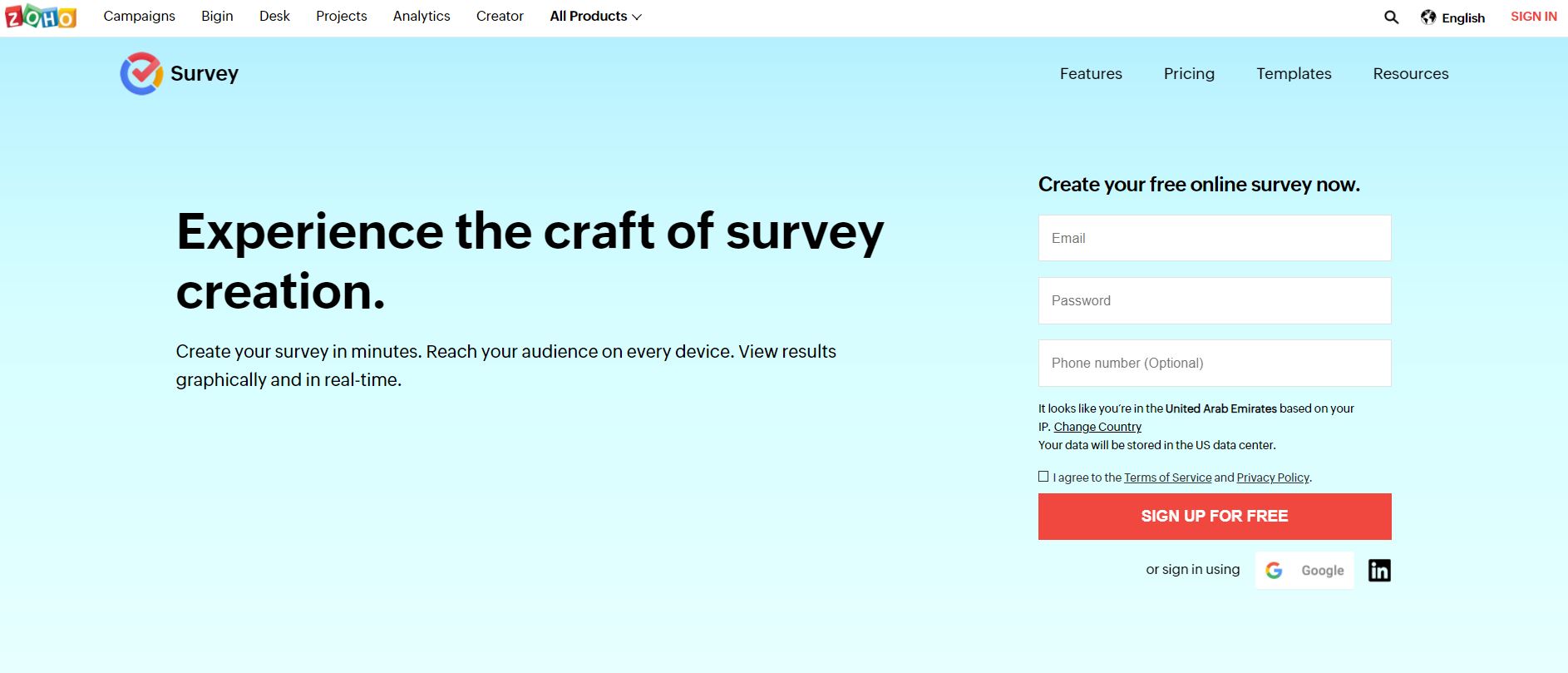
Zoho is a no-code form builder that streamlines your entire data collection process.
With it, you can easily create, share, collect, and analyze surveys. Plus, being a part of the Zoho Suite, you can easily integrate your forms with other applications.
Key Features
File Validation: You can check missing fields, invalid formats, or specific criteria. You can also create forms with multiple pages and redirect the respondents to the right one!
Customizable Fileds: There are 30+ field types, with customization options varying from sections to text and page levels.
Optical Character Recognition: You can extract text from digital images, documents, ID cards, and invoices.
Save and Resume Later: The cloud-based builder keeps all the data entered safe and sound. You can resume at your convenience.
Pros
Smart Features: Customers agree that the conditional logic and the ability to include multiple pages in a single form is helpful.
Integration with Zoho Suite is the best option for existing Zoho users.
Cons
Customer Support: Certain users of G2 reviews share that the support team is not up to par.
Limited Features: Data entry needs to be fun, and sometimes, the lack of advanced features can make it monotonous.
Rating
G2: 4.1/5 (2,602 Reviews)
Capterra: 4.3/5 (6686 Reviews)
Major Integrations
Google Sheets, Slack, Mailchimp, Eventbrite, Zendesk, Shopify, and Zapier
4. Fluix: For Operational Efficiency and Automation
Source: fluix.io
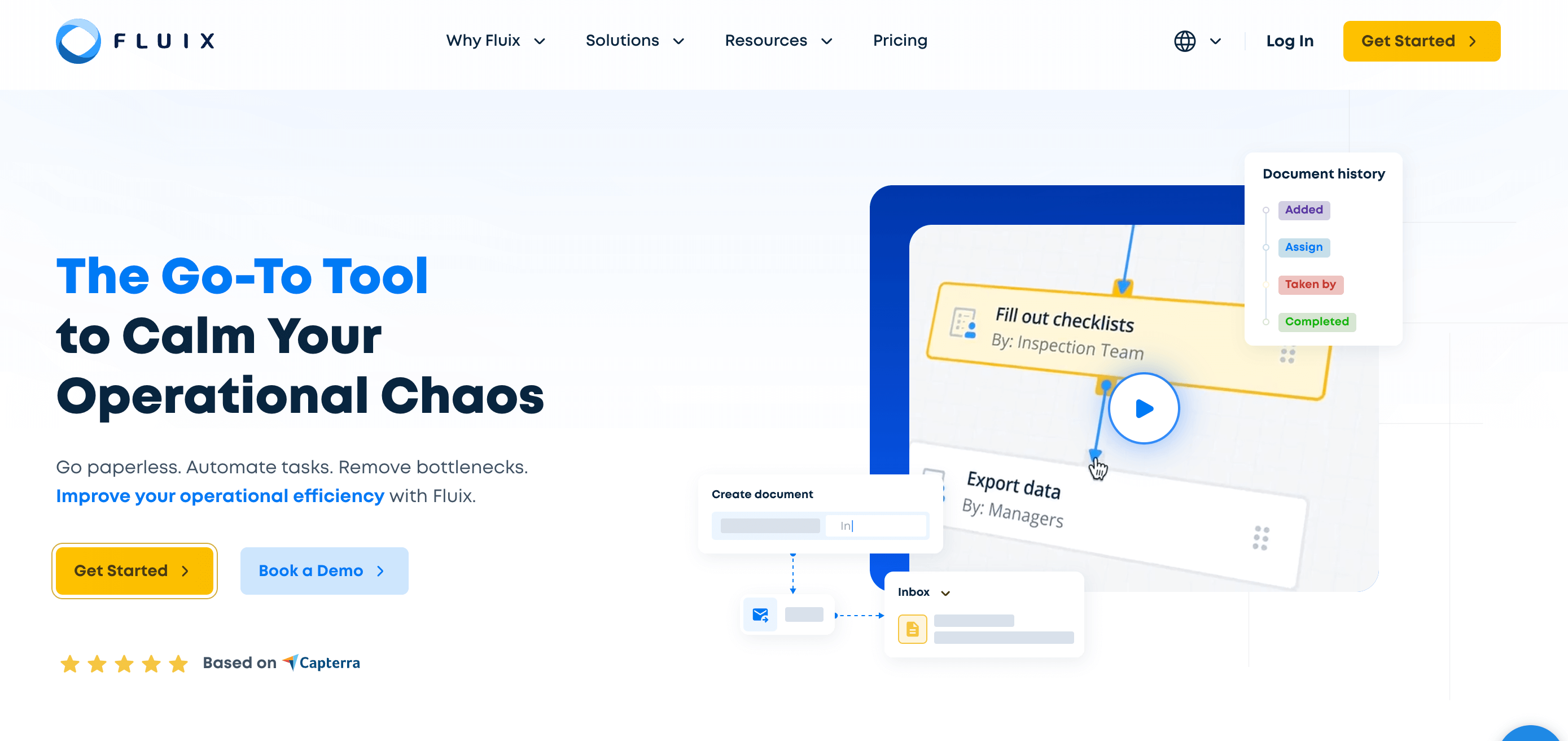
Fluix is the one if you wish to go paperless! The user-friendly tool helps you digitize documents and automate the data management process.
The platform is built on a vision to empower employee productivity globally.
And, the best part? It’s a no-coder!
Key Features
Form Filling: Quickly fill out the forms anywhere, whether a purchase order or inspection report. You also get automated calculations file uploads directly from the form.
Mobile Form Builder: Convert all your offline documents into fillable forms. You can save them as PDFs or web formats for multiple devices.
Analytics: It does not end at image capture and file upload! Export the data to a preferred toll and visualize it before you make decisions.
Automated Workflow: Use conditional logic to decide what should happen to the entered values. Plus, you can assign dynamic values to submitted forms or while naming completed tasks.
Pros
Drag-and-drop builder: Anybody can create forms and collect data! A user on G2 reviews shared that it has reduced their workload as they don’t have to rescan documents. They also added that annotating, adding bookmarks, and distributing them via email is easy.
Workplace Security: Your data is in safe hands! You can maintain an audit trail, restrict access, or confirm delivery with e-signatures.
Cons
Complexity: Fluix might not be the one for you if you are a beginner. (Or even if you perhaps have basic form needs)
Expensive: It can be a bit pricey for those with a strict budget. Plus, the 10-user minimum condition can be a red flag for some!
Rating
G2: 4.8/5 (18 Reviews)
Capterra: 4.8/5 (45 Reviews)
Major Integrations
Power BI, Qlik, Tableau, Airtable, Zapier, Hubspot, Slack, and Salesforce
Pricing
You can avail of the free trial
Paid plan starts at $50/month/user (you need to pay more to add other features)
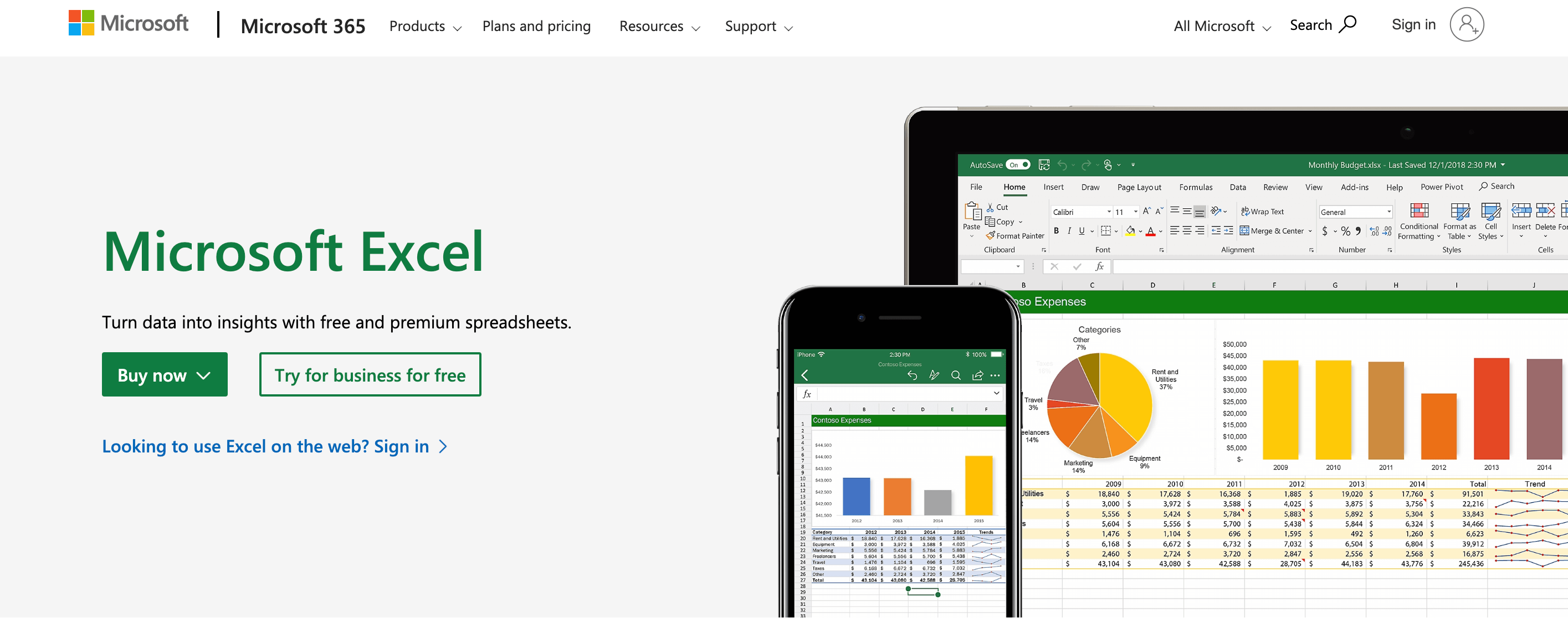
You can’t go without mentioning Excel when discussing data entry, right?
Organizing, visualizing, or analyzing data with the platform is as easy as pie! All you need is a Microsoft account, and everything will go with the flow.
Key Features
Copilot: With it, you can explore insights more deeply, generate formulas, and focus on the data that matters.
Templates: You can directly create and design spreadsheets from the pre-designed templates. (0h, yes, you can create one from your formulas)
Visualization: The entered information can be shown in charts, infographics, or graphs. You can also break down the data using formatting, sparklines, or tables.
Collaboration: If you work better as a team, get started on the same sheet! Regardless of your chosen platform, be it the desktop version or mobile app.
Pros
Power BI insights: You can collaborate quickly with Power BI content and add the reports directly to the conversations.
Integration with Microsoft 365 Tools: If you have access to 365, you can utilize the advanced features of the other apps to streamline your workflow.
Cons
Steep Learning Curve: Do you hate formulas? Then, Excel might not be the tool for you. The complex formulas can give you a headache!
Customer Support: Some users shared that the team takes a few days to reach back.
Rating
G2: 4.7/5 (2,718 Reviews)
Capterra: 4.8/5 (18,885 Reviews)
Major Integrations
You can connect with the entire Microsoft 365 Suite. You can connect with Slack to communicate.
Pricing
If you own a Microsoft 365 account, everything comes along.
The paid plan for families starts at $9.99/month.
For businesses, the basic plan is priced at $6/month. But you can access only the web and mobile versions.
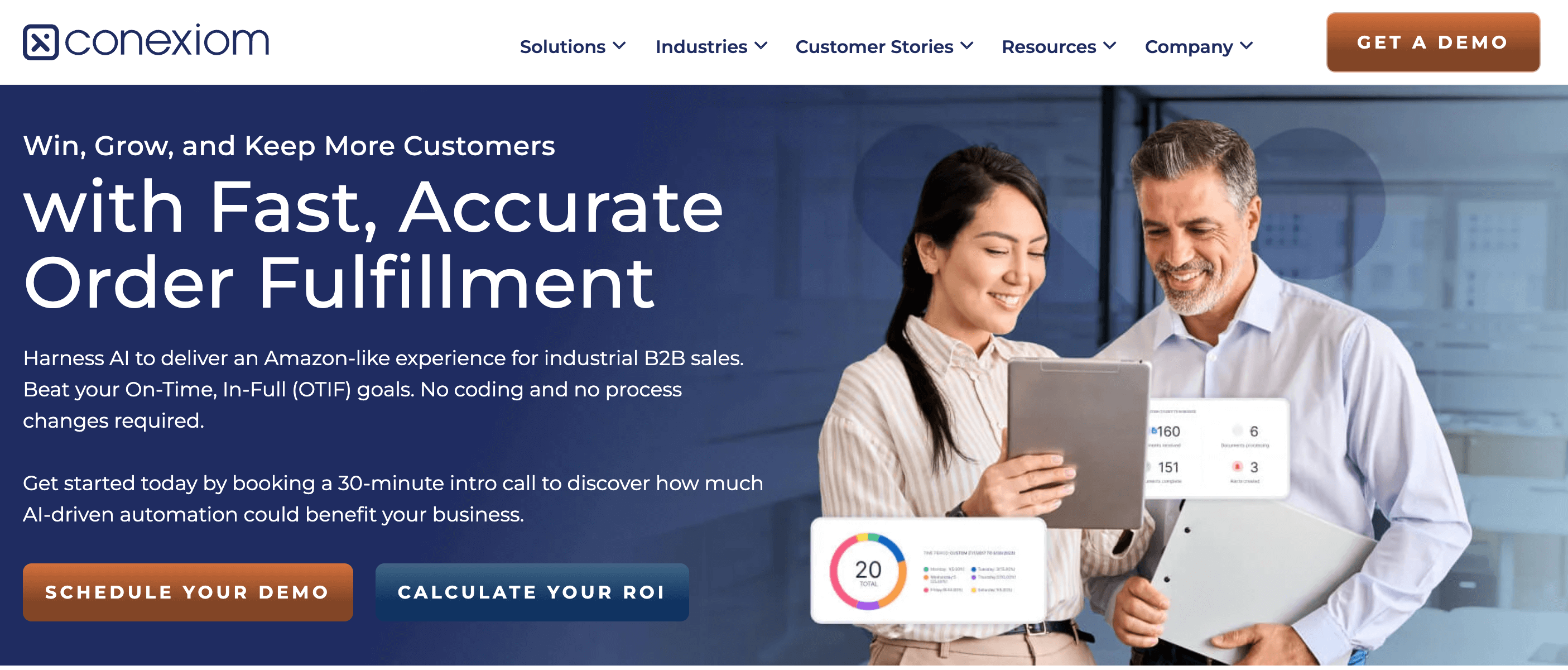
With Conexiom, you can automate the processing of incoming documents such as invoices and orders. How? By converting them into digital format. The platform boosts ONTIF (On Time In Full) rates and closes the gap between offline and online!
But…
What’s ONTIF? On-Time In-full, is a supply chain metric that measures a supplier’s reliability. Did they deliver everything you ordered on time? High OTIF means happy customers, smooth production, and less money wasted on delays.
Key Features
Document Automation: First, the email documents you get are extracted. Then, the data fields are identified and analyzed. Later, the file is transformed into a format that you can use. As easy as that!
Invoice Automation: Avoid payment errors by assuring complete accuracy. It eliminates manual effort by incorporating Touchless AP Invoice Processing.
Order Acknowledgement: The data is automatically entered into ERP systems. This reduces the vendors’ manual effort.
Pros
Efficiency: By automating repetitive tasks, the platform saves tons of time!
Accuracy: A G2 review stated that they are “amazed beyond expectations” by the accuracy with which vendor acknowledgments and invoices are processed.
Cons
Customization: Users feel adding a few more document options would be great.
Learning Curve: Beginners might find navigating the platform a bit complex
Rating
G2: 4.6/5 (57 Reviews)
Capterra: 4.7/5 (44 Reviews)
Major Integrations
Salesforce, Celonis, Infor, Epicor, IBM, Oracle, Syspro, and Microsoft Dynamics
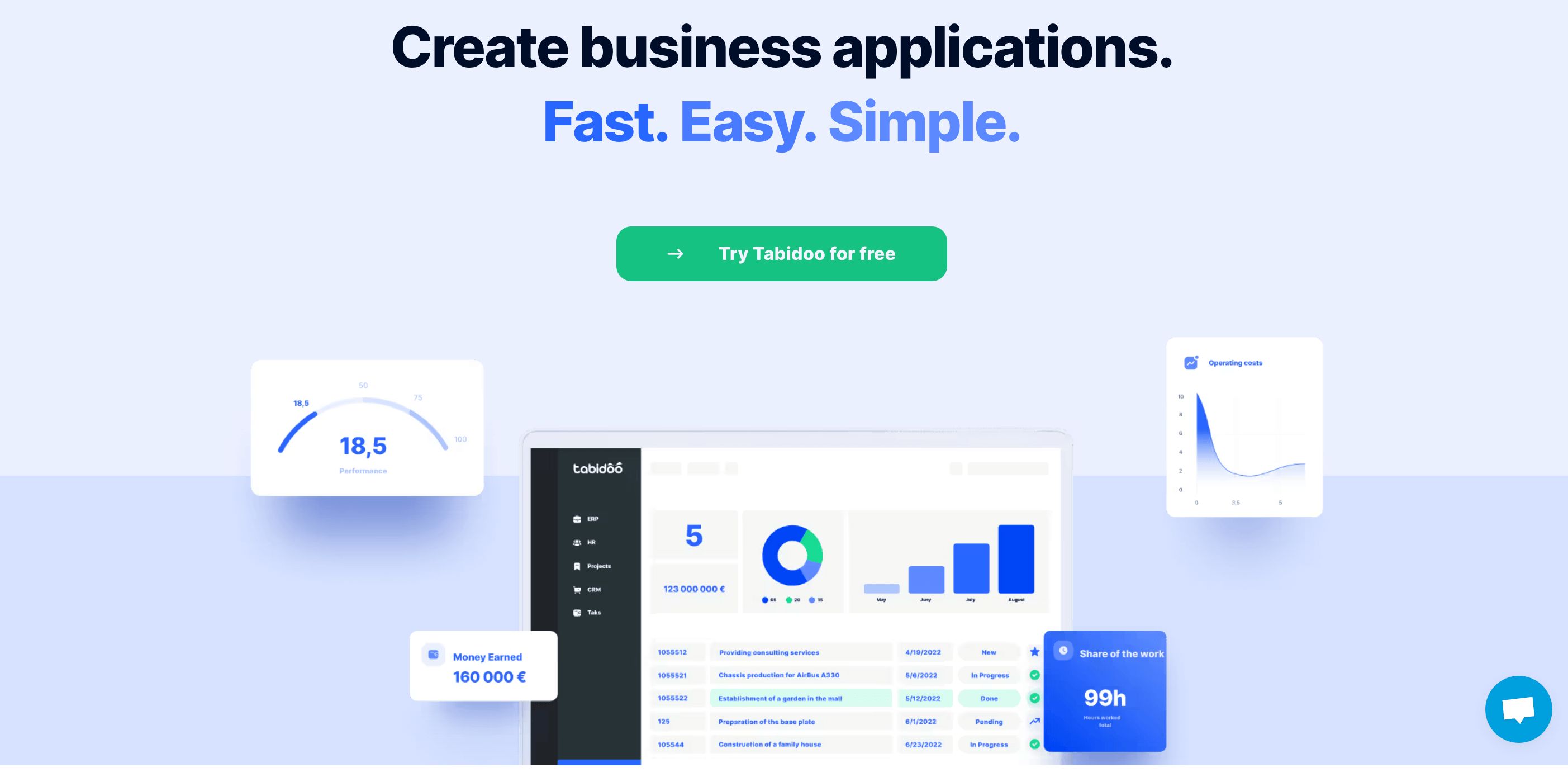
Tabidoo makes data collection and management a fun thing to do! The low-code platform is feature-packed and has a striking dashboard that adds a touch of beauty to your data.
Key Features
Data View: View your data in Table and Kanban (card) formats. You can also view it as a calendar.
Recorded History: The entire lifecycle of data is stored in the platform. You can quickly determine who made the changes, what changes were made, whether it is the author or date.
Multi-language Accessibility: You can translate into nine languages- English, German, Italian, Spanish, and others.
Customizable Dashboard: Get clear, accurate data in one place. You can add widgets and customize the dashboard to your liking.
Pros
Customization: Users praise the platform for providing easy customization and features even in the free package.
Intuitive Interface: The platform is easy to navigate.
Rating
G2: 5/5 (2 Reviews)
Capterra: 4.8/5 (10 Reviews)
Major Integrations
Connect to any app via Zapier, Make, or API
Pricing
There is a free plan that will be feasible for individuals or small teams.
TrueContext is a workflow automation software offering customizable data collection, analytics, reporting tools, and advanced integration capabilities.
As of March 1, 2024, ProntoForms decided to refresh its brand and unveiled its new name, TrueContext. They wanted a name that embodied the company’s core values.
With the platform, you can merge field workflows and data with your set of records.
Key features
OCR: With the camera-to-text feature, you can transcribe images and document texts to actionable data.
Data Routing: Validate the data automatically and use it to run the business logic. This will make you confident and accurate!
Advanced Automation: You can use TrueContext as a centralized hub for all field activities.
Conditional Alerting: They call it their “If this, then that” functionality! It shows relevant sections based on context and triggers actions based on the inputs.
Pros
User-friendly Interface: Users find the platform very flexible and easy to use. The customizable report templates are a game changer!
Analytics and Reporting: What more do you need when you can optimize your company’s data and turn them into actionable insights?
Cons
Steep Learning Curve: The platform can be a bit complex for beginners. It will take some time to find your way around.
Expensive: Though the platform offers a variety of pricing plans, some users find it a bit costly.
Rating
G2: 4.5/5 (348 Reviews)
Capterra: 4.5/5 (264 Reviews)
Major Integration
Salesforce, Zendesk, Sharefile, Box, Dropbox, Servicemax, and Google Workspace.
Pricing
The Essentials Plan costs $25/month/license
9. NTask: For Collaboration and Project Management
Whether task management, data entry, collaboration, or reporting, NTask has something for you. And it is user-friendly. It’s not that hard to find your way around it.
This project management tool streamlines your workflow by helping you prioritize tasks relevant to your growth.
Key Features
Timesheet Reporting and Tracking: Track the time spent on each task and show the progress with a timesheet.
Team Collaboration: Communication is of utmost importance when managing a team. On the platform, you can control who has access, chat, brainstorm for new ideas, or assign tasks to multiple team members.
Kanban Boards: You can neatly organize your work with Kanban boards and visualize the data with Gantt Charts. They also have pre-designed board templates.
Gantt Charts: Visualizing your data will help you get a detailed idea to make informed decisions.
Pros
Bug and Issue Tracking: This function helps you determine which issues need immediate attention and where to focus more.
Pricing: The platform offers many features in the free plan, even if you do not pay. Customers adore this!
Cons
Reporting: Users feel the reporting feature could use some improvement.
Support: A common complaint is that the support team takes more time to respond than required.
Rating
G2: 4.4/5 (17 Reviews)
Capterra: 4.2/5 (106 Reviews)
Major Integrations
Zoom, Apple Calendar, Google Calendar, and Microsoft Teams
Formstack was founded by Ade Olonoh in 2006 because he got tired of coding online forms!
This workflow automation platform saves a ton of your time! You can easily create digital forms, collaborate with your team, and take control of your data.
Key Features
Data Capture: Collect data, including signatures and payments, using engaging online forms.
Document Generation: You can enter and keep your data in beautifully designed documents.
Customizable Templates: You get 300+ pre-designed templates that you can work on.
Workflow Builder: There is a drag-and-drop workflow builder that can bring Forms, Documents, and Signs to one place.
Pros
Ease of Use: The builder is pretty straightforward. You can quickly figure it out if you take it for a single spin. You can also import your forms using the Form Importer.
Question Types: You can customize the forms with multiple question types.
Cons
Pricing: Some users find it a bit expensive compared to its competitors. So, it might not be for small businesses with a tight budget.
Customer Support: People find it a bit slow.
Rating
G2: 4.6/5 (938 Reviews)
Capterra: 4.1/5 (106 Reviews)
Major Integrations
Salesforce, Hubspot, Airtable, PayPal, Drip, Insightly, Dropbox, and Google Drive
Pricing
For Core Plans, The Suite is $191/month
Individually, you can get Forms for $18, Documents for $92 and Forms for $50














![10 Best Google Surveys Alternatives in 2024 [Updated]](/_next/image/?url=https%3A%2F%2Fsurveysparrow.com%2Fwp-content%2Fuploads%2F2022%2F08%2Fgoogle-surveys-alternatives.png&w=3840&q=75 "10 Best Google Surveys Alternatives in 2024 [Updated]")

