Best Of
How to Create a Support Ticketing System the Easy Way

Article written by Vishak V
Frustrated developer turned joyous writer.

7 min read
23 July 2024


Best Of
Article written by Vishak V
Frustrated developer turned joyous writer.
7 min read
23 July 2024
Wondering how to create a support ticketing system for your helpdesk?
“Hi Team, there seems to be an issue with my email triggers. Can you look into it ASAP?”
Imagine receiving a customer query like this and leaving it unattended for days. Well, more often than not, the customer-facing teams miss such customer tickets if there isn’t a robust support ticketing system in place.
In this blog, we’ll teach you how to create an online ticketing system to resolve customer queries or requirements.
Customers needn’t always get in touch with you to raise queries. But, when they do, it’s always better to have a support ticket system that does the job for you. A ticketing system bridges the gap between the customers and a company and helps teams solve the complaints or queries as proposed by the customer.
Now, customers can reach out to you over social media, live chatbots embedded on your websites, or the age-old way of phone calls. So, every time there’s an interaction between a customer and a customer service representative, the term ‘support ticket’ comes into play.
No matter how it happens, you’ve got to close the customer feedback loop to establish strong and cordial customer relationships.
So, how do you create a support ticketing system?
A carefully curated online ticketing system helps you manage multiple customer conversations at the same time. And we, at SurveySparrow, have added a Ticket Management feature to close the feedback loop – be it for customers or employees (yes, you can build an IT ticketing system internal to your organization as well).
Try our customer support ticketing system and enterprise survey software for 14 days – absolutely free. Sign up for FREE below.
Assume that you have a customer support chatbot to raise requests. Now, let’s see how it works.
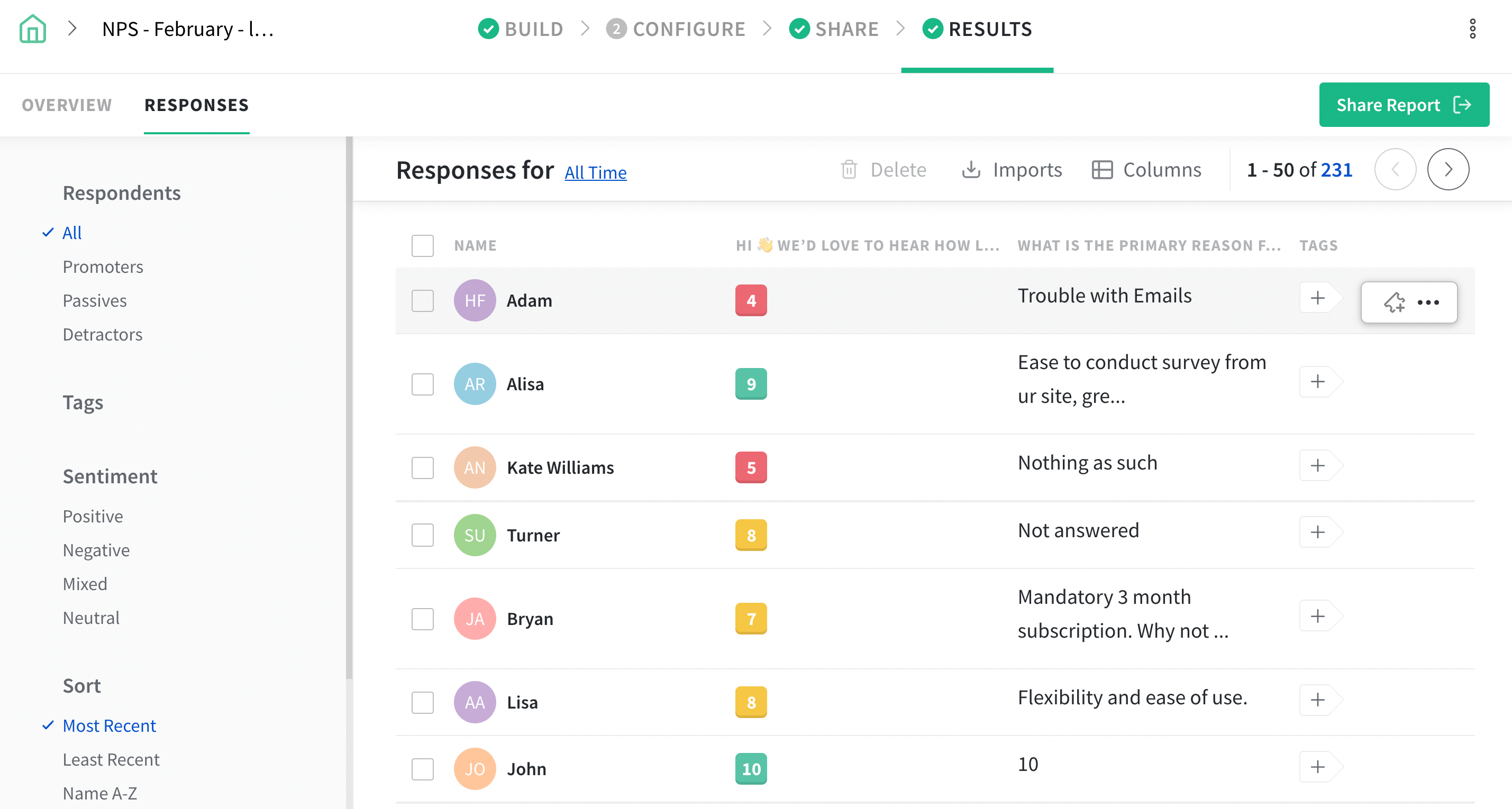
When customers raise requests through the chatbot or survey, you get the survey responses in the responses section.
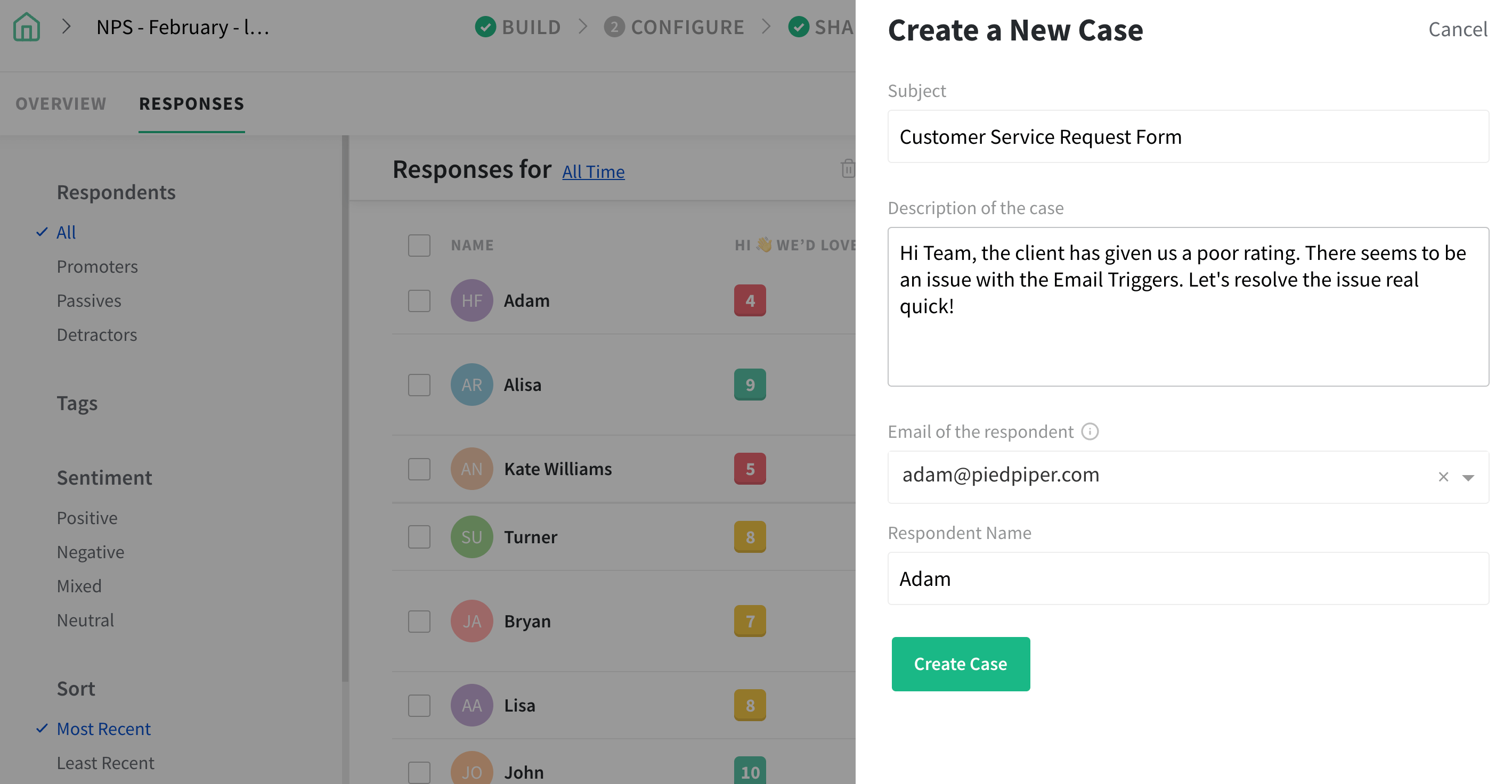
Create a support ticket against any response by providing a brief description of the customer’s request or query.
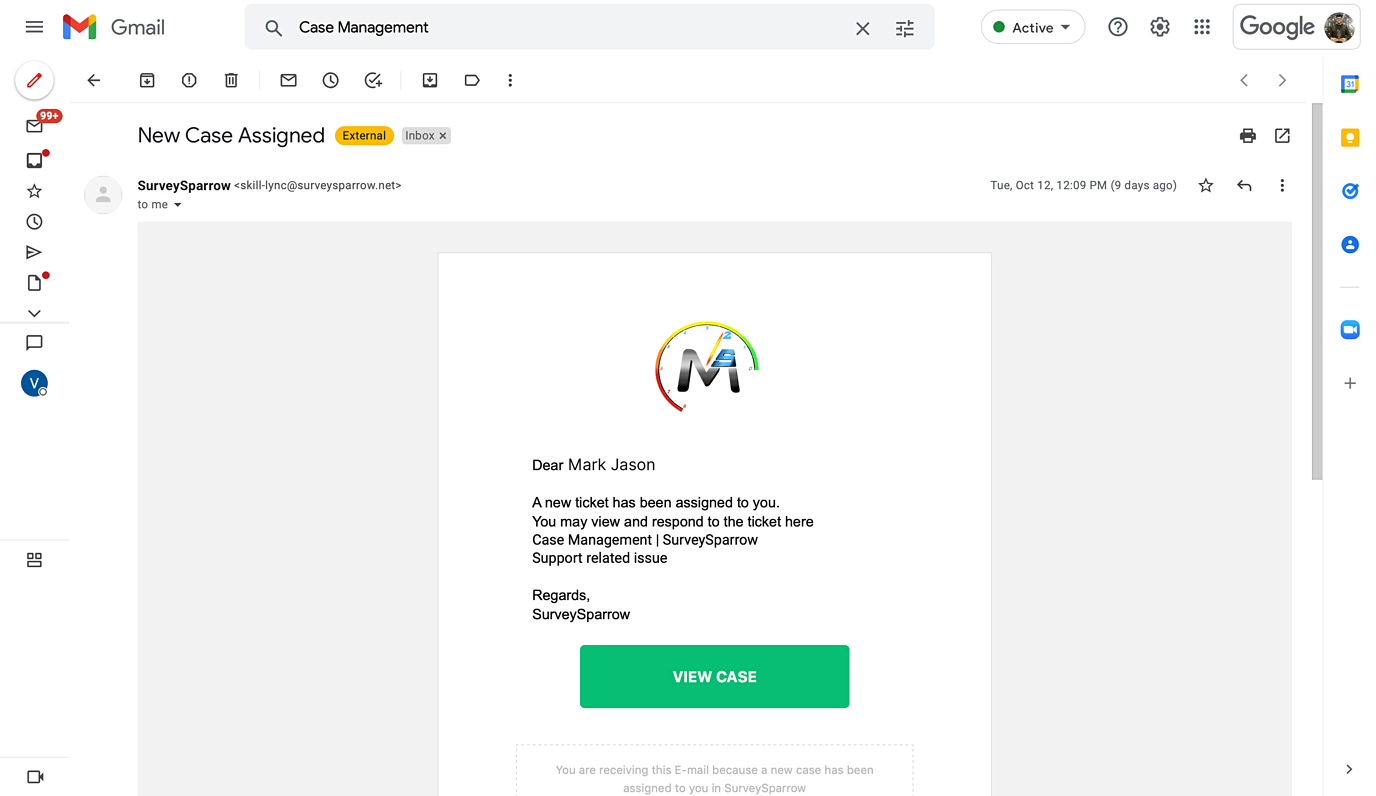
You can also check the status of the raised ticket and the due date from a dropdown list.

If you are still on the fence, consider going through the following benefits. Who knows, you might be tempted.
It’s crucial to address customer concerns at the earliest. Why? Because almost 33% of the customers switch brands just after one bad experience. Support ticketing system (or help desk system) can help here.
It allows you to easily track the customer query status and receive timely responses. A faster resolution of issues means (comparatively) happier customers. Just imagine customers getting their issues solved way before they could bitch about it. That’s how helpful this software can be.
A support ticketing system not only helps you team keep track of customer queries but also helps with collaboration. This collaboration leads to better communication within the organization leading to faster resolution of issues.
Also, using an automated support system can keep your customers connected with you.
Customer support, in many ways, is necessary for an organization, but it can also add up the cost.
Here’s an example – a lot of customers are calling the support team for small things like navigation aids and all. With the average cost per support ranging from $2.50 to $5 – imagine the increase in cost for resolving such petite issues.
So, by automating support using chatbots, you can limit the calls to customer support and save a considerable amount of money. These instant solutions can, in turn, lead to a seamless customer experience.
Other benefits are as follows.
In search of the ideal software to help handle customer queries and issues? Don’t look further than SurveySparrow. The tool offers a range of features (given below) that enable seamless tracking, prioritization, and resolution of customer concerns.
Some of the key features are –
Take the manual work out of the equation by automatically converting customer inquiries into tickets.
Manage all support tickets from a single, intuitive dashboard. This way it will be easier for you to track the status, priority, and even asignee of the ticket.
The support process is unique (or different) for different business, which is why SurveySparrow allows for a custom work around. You can set up custom workflowstp match your support process. How great is that, right?
You can automate the routing, escalation, and closure of tickets based on predefined rules.
Get real-time reporting and analytics with SurveySparrow and monitor ticket trends, response time and so on. The insights dervided here can be used to improve support process and customer satisfaction.
Intrigued yet?
The tool offers a free forever plan and a 14-day free trial so that customer success teams can try out the intuitiveness and effectiveness of the tool themselves – this includes you as well. Use the following form to sign up for free!
A Support Ticket Software is a system that helps bridge the gap between the customer and the customer service representatives. It lets your customers raise queries and complaints in the form of support tickets which then can be assigned to respective teams to resolve.
Crisp subject lines, a detailed description of the query/complaint, and a deadline to address the issue make a good support ticket.


Thousands of brands trust SurveySparrow to turn feedback into growth. Try it free today!


Alternative
16 MINUTES
25 May 2022

Alternative
13 MINUTES
25 November 2021

Best Of
15 MINUTES
13 April 2021

Best Of
13 MINUTES
29 April 2024
14-day free trial • Cancel Anytime • No Credit Card Required • No Strings Attached

