Customer Experience
Mastering the Multi-Step Form: Quick Creation, Benefits and Examples

Article written by Parvathi Vijayamohan
Content Marketer at SurveySparrow

9 min read
22 May 2024


Customer Experience
Article written by Parvathi Vijayamohan
Content Marketer at SurveySparrow
9 min read
22 May 2024
Have you ever opened a lengthy online form that made you groan and click away? We’ve all been there. But, what if you could collect the information you need without overwhelming your audience? Time to check out the multi-step form.
Unlike conventional forms, a multi-step form (or multi-page form) breaks down data collection into smaller, more digestible chunks. Each “page” focuses on a specific aspect of the data you need, guiding users through the process in a clear and concise way.
Think of it like climbing a staircase – one step at a time, you reach the top (form completion) without feeling overwhelmed.
So, when should you use a multi-page form instead of a single-page version? Here’s a breakdown:
Single-Page Form:
Multi-Step Form:
Now that you know what makes multi-step forms unique, let’s explore how to build one. In this guide, we’re going to teach you how to quickly build a good-looking form without the hassle of code.
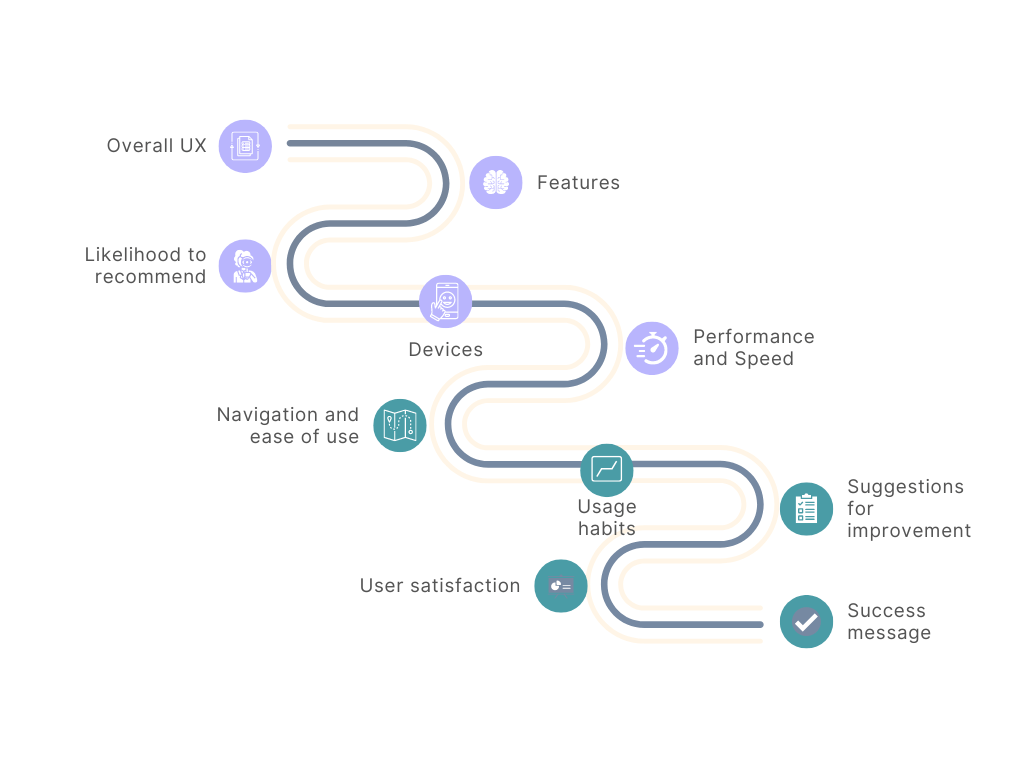
1. Plan Your Steps
Clearly define the information you need and categorize it into logical steps. While it depends on the survey purpose, we recommend a number between 5 to 10 steps for an optimal user experience. This helps balance the need for comprehensive data collection with the user’s attention span.
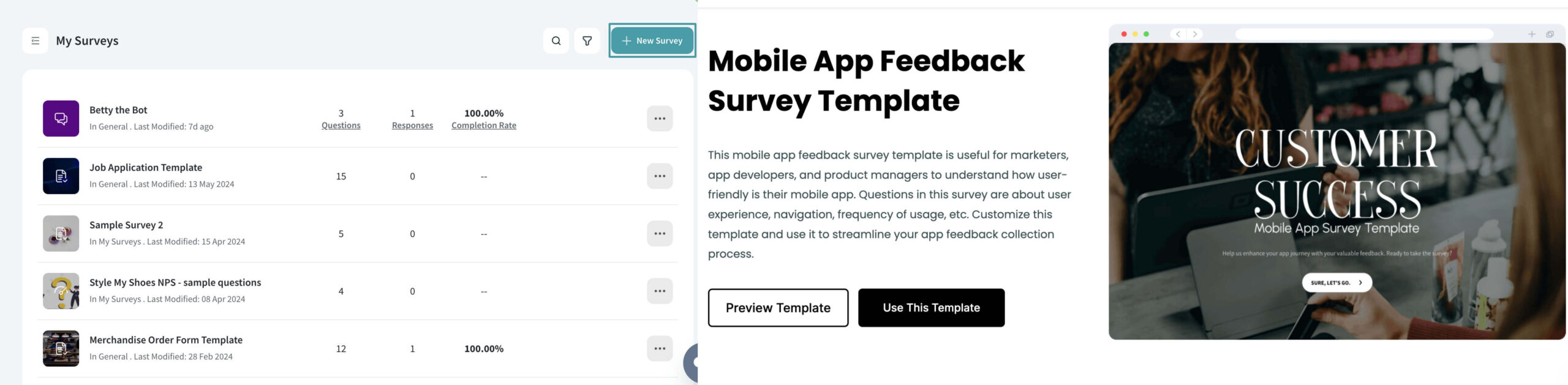
2. Choose Your Adventure:
Select a template or click on ‘New Survey’ to create a survey from scratch.
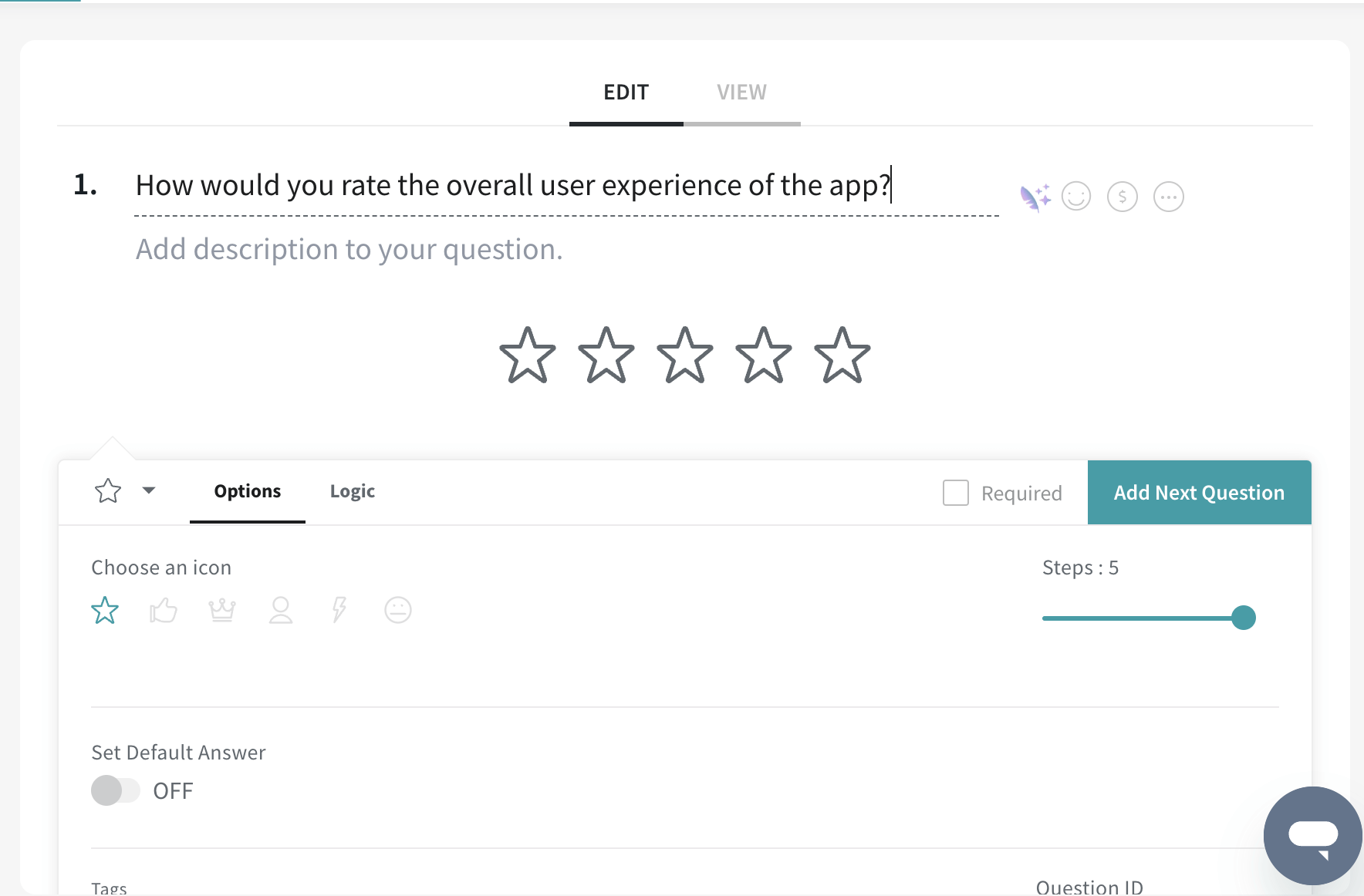
3. Keep it Clear and Concise:
Use clear and concise language in each step. Focus on one question or task per step to avoid overloading users.
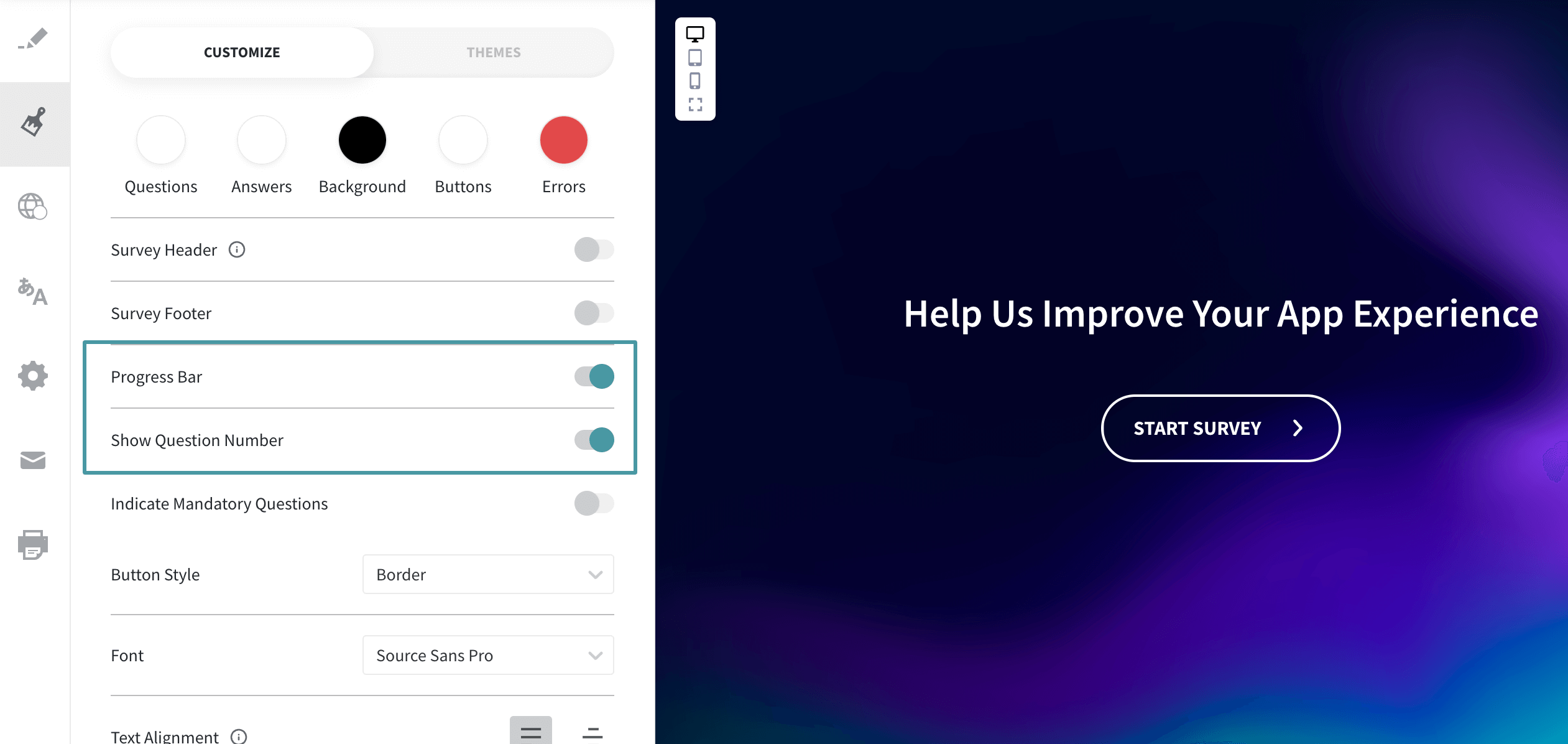
4. Progress Indicators:
Enable visual cues like progress bars or question numbers to help users see their progress. This will help them stay motivated to complete the form.
5. Mobile-Friendly Design:
Ensure your multi-step form adapts seamlessly to different screen sizes for a smooth experience on any device.
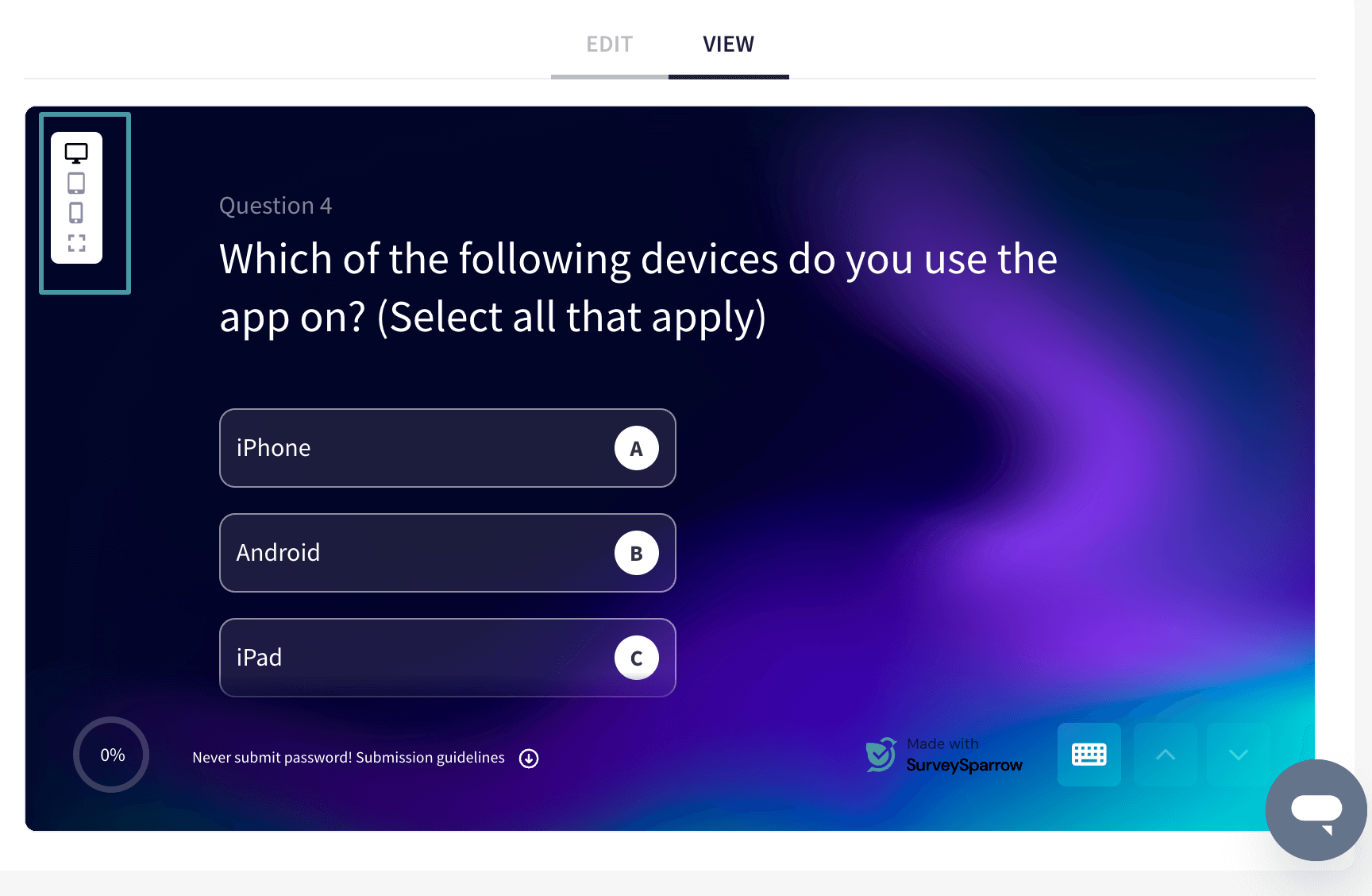
6. Error Handling and Validation:
Implement clear error messages and validation rules to catch mistakes early and prevent user frustration.
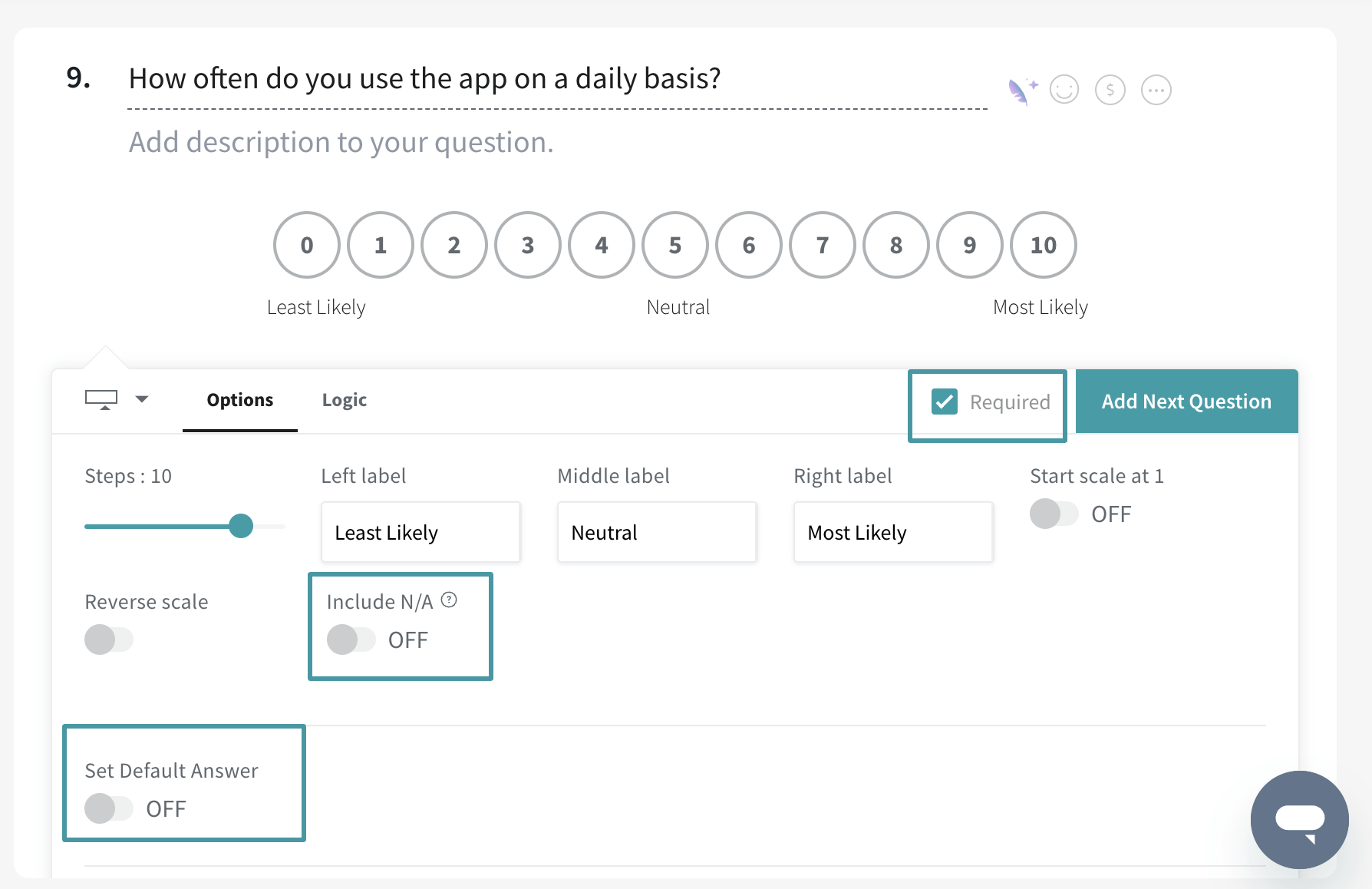
Here are some options you can use to make your form more user-friendly and accurate:
| Option | Purpose |
|---|---|
| Sections | For more complex multi-page forms that span multiple areas, you can group the steps into sections. |
| Limit submissions | When enabled, you can authenticate a user by their email, phone number or session to prevent duplicate submissions |
| Thank you page | Depending on the survey flow, you can enable multiple Thank You Pages. |
| Partial submissions | Do you always encounter situations where a respondent started a survey and then abandoned it? Partial submissions allow you to access unfinished surveys. |
| Required questions | This is best used for information that is mandatory for your survey. |
Here are some key benefits of using multi-step forms:
Here are some situations where we recommend using a multi-step form:
When you need to gather a significant amount of data from users, a multi-step form breaks it down into manageable chunks. This is ideal for scenarios like lead generation forms, user registration processes, or in-depth customer surveys.
By asking one question or focusing on a specific aspect of information per step, you avoid overwhelming users and ensure they provide accurate data.
Long, single-page forms can feel daunting and lead to frustration. But multi-step forms present a more user-friendly experience.
The clear progress indicators (like progress bars or step numbers) motivate users to complete the form by showing them they’re making steady progress. This can significantly boost completion rates.
If your form requires tailoring questions based on previous answers, multi-step forms are ideal. The conditional logic feature allows you to create a more personalized experience by presenting relevant questions based on user selection in earlier steps.
This keeps the form focused and avoids bombarding users with irrelevant information.
Multi-step forms help users stay focused on the task at hand. By presenting one concept or question per step, you prevent users from getting lost in a sea of information on a single page.
This leads to higher quality data and a clearer understanding of user responses.
In today’s mobile-first world, a multi-step form ensures a smooth user experience on any device.
The step-by-step approach translates well to smaller screens, avoiding the need for excessive scrolling or zooming that can occur with lengthy single-page forms.
Now that you’re armed with the knowledge, let’s see how multi-step forms are used in practice.
If you’re planning to increase conversions by using a lead magnet, like a free eBook or webinar, a multi-step form can be highly effective – check out this example by Klientboost.
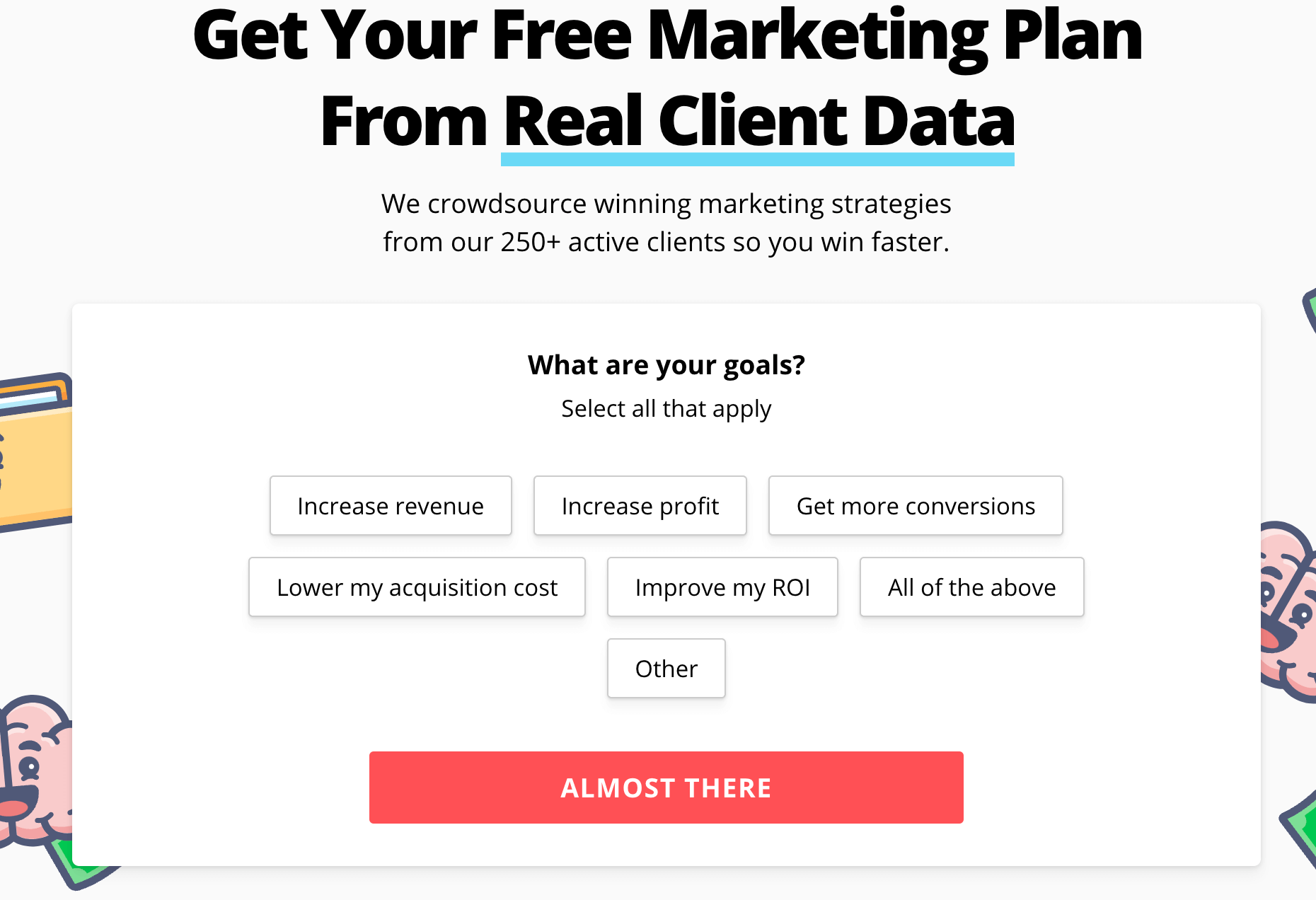
With the promise of a free marketing plan, they use a 4-step form to capture detailed information from potential customers. Each step focuses on a specific aspect; like role, areas of interest, company information and contact details.
By breaking down the process, KlientBoost gathers valuable information while keeping the user experience smooth.
You can use a basic form for spot booking, but why settle for that?
Multi-step forms go beyond basic registration. They can help you prepare for the event better by collecting specific details – like names, dietary restrictions, and chosen sessions.
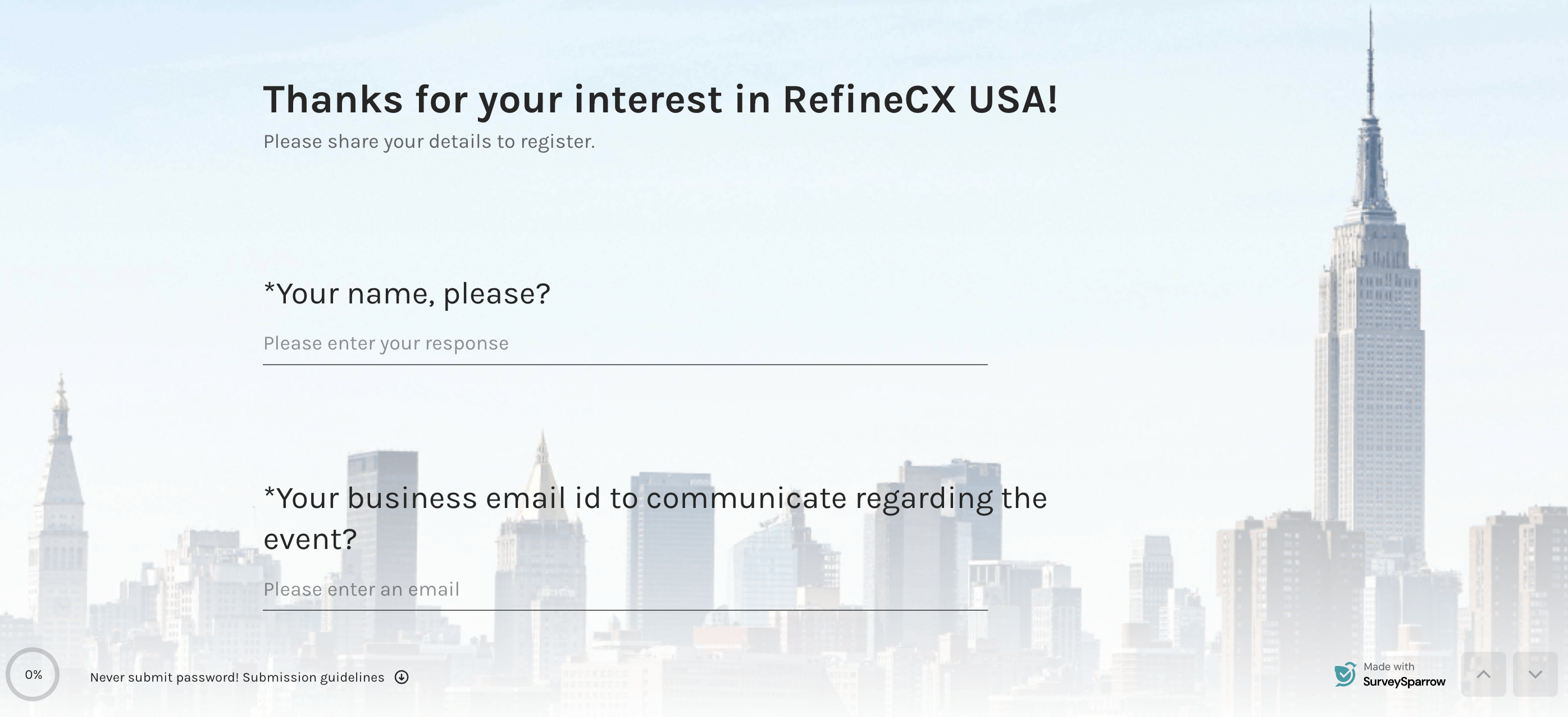
Check this example by SurveySparrow for our RefineCX USA event.
Whether they are simple or in-depth, multi-step forms can help you improve the customer experience while ensuring that users stay focused.
Here’s an interesting example by Myntra:
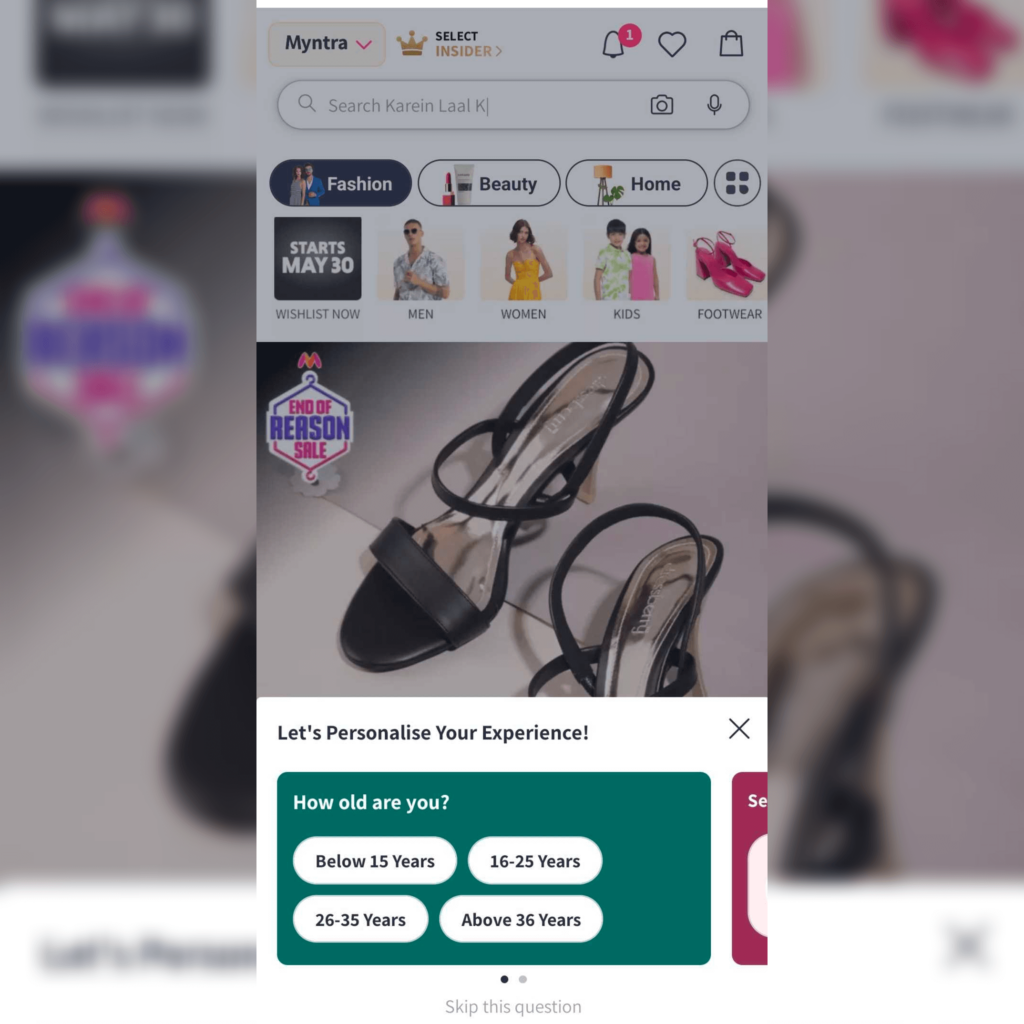
Myntra uses a 3-step form to collect key demographic details on their app. But by breaking down this process, and including a “Skip question” option, Myntra gathers data to personalize the shopper’s experience without being too disruptive.
By utilizing multi-step forms effectively, you can streamline your data collection process, improve user experience, and ultimately gather the valuable information you need to achieve your goals.
So, are you ready to ditch the overwhelming single-page forms? Not yet? Great, because single page forms have their strengths too.
What’s more, we offer both types of forms on SurveySparrow. Enter your email below to try it for free.

A personalized walkthrough by our experts. No strings attached!


Thousands of brands trust SurveySparrow to turn feedback into growth. Try it free today!

Best Of
14 MINUTES
25 December 2020

Best Of
13 MINUTES
6 November 2018

Customer Experience
18 MINUTES
29 March 2023

Customer Experience
21 MINUTES
14 September 2022


