Is it time to start looking for Kahoot Alternatives? Well, it is pretty normal to want a change. Kahoot might be one of the most fun learning platforms out there, but that doesn’t mean it has to fit the bill every time! (and for everyone)
There’s no need to fret—the research is done and dusted! All you need to do is review this detailed list of tools (both free and paid) and choose what suits your current needs.
Extensive capabilities for creating in-depth learning experiences
Let’s get started with the first in the lot…
1. SurveySparrow: Audience Management, Engaging Quizzes, Polls and Forms
SurveySparrow is an excellent audience management platform for creating interactive quizzes, polls, and surveys. Its user-friendly interface makes it accessible to both professional techies and newbies. Yes, you don’t need a coder’s brain.
The platform is one of the best alternatives to Kahoot as it provides a bit more than the latter! It’s not just the creation of interactive content that’s possible. You get advanced customization options, analytics and reporting, AI-driven Text Analytics, audience management, and more! The best part is the conversational approach. It has a higher chance of completion and keeps your audience engaged.
Let’s take a look at it in detail:
Key Features
You can create personality, assessment, or scored quizzes with the Online Quiz Maker. Plus, adding pictures, GIFs, videos, and emojis as options or backgrounds is easy. Hold their attention!
Here’s a free quiz template you can try out. Feel free to customize and use it.
Next up is the Interactive Poll Builder. You can create and customize everything from opinion and political polls to fun and straw polls. Then, roll them out and analyze the data in real-time.
Made with SurveySparrow
There are multiple question types, 30 Quiz templates, and 1000+ pre-designed survey templates for customization. Everything is Video and Image-supported.
It allows you to watch the trend with Audience Segmentation.Tailor personalized content!
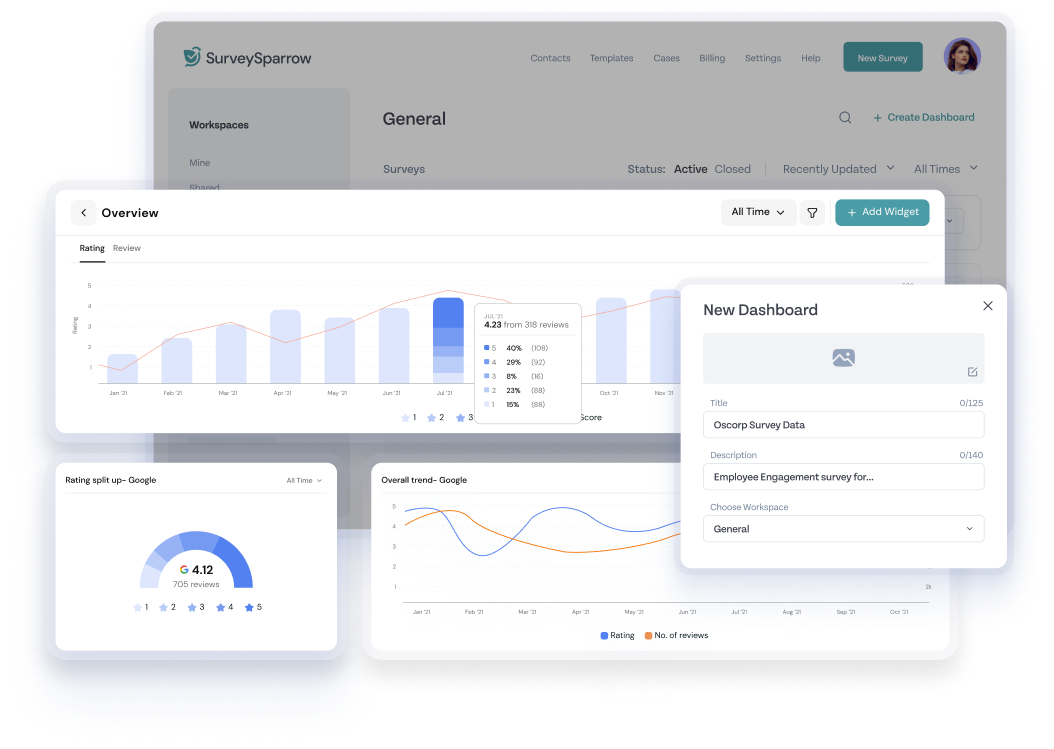
Advanced Analytics and Reporting, including sentiment analysis, AI-driven text analytics (Cognivue), individual response summaries, and response editing, will help you assess the results quickly.
SurveySparrow’s Executive Dashboard
Visualize your data on an executive dashboard and make informed decisions!
Plus, Wordcloud will help you decode open-ended questions with just a click of a button!
Take the platform for a free spin! It might be the one you’ve been looking for. A free plan is available!
Oh, wait! If you want advanced paid options, here’s a breakdown of the pricing plans:
Pricing
Pricing Plans
Starting Price
Features
Basic Plan
$19
Multiple question types and basic features
Business Plan
$79
Advanced features
Professional Plan
$249
Additional features
CX Suite
$249
NPS, CSAT, CES surveys- measuring customer loyalty, satisfaction, and effort scores
360 Assessments
Custom Quote
Research-backed question banks, advanced performance analytics, and group reports
Reputation Management
$0
Limited free version; $79 for full features
So, if you want an interactive and budget-friendly alternative, you got it! But if your needs are restricted to online game makers…
Let’s quickly move on to the next one…
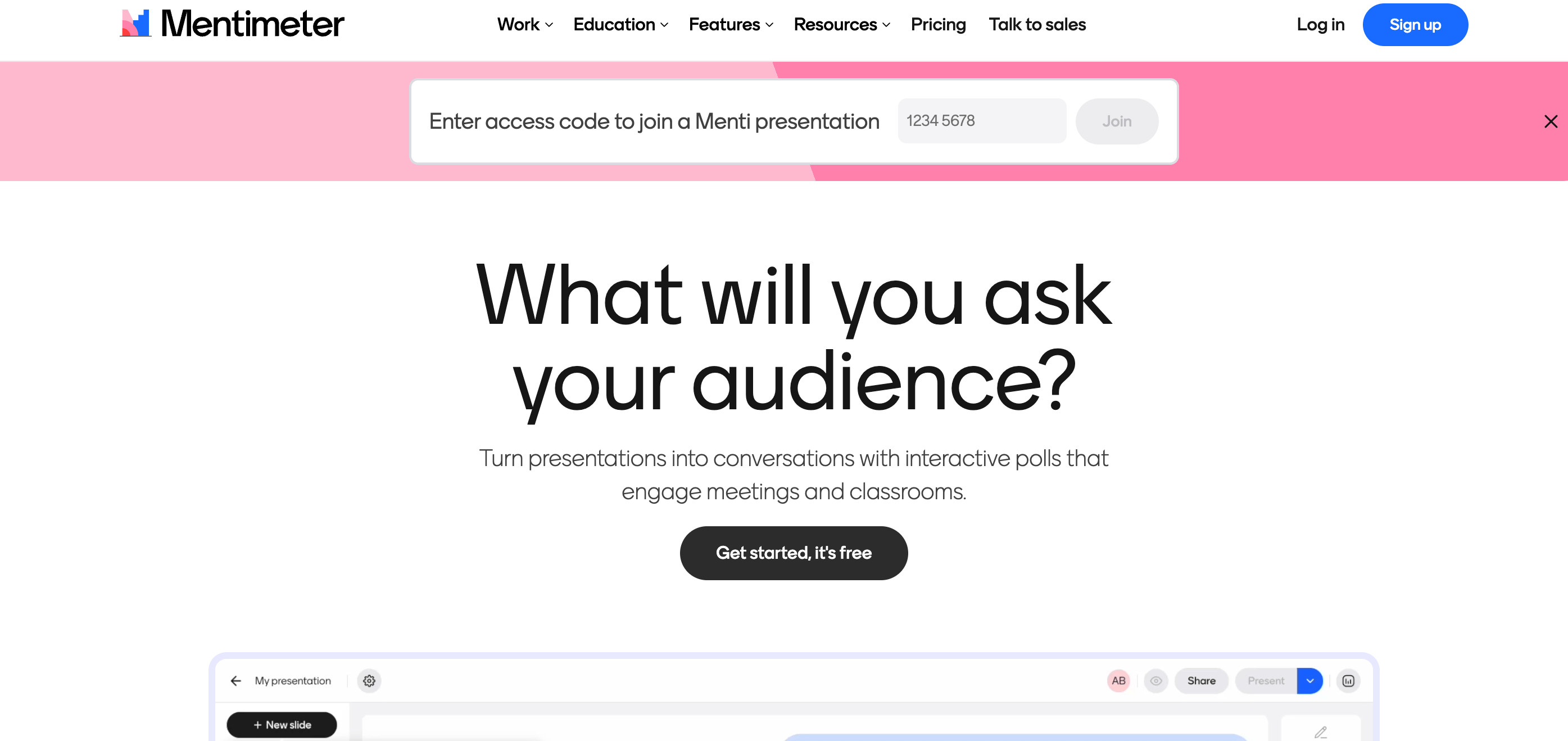
2. Mentimeter: Interactive Presentations and Surveys
Source: mentimeter.com
This cloud-based interactive platform is a must-have for streamlining your presentations and meetings. It allows you to boost audience participation by creating interactive content.
You can add polls to your classroom and make learning more fun!
Key Features
You get a Dynamic Word Cloud that has a profanity filter. Plus, there are ready-to-use templates for various use cases. Use them to save time!
Create instant polls and add multiple-choice questions or images as options. Ranking questions, scale questions, and grid questions are also available. The 100-point challenge question caught my eye!
The platform also lets you create Live Quizzes and Q&A Sessions to keep your audience engaged!
There is a feature called Mentimote that transforms your smartphone into presentation mode!
Rating
G2 Rating: 4.7/5 (202 Reviews)
Capterra: 4.4/5 (91)
Pros
Professional and visually appealing presentations that hit the mark! Plus, School teachers find the platform easy to use!
Users on G2 appreciate its ability to integrate with MS PowerPoint.
Cons
Pricing is a bit complex. It might not be the perfect fit for users with a tight budget.
Customers feel that the Customer Service could do well with some improvement.
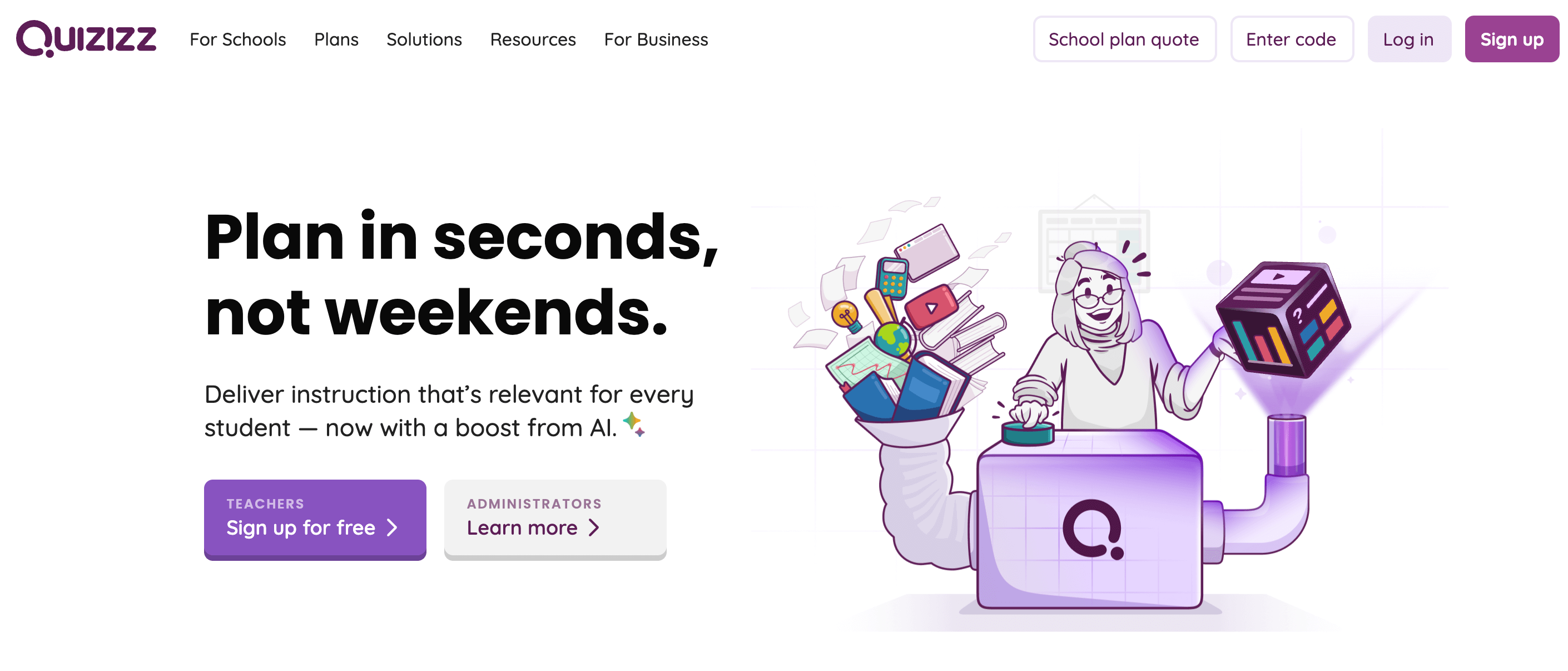
Quizizz is an educational platform that makes teaching and learning fun and engaging!
Ankit and Deepak founded the platform in 2015. It is now used by around 86% of schools in the US! Quizizz offers various customization options and saves a ton of your time. With it, you can create a gamified learning experience.
Key Features
You get 15+ Question Types, including TEIs (Teacher Education Instructions), Comprehension, Math Responses, Drawing, and more.
The Chrome Extention helps you customize your plans by taking snippets from YouTube videos, PDFs, and educational websites.
You can Create Reading materials quickly with the help of AI.
That’s not it! It enhances accessibility with features like Read Aloud, Audio Responses, translation, leveled text, and more.
Rating
G2: 4,9/5 (253 Reviews)
Capterra: 4.8 (540 Reviews)
Pros
Answer explanations, audio and video responses, and asynchronous assignments. This boosts engagement!
A gamified mode of learning boosts participation and results.
Cons
Some must-use features (which were once free) are only available in the premium plans.
There are mixed opinions about their service. While they come up with prompt solutions, there is a slight delay in response time!
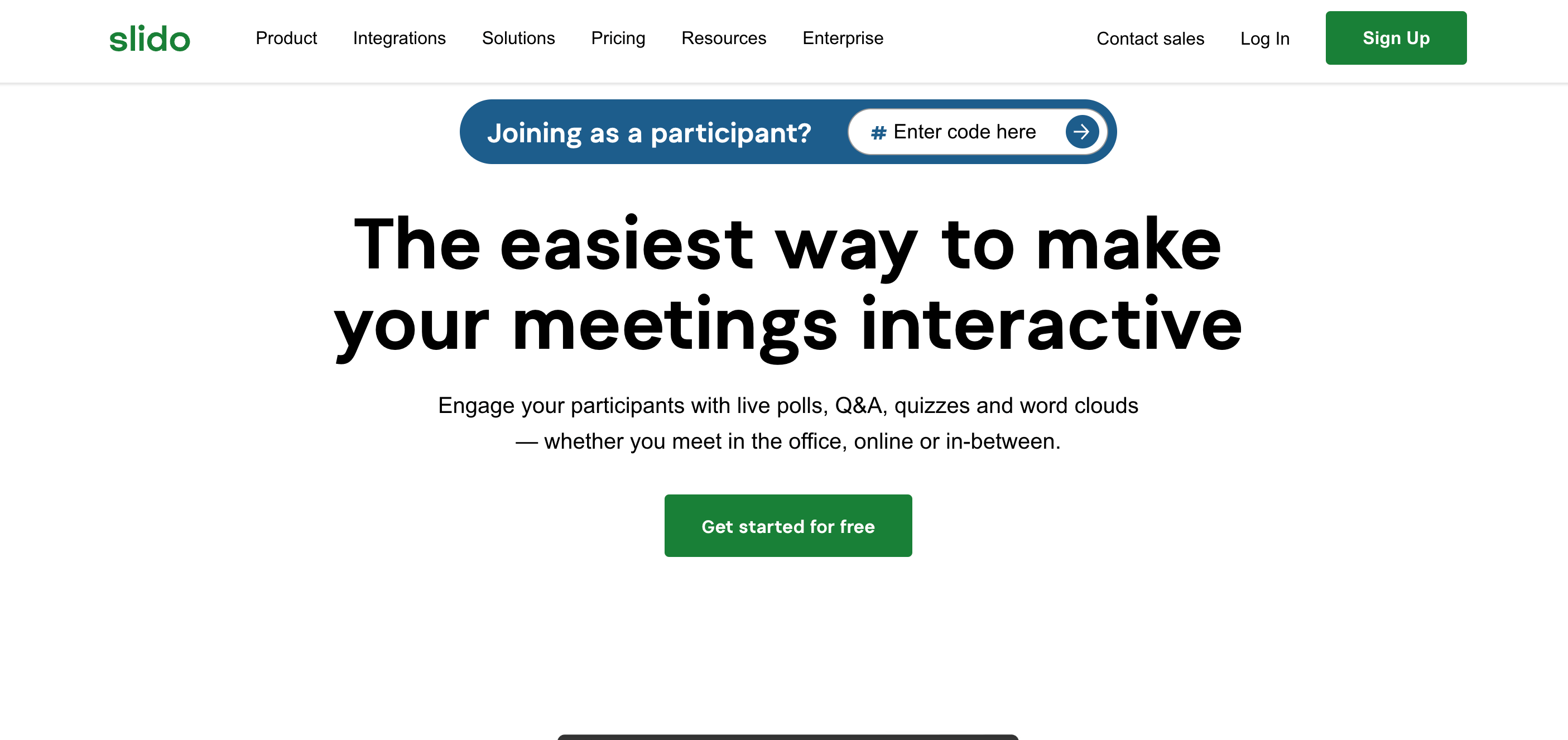
Beautifully display the most popular words with a word cloud. This is particularly perfect for the questions that require one-word submissions.
With the live Q&A session, you can ask questions without actually logging in. With anonymous sessions, you can go into incognito mode! There is also an option to upvote answers.
Plus, Slido Analytics will show you how effective your meetings were.
Rating
G2: 4.7/5 (321 Reviews)
Capterra: 4.9/5 (239 Reviews)
Pros
Zapier uses the platform for their all-hands weekly meetings! According to their CEO, it helps every member to have a voice.
A user shares on G2 that Slido is beginner-friendly, and they have fun interactively practicing their Spanish skills.
Cons
There is a time limit for the events scheduled.
It might have a steep learning curve owing to the advanced features.
Pricing
You can start with the basic plan, which is free of cost.
The Engage Plan costs $12.5/month.
Was this a fun enough alternative to Kahoot for you? If not, there’s more!
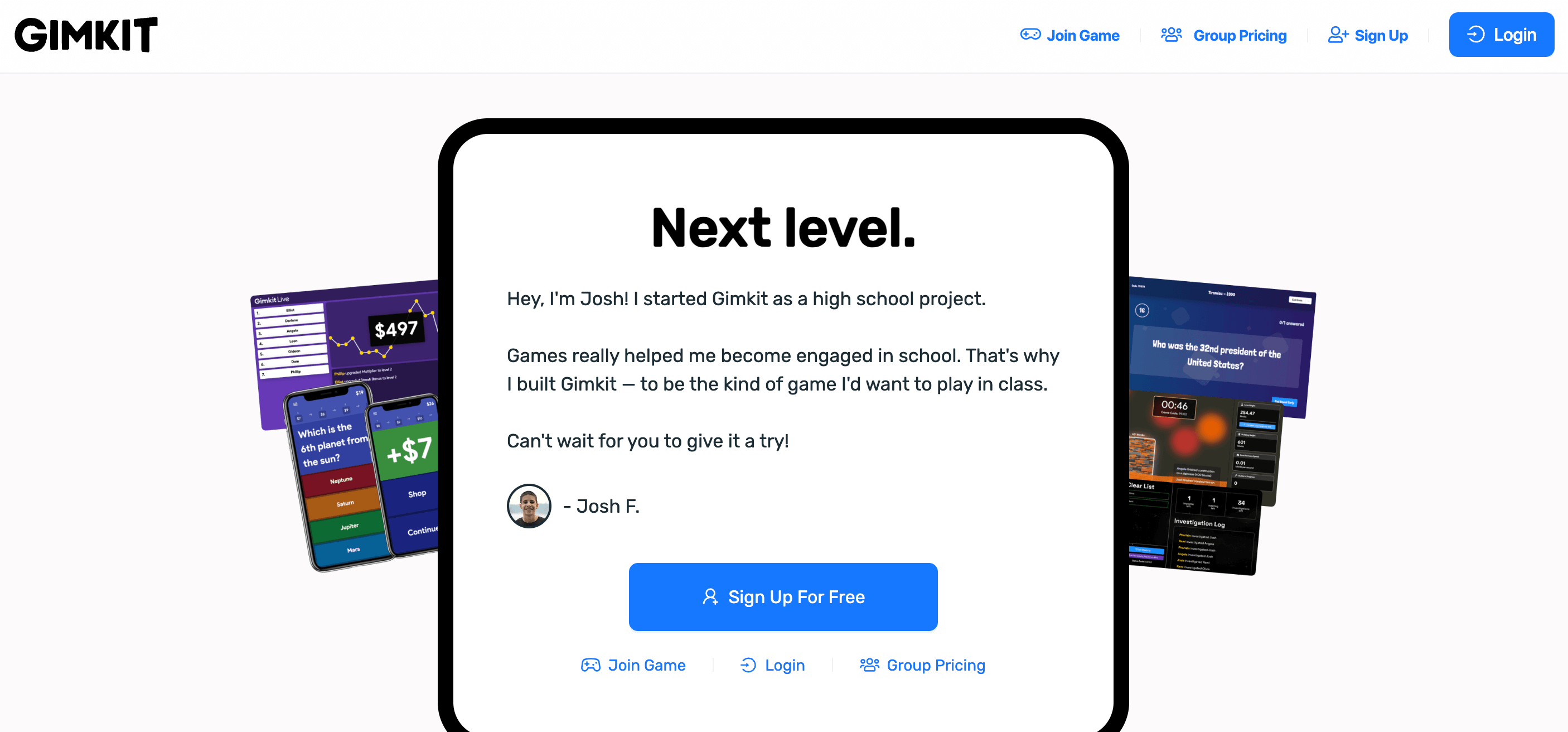
Gimkit makes online learning engaging and removes the stereotype of “homework”!
The best part about the platform is that it motivates students to excel in tests in exchange for redeemable points. Plus, students can create the questions, and quizzes can be formed and played in class! No more boring periods!
Oh, and it was founded by a high schooler!
Key Features
As I mentioned, students can create questions and submit them using KitCollab. Then, you can accept the questions and proceed to the test or quiz.
Gamekit can be used for homework and grading assignments without any hassle.
It has in-game cash, which incentivizes correct answers. At the same time, students will have to pay for a skipped or an incorrect one.
The tool is flexible and can be used on any mobile device.
There is not much information available on their website.
Pros
Multiplayer mode to create a bond among the students.
Customization options to create personalized training requirements.
Cons
The platform lacks advanced features compared to its competitors.
It could be a bit distracting. Students might focus on the games rather than learning.
Pricing
For Schools, the price is $1000/year.
For specific departments, it will cost you $650/month.
Was Gimkit fit to be on this list of the best alternatives to Kahoot?
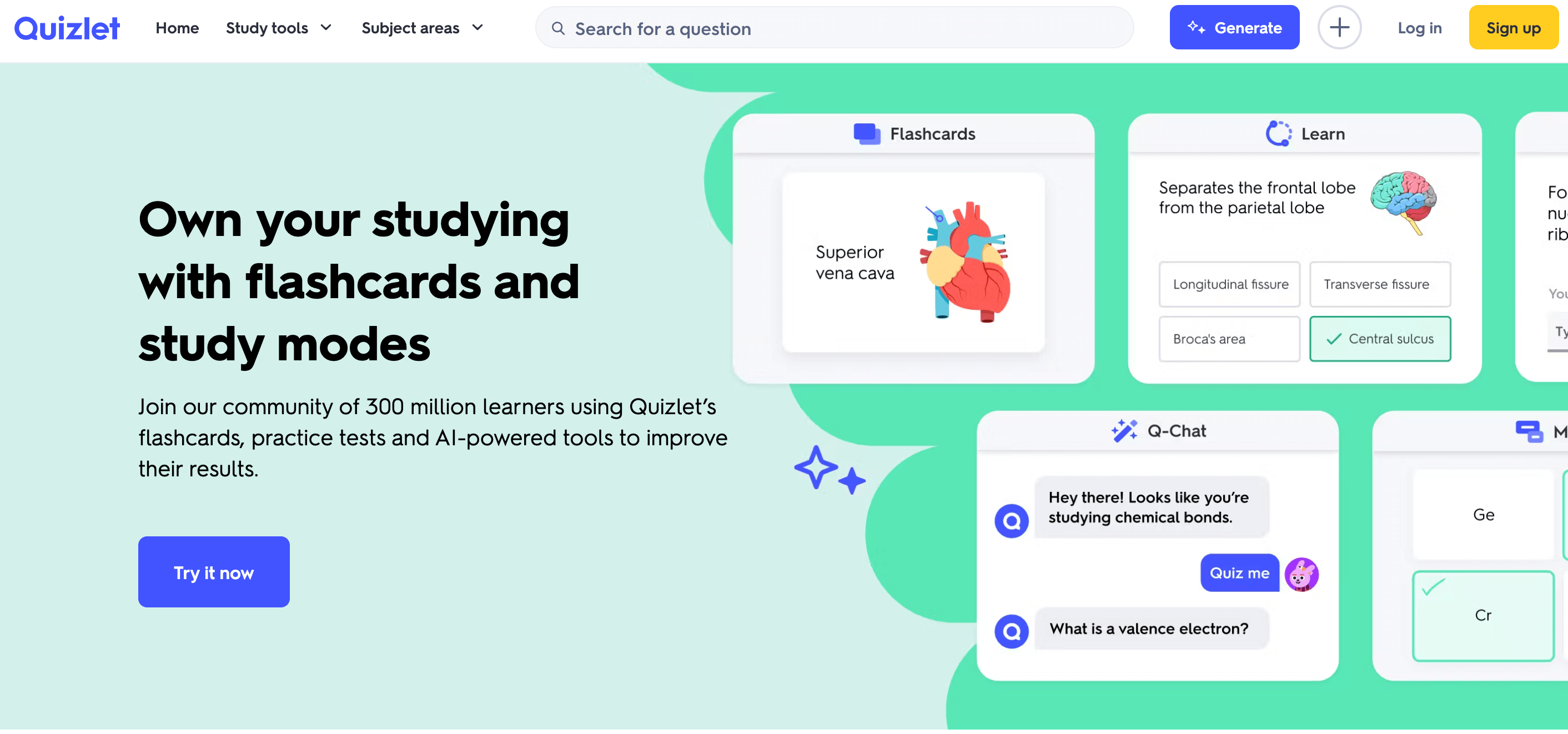
With flashcards, interactive quizzes, and practice tests, learning is fun! It helps you master each step without making it seem like piled-up work. Quizlet works on a self-paced learning model and is helpful for all learning styles.
You can also get an AI tutor! Let’s take a look at these features in detail.
Key Features
Quizlet offers an AI tutor called Q-Chat. This feature helps you grasp concepts better while all you are doing is conversing with your tutor!
The deck includes an array of flashcards. Creating one requires just a few simple steps. You can import, customize, and star those requiring detailed attention.
The AI-powered notepad makes taking notes as easy as pie!
Plus, you get trusted textbook solutions answered by experts. Each question has step-by-step explanations. All you need to do is browse the subjects and choose the one you need.
Rating
G2: 4.2/5 (285 Reviews)
Capterra: 4.6/5(132 Reviews)
Pros
A customer on G2 calls it a “quick learning tool.” They also add that it is their go-to tool for exam-type questions.
It is effective for those who have an issue with memorization.
Cons
Most of the valuable features are only available in the paid plans.
There are limited features for online classrooms.
Pricing
There is a 7-day free trial.
The Plus plan is priced at $7.99/month.
Still didn’t find your match? Here’s the next alternative to Kahoot!
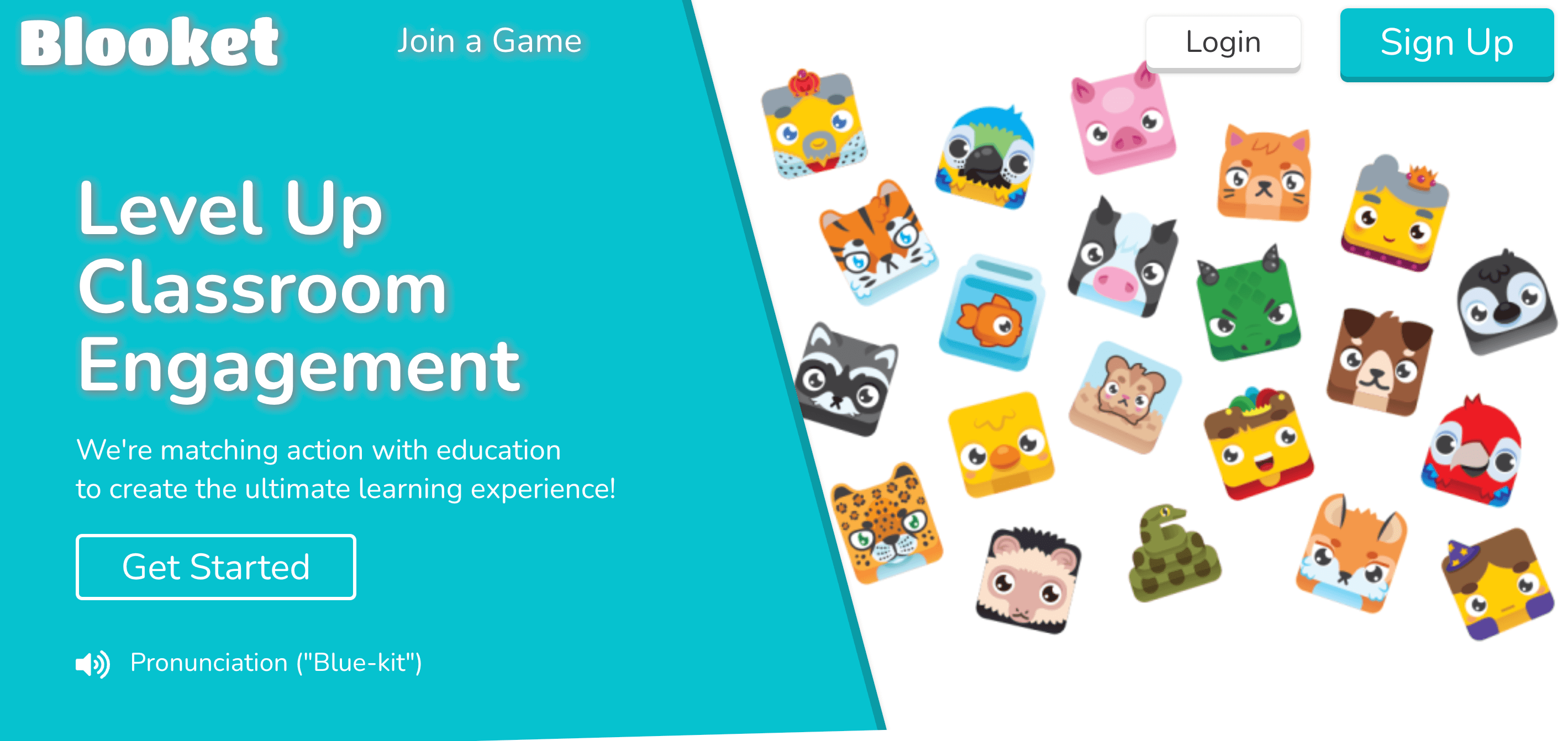
This game-based online learning platform gives a new take on trivia. It lets you choose an interactive mode that can transform your quiz-taking experience.
The best part? Blooket is effective for both the teacher and the student. It makes it look like you’re not learning but enjoying a fun game in the middle of a class!
Key Features
You can choose a game mode from the list: Classic, Gold Quest, Tower Defense, Factory, Tower of Doom, or Cafe.
There are various Question Sets in their Discover database.
The most exciting thing for me was the Blooks! They are virtual characters that can be unlocked as you proceed to the next levels.
The teacher can host, and the students will be permitted to join automatically. While at it, the review session will help the teacher keep track of the student’s progress.
Rating
G2: 4.9/5 (11 Reviews)
Pros
There is a wide range of engaging game modes. Users like how it promotes a sense of healthy competition among students.
Continuous addition of new games into the platform.
Cons
Some users find it a bit childish for students in higher grades.
There is a chance that a bug will pop up in the middle of the game.
Pricing
The starter pack is free.
You can avail yourself of the plus plan at $4.99/month.
Do you think Blooket has it to be one of the best Kahoot alternatives? But again, it doesn’t necessarily have to be the one for you. Let’s move on!
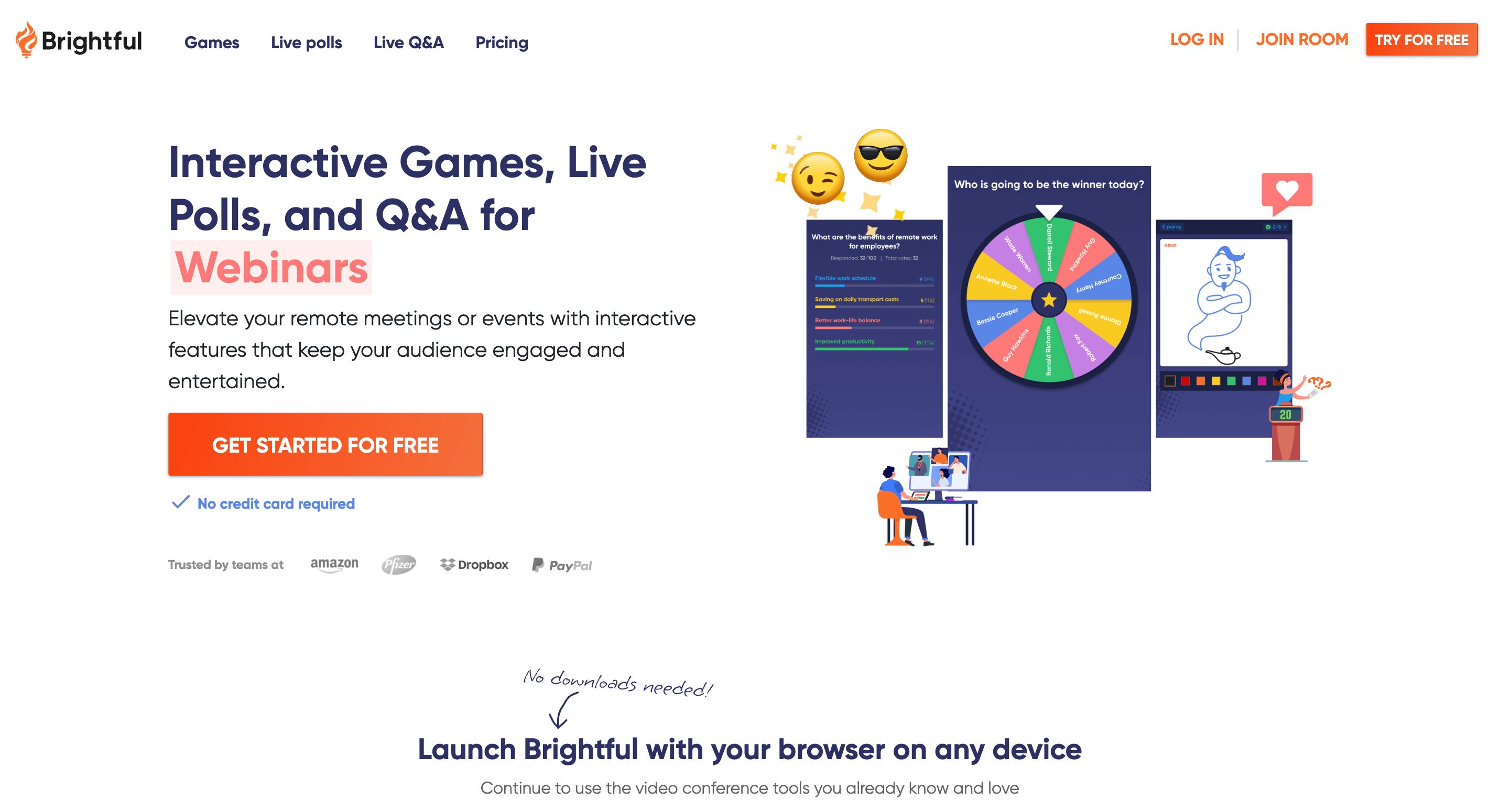
Brightful makes meeting and virtual events engaging for teams! (especially remote teams) The platform promotes team building through interactive games. Whether it is live polls, trivia, quizzes, or Q&As, Brightful has something for you.
Key Features
You get a variety of games to break the ice between members. These include trivia, charades, draw it, and would you rather.
The right questions can change everything. Motivate your audience to raise questions with the Q&A session.
Live polls help you get live feedback! You can customize them as multiple-choice questions, word clouds, ratings, or short answer questions.
Plus, you’ll have complete autonomy over the entire content.
Rating
Currently, there are no reviews on G2 and Capterra.
Pros
Real-time feedback lets you act upon issues on the go.
Cons
The setup might be a bit complex.
Pricing
Try the platform for free with a 14-day free trial.
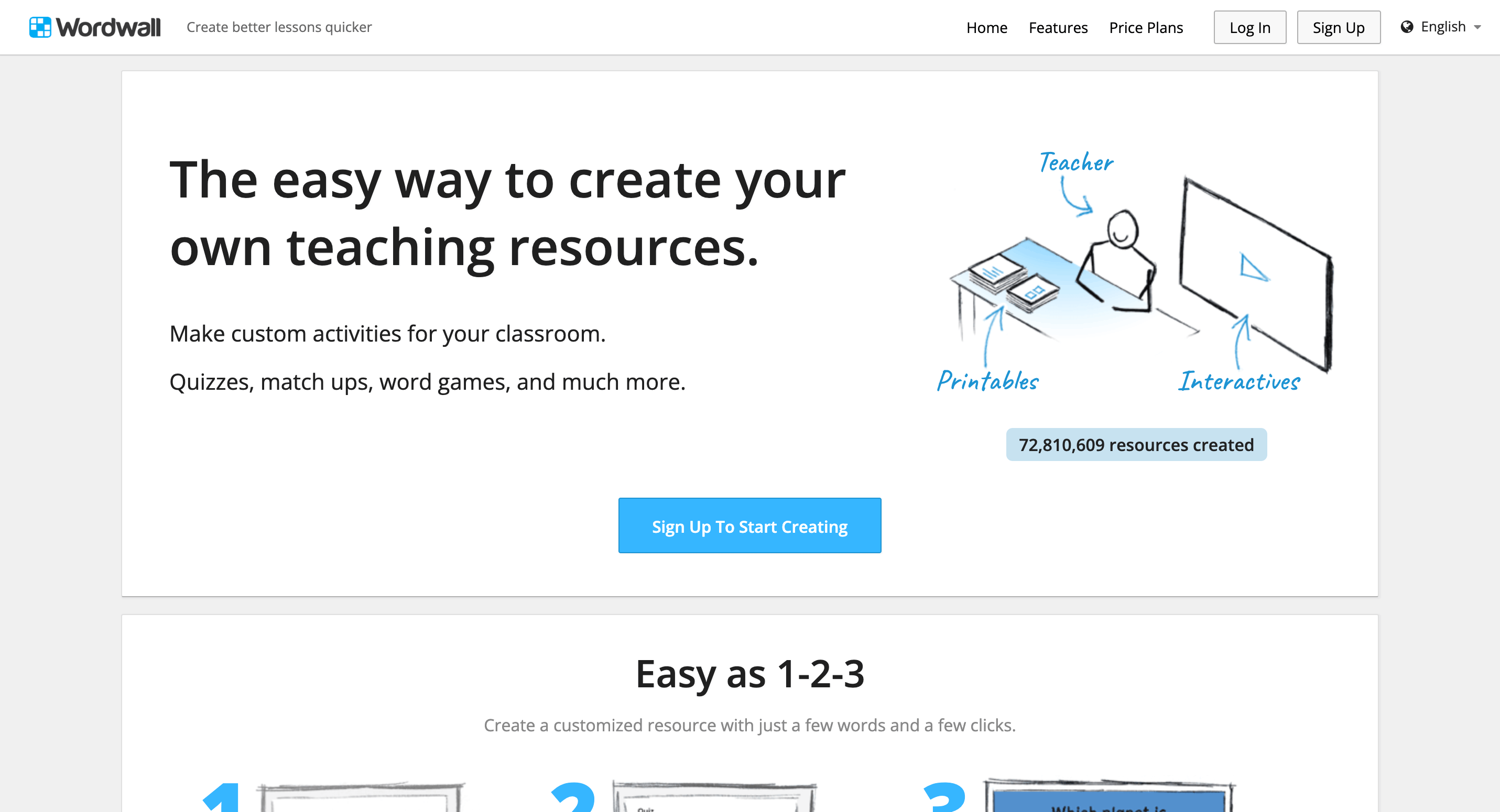
This platform targets teachers and instructors. With Wordwall, they can create interactive activities for students, increasing their engagement rate. This includes quizzes, match-ups, word games, and much more.
The interface is easy to use and has features that even a beginner can understand.
Key Features
Wordwall is available in two modes: interactive and printable. Interactives can be accessed virtually on any mobile device or a whiteboard, while printables can be downloaded as PDFs and printed.
There are Game Templates such as Crossword, Maze Chase, and Airplane.
Oh, and you can easily switch from one template to the other. You can also present interactives and printables in different visual styles.
You can embed it on your website with HTML code if you want to share it.
Rating
There are no G2 and Capterra ratings for the platform.
Pros
A vast library of pre-made templates. You needn’t exert much here!
I think I mentioned this already. The platform is easy to use.
Cons
Though you can change the fonts and the layout, the Printables have limited customization features.
Pricing
The basic plan is free.
The paid plan will cost you $10.80/month.
Still didn’t get the right one? We have one more alternative left.
This Langauge Management System was developed by Infrastructure in 2011. The platform provides a blended learning model for teachers and students alike. With virtual classrooms, pathways, and advanced tools, Canvas makes it was as a Kahoot Alternative!
Key Features
The intuitive interface provides advanced teaching tools. You can access them with the Free-for-Teacher plan.
Canvas Studio lets you learn at your pace with inclusive videos. This feature is specifically for K-12 students and teachers.
You get pre-loaded customizable templates. Certificates will be handed out automatically.
Now, learning becomes effective when you acknowledge the students. Digital badging will help you do that.
Rating
G2: 4.4/5 (1,480 Reviews)
Capterra: 4.6/5 (3,956 Reviews)
Pros
It is flexible for different educational use cases.
Users praise assignment management as one of the best features of the platform.
Cons
Some users have lost their way while using Canvas. Navigation is a bit complex.
Pricing
You can request a demo or request for a quote.
Pheww!! There you go! Now, let’s officially…
Wrap Up!
All these 10 Kahoot Alternatives serve unique purposes. Identify your requirements, fix a budget, and choose the one that fits. There’s no hurry; take your time before you invest.
If you’re confused, why don’t you try SurveySparrow for free? Clear up your mind, or maybe even create a poll to conclude!
Thousands of brands trust SurveySparrow to turn feedback into growth. Try it free today!









![How to Create Google Forms in 2024 [Updated]](/_next/image/?url=https%3A%2F%2Fsurveysparrow.com%2Fwp-content%2Fuploads%2F2020%2F09%2Fgoogle-forms-1.jpg&w=3840&q=75 "How to Create Google Forms in 2024 [Updated]")