Compare
Jotform vs Microsoft Forms: A Detailed Comparison

Article written by Kate Williams
Content Marketer at SurveySparrow

14 min read
29 May 2024


Compare
Article written by Kate Williams
Content Marketer at SurveySparrow
14 min read
29 May 2024
Jotform vs Microsoft Forms! Can’t decide? Don’t worry, I’ve got you! You’ve arrived at the right place at the right time.
Choosing what’s best for you needs time and (a lot of) effort. But that part is sorted here. I have summarized everything you need to know about the two form builders to make a wise decision.
Before we straight-up compare, why don’t we cover the basics first?
For the rest of us, we will be looking into:
Feel free to jump to the comparison if you are in a hurry!
Here’s a table for a quick sneak peek:
| Features | JotForm | Microsoft Forms |
|---|---|---|
| Best For | Personalized Surveys | Logic and Branching |
| G2 Reviews Rating | 4.7 / 5 (3012 reviews) | 4.4 / 5 (352 Reviews) |
| Intuitive Interface | ✔ | ✔ |
| CX Module | Templates | Limited |
| Mobile First Surveys | ✔ | ✔ |
| Insert Images & Videos | ✔ | ✔ |
| Conditional Logic | ✔ | ✔ |
| Analytics | ✔ | ✔ |
| Offline forms | ✔ | – |
| Pricing | Starts at $34/month | Starts at $5/month |
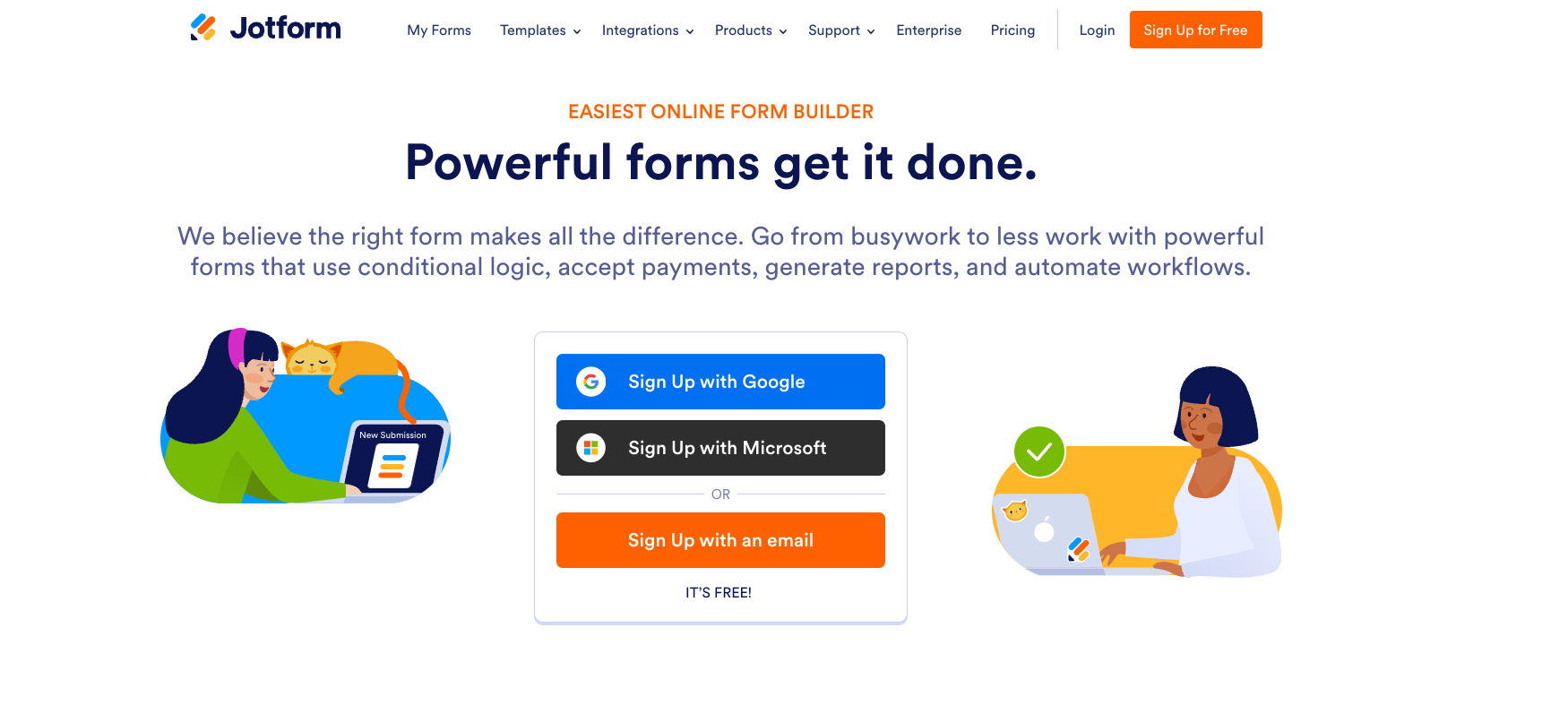
When Aytekin Tank founded Jotform in 2006, he envisioned it as a more accessible alternative to non-coders. Why? Because he was tired of coding online forms! Now, the platform has over 25 Million users and over 10,000 ready-to-use templates.
The user-friendly builder offers advanced features, including conditional logic, multi-lingual forms, offline availability, and much more.
Best For: Personalized Forms, Pre-Designed Templates
Let’s look at the some unique aspects of the form builder:
Create custom forms without any code! All you need to do is drag the elements from the toolkit on the left side of your screen and drop them onto your form! Literally! You can also choose from various field types, including drop-down, long text, short text, multiple, and single choice.
Plus, you can save your progress and resume later. It is better to enable autofill to save your data safe and sound.
Logic makes the forms responsive. With the branching feature, you can hide or show specific fields and use text from a field to perform advanced calculations. That’s not it! You can also disable, mask, or make it mandatory to fill a field. This helps you personalize the experience.
There’s a list of widgets that you can add to your surveys. I’ll share a few that I found useful- Terms and conditions, Data grid, calculator, PDF embed that lets you display documents in the form, Unique ID to a specific field, SMS confirmation, and weekly appointment planner.
Moreover, you get custom CSS code to style them according to your preference.
You can assign your forms to others by sharing a link or adding the email in the respective field. There’s even an option to allot the form to everyone in the entire organization, which, upon publishing, will be made live!
With this, teams can view the form and work together to bring better outputs.
Read More: Top Jotform Alternatives and Competitors
That was it about Jotform. Now, let’s move on to the contender…
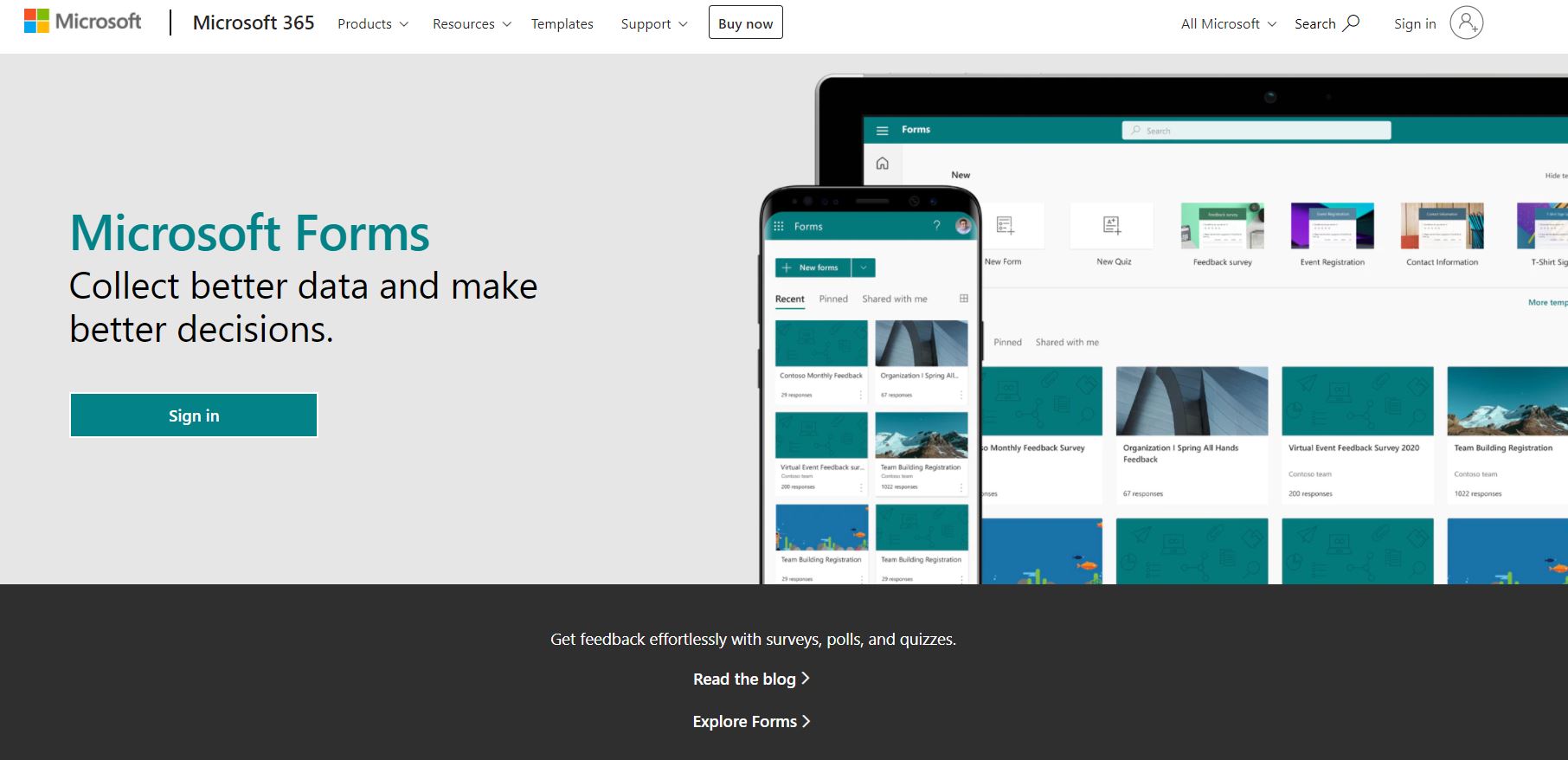
Microsoft 365 has a user base of over 300 Million! As per a study, Windows swept a market share of 54.7% in the US, followed by Apple MacOS with 30.6%. So, there’s a high possibility that 6 out of 10 users have Microsoft Office installed on their PCs! (Are you one of them?)
Microsoft Forms was created as part of the 365 Suite to build surveys, polls, and quizzes easily.
Take a look at what makes it so popular:
Microsoft Forms integrates all tools in the suite, including Excel. Conduct quizzes or polls and track the answers by exporting the results to Excel. Plus, the integration helps enhance productivity and streamline collaboration.
The easy-to-use tools, customizable themes, and design suggestions make form-building a piece of cake! Moreover, the forms can be accessed from any device or browser, regardless of the time and place. Oh, and there’s built-in AI to help you out.
Get real-time insights from polls, surveys, or quizzes and visualize them as charts and graphs. Further, a single click will export them to an Excel sheet where thorough analysis can be done!
You can branch questions to consecutive ones, skip, and display the ones only relevant to the responses. In this way, you can offer a personalized experience to your users.
Without a doubt- ease of use! Customers consider the platform to be the go-to for quick surveys. Anyone with minimum technical expertise can navigate the builder without any hassle.
Well, it might be a bit too simple for those with advanced design requirements. Another downside is the inability to save the drafts. You need to be careful with your data!
Read More: Top 10 Microsoft Forms Alternatives
It’s time for the showdown!
Since we have already completed the form builder features, let’s not go there again.
We’ll start with the most helpful aspect:
Which brings us to…
Did You Know?
Red Panda uses Jotform’s tables to keep tabs on their data. The daily health checklist also helped them ensure safe working conditions for the employees during the COVID-19 pandemic.
It is vital to ensure that the forms are Fort Knox certified.
Jotform integrates with 100+ categories. We will look at the main players here. If you want a comprehensive list of Jotform Integrations, visit their website.
Jotform might seem like an expensive option to some users.
Well, the platform wins when it comes to pricing!
There’s no winner when it comes to both tools. Each of them caters to different needs and a unique user base.
Let’s summarize this quickly!
But what if I tell you there is an easier option that is affordable and advanced? Intrigued? Here you go…

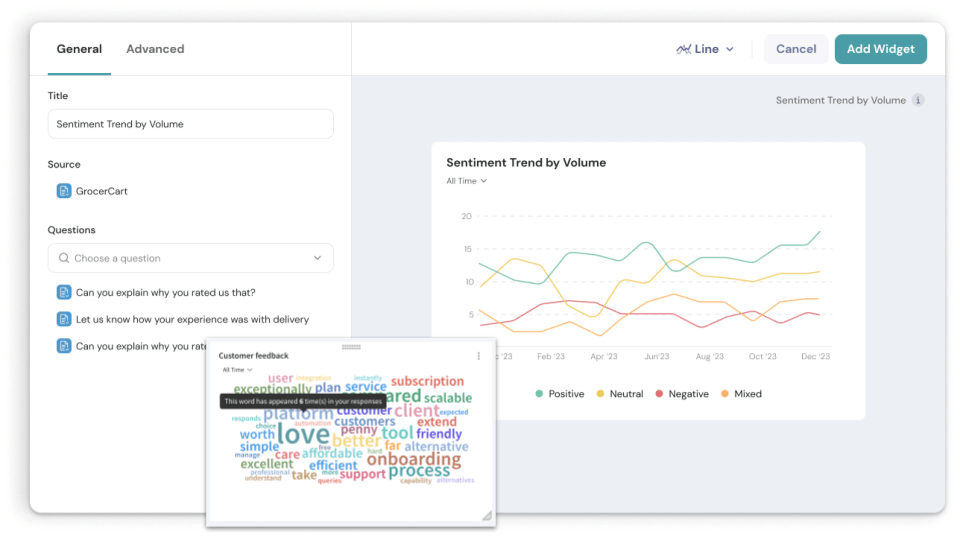
SurveySparrow is an experience management software that lets you create conversational forms that reap 40% more response rate compared to traditional ones. The drag-and-drop form builder has advanced AI capabilities.
Create engaging surveys, share them via multiple platforms, collect data, visualize it on the executive dashboard, analyze it, and make informed decisions. Plus, you get 1000+ pre-designed survey templates to customize to your heart’s desire. Feedback forms, registration forms, NPS, CSAT, and CES surveys- you name it, and the platform has it!
Don’t take my word for it. Here are some facts to back this up:
Here’s a sample template to test it out. (Feel free to use it or customize it if you like)
Product Market Research Survey Template
Use This Template
Why don’t you take SurveySparrow for a spin and see for yourself? You get the best of both worlds!
Sign up for free today!
Let’s wrap this up with a summary.
| Features | SurveySparrow | JotForm | Microsoft Forms |
|---|---|---|---|
| Ease of Use | Intuitive | Simple | Familiar |
| Used For | Conversational Surveys, CX | Personalized Surveys | Logic, Branching |
| Mobile Forms | Adaptive, Mobile-first | Mobile-first | Accessible |
| Offline Forms | Yes | Yes | No |
| Security Compliance | PCI, HIPAA, GDPR, WCAG 2.1 | GDPR, HIPAA, FERPA | HIPAA, GDPR, FERPA |
| Starting Price | $19/month | $34/month | Basic $5/month |
That’s it, then! Let’s…
Ultimately, the best platform depends on your requirements and needs. Carefully consider the complexity of the forms and customization needs. But most importantly, check how it aligns with your budget.
And you know where to go if you want a balance between the features. Right? SurveySparrow!
Happy Exploring!


Thousands of brands trust SurveySparrow to turn feedback into growth. Try it free today!


Best Of
19 MINUTES
16 October 2020

Compare
1 MINUTES
17 July 2024
Compare
14 MINUTES
5 April 2024

Compare
14 MINUTES
26 November 2021
14-day free trial • Cancel Anytime • No Credit Card Required • No Strings Attached

