Alternative
Top 8 HubSpot Forms Alternatives: Elevate Your Marketing Strategy

Article written by Kate Williams
Content Marketer at SurveySparrow

11 min read
30 May 2024


Alternative
Article written by Kate Williams
Content Marketer at SurveySparrow
11 min read
30 May 2024
Businesses often grapple with finding the perfect tool for data collection and interaction. As Albert Einstein once quipped, “You have to learn the rules of the game. And then you have to play better than anyone else.” It is crucial to find what is best for you before you set out on a race in order to gain that competitive advantage. Though Hubspot Forms has been an all-time favorite in the realm of form builders, accept that it might not be the best for you. Then again, that does not mean there’s no hope. You have an array of options waiting for you.
We have created a list of the best HubSpot Forms Alternatives to make your lives easier!
| Tool | Starting Price | Suitable for |
| SurveySparrow | $19/month | Small to Large |
| Typeform | $25/month | Small to Medium |
| Google Forms | Free | Individuals to Large |
| JotForm | $34/month | Small to Medium |
| Formstack | $18/month | Small to Large |
| Wufoo | $14.08/month | Small to Medium |
| Paperform | $24/month | Small to Large |
| Zoho Forms | $10/month | Small to Large |

Recognized as one of the fastest-growing survey platforms, it is a form builder that goes beyond the norm. It has options to create conversational chat surveys, single-page surveys, or multi-page surveys for a deep dive into insights. But that’s not all! With its seamless app integrations, you can effortlessly connect with popular platforms like Salesforce, HubSpot, or Slack, consolidating all your valuable data in one convenient place. It goes the extra mile by providing advanced analysis tools that give you comprehensive dashboards with detailed metrics.
Features:
Sign up for free and try it out today!
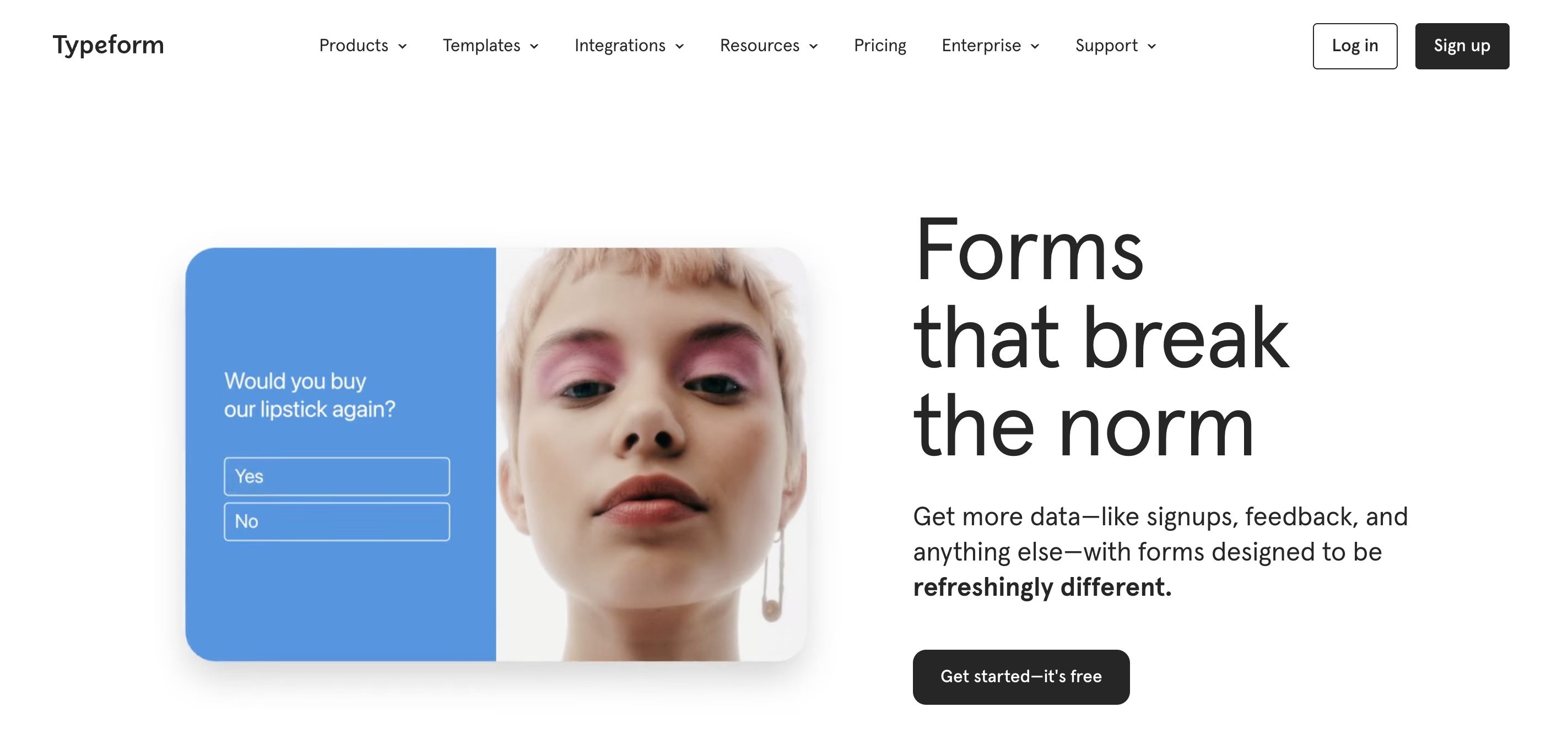
Typeform is a form builder that prioritizes engagement and interactivity to create memorable experiences. Its standout feature, VideoAsk, revolutionizes interactions by allowing questions to be asked through video, adding a personal touch to your forms. More than just a form builder, Typeform is an engagement tool designed to capture insights while captivating hearts and minds.
Features:
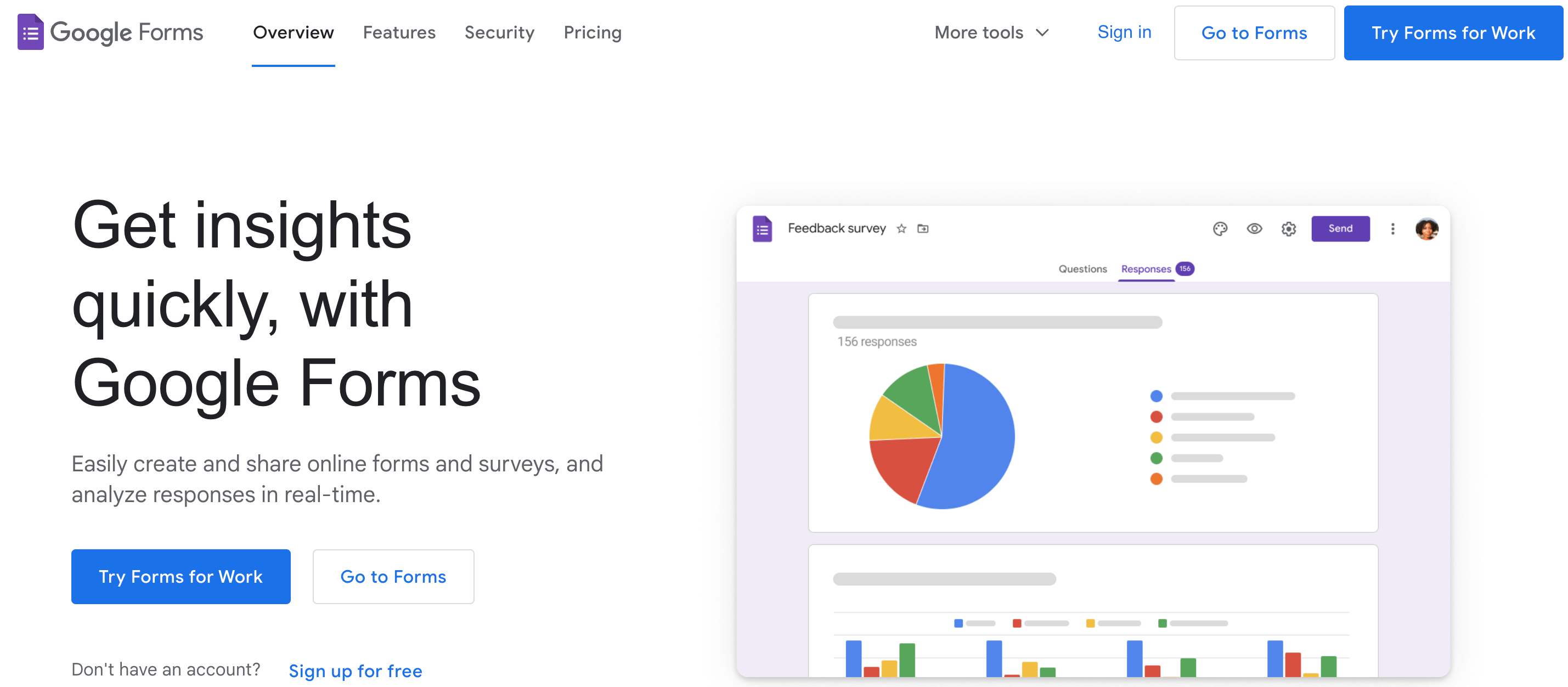
Google Forms is a reliable tool for creating straightforward, functional forms. It offers basic customization options like changing the color scheme, adding a header image, and selecting from a few different question types. One key feature is the automatic creation of a Google Sheets spreadsheet for each form to store and analyze responses. It also supports add-ons to extend its functionality.
Features:
Related: Top 12 Google Forms Alternatives of 2023
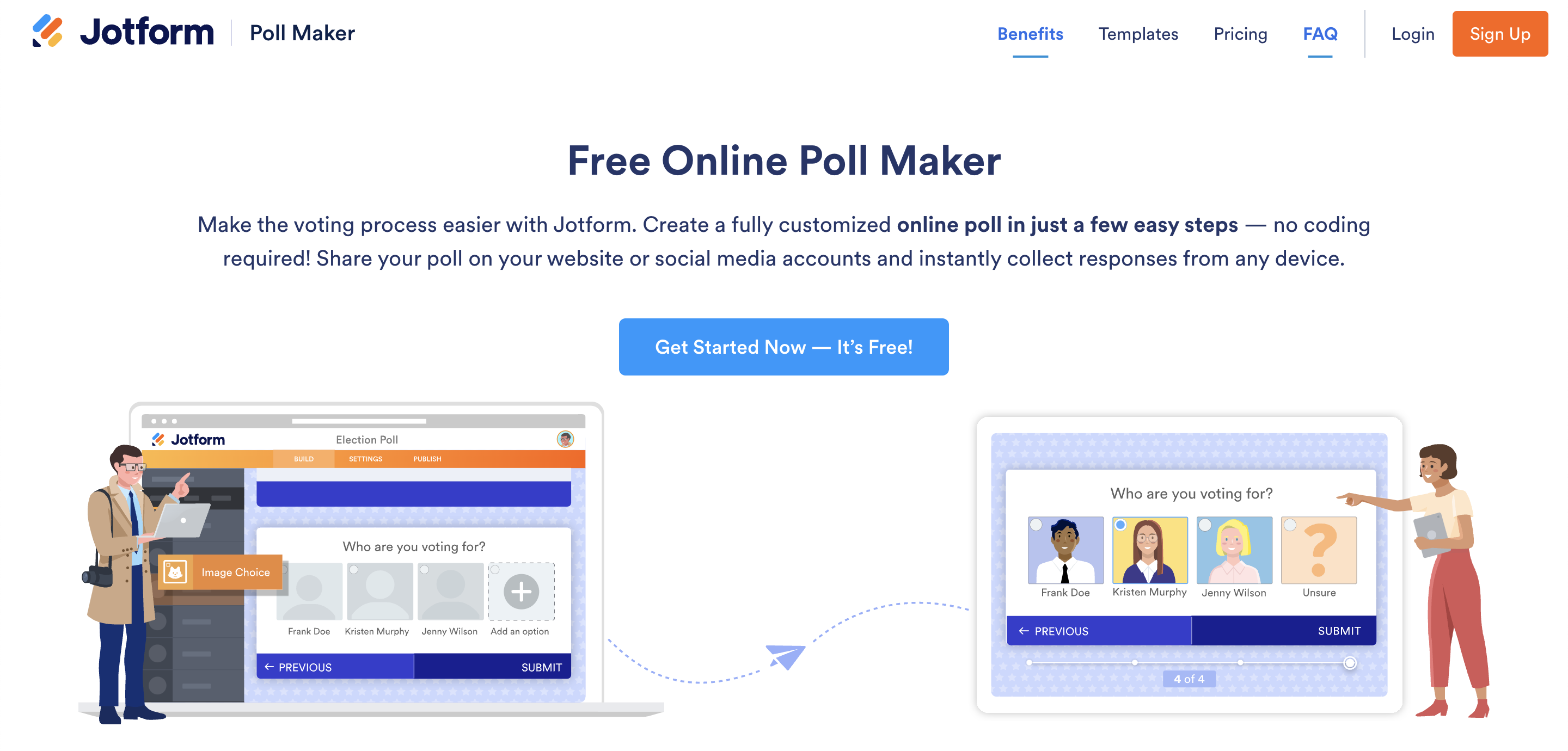
JotForm offers a highly intuitive form builder with a drag-and-drop interface, making it easy to create forms quickly. It supports a wide range of question types, and also enables integration with payment platforms like PayPal, Square, and Stripe. A standout feature is the ability to turn forms into fillable PDFs. The range of templates available, plus HIPAA compliance for health-related data, make this a versatile tool for various industries.
Features:
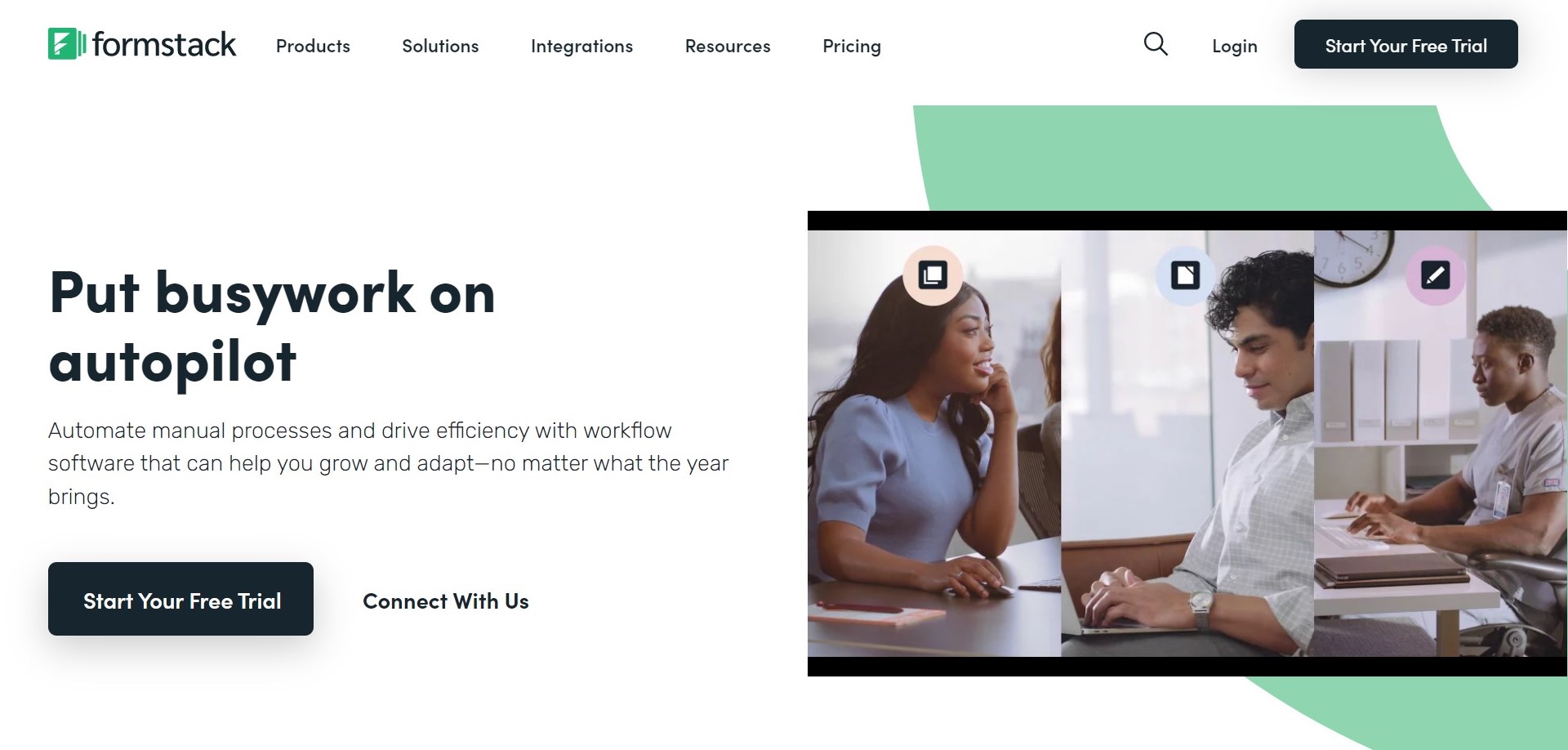
Formstack goes beyond a simple form builder by offering advanced tools for optimizing forms. It has a feature for A/B testing different form versions, a conversion rate dashboard, and the ability to use conditional logic to show or hide questions based on previous responses. Additionally, it has approval workflows, which can be useful for forms that require a review process. Its integrations with platforms like Salesforce and PayPal add to its versatility.
Features:
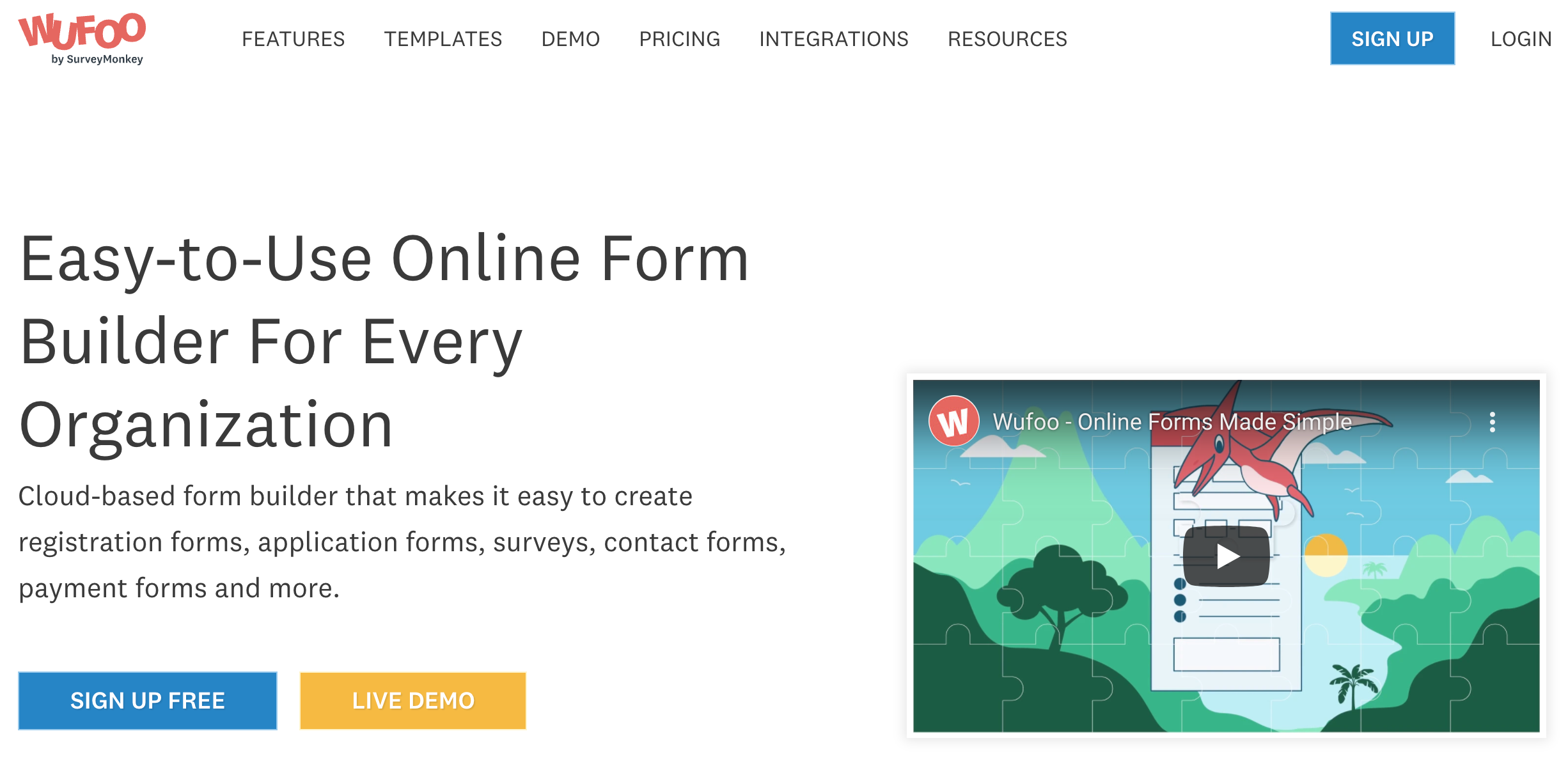
Wufoo provides an easy-to-use form builder and a wide selection of templates. It also offers features like file uploading, electronic signatures, and payment integration. Wufoo forms can be embedded on websites, shared via a link, or even integrated with WordPress. The tool also provides analytics to gain insights on how people are interacting with your forms, with options to filter and visualize the data.
Features:
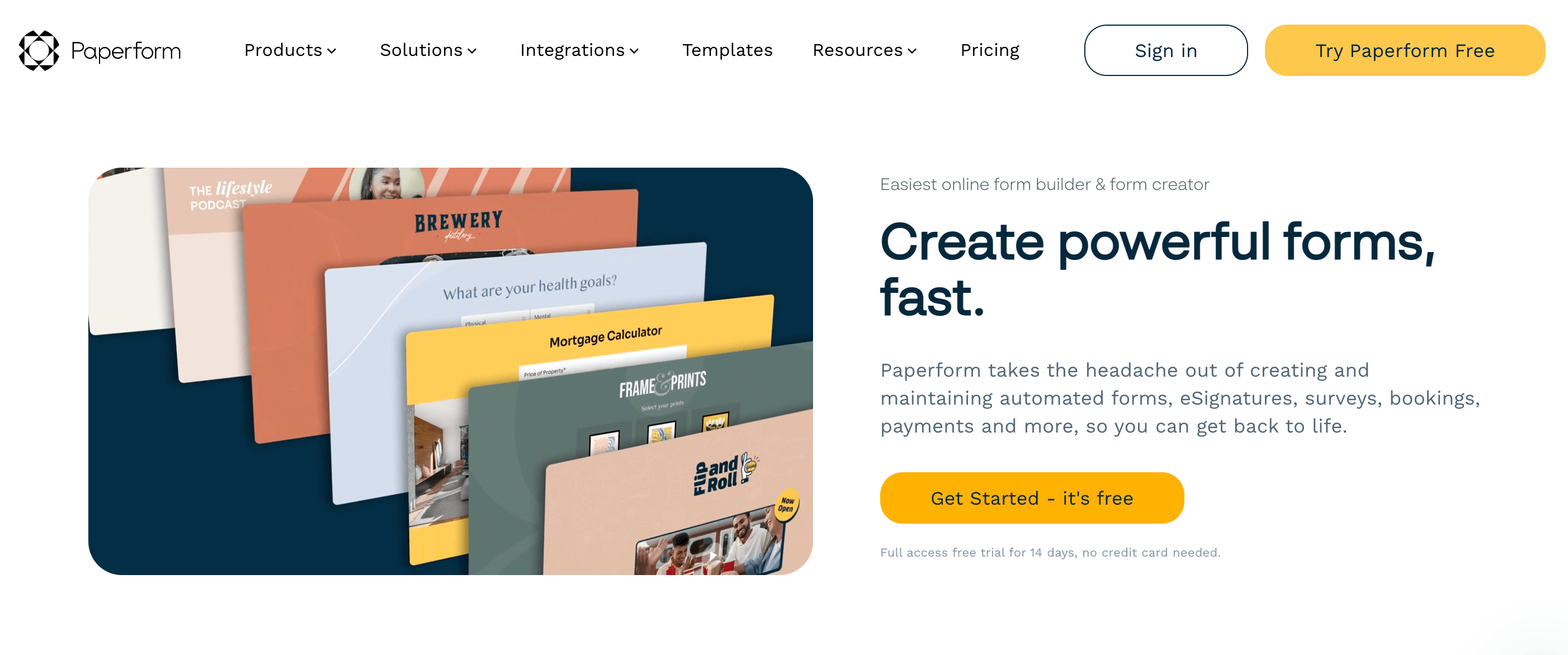
Paperform is known for its intuitive drag-and-drop interface, which makes it simple to build forms – even for users with no coding experience. It also integrates with many popular services like Asana, Mailchimp, and Zapier, allowing you to automatically send data to these apps. These features, along with Paperform’s ability to create and update contacts, making it a strong alternative to Hubspot Forms.
Features:
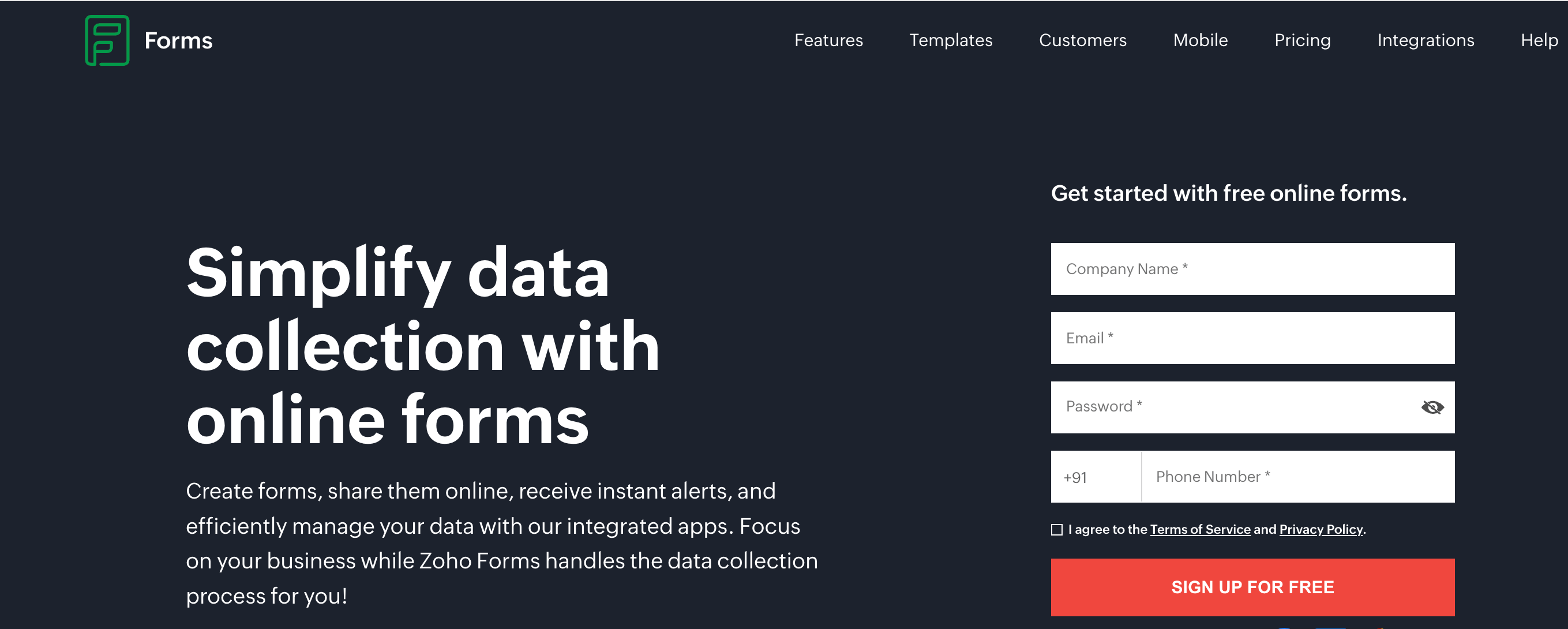
Zoho Survey is part of the larger Zoho suite, providing a simple and affordable tool for creating and analyzing surveys. It is your go-to tool for developing interactive surveys that support the collection of insightful information and the making of data-driven decisions. For companies seeking easy-to-use yet effective survey creation tools, it is a good option.
Features:
It’s important to consider the strengths of each form builder, when choosing a Hubspot Forms alternative.
Each of these form builders has its own unique strengths, allowing you to choose the one that best suits your specific requirements and preferences. Whether it’s engagement, cost, advanced features, integration, survey functionality, or user-friendliness, weighing these factors will help you make an informed decision on the ideal form builder for your needs. Again, let me remind you, SurveySparrow might be what you’re looking for, if you prefer engaging and conversational forms. Why not see for yourself before you leave? It doesn’t cost a penny to try!


Thousands of brands trust SurveySparrow to turn feedback into growth. Try it free today!

Alternative
11 MINUTES
20 June 2023

Alternative
12 MINUTES
31 July 2023

Alternative
11 MINUTES
15 May 2024
Alternative
10 MINUTES
29 July 2021
14-day free trial • Cancel Anytime • No Credit Card Required • No Strings Attached
14-day free trial • Cancel Anytime • No Credit Card Required • No Strings Attached

