Compare
Formstack vs Jotform: Which One Is Right For You?

Article written by Kate Williams
Content Marketer at SurveySparrow

14 min read
1 March 2024


Compare
Article written by Kate Williams
Content Marketer at SurveySparrow
14 min read
1 March 2024
Are you having a hard time finding the right online form builder? Choosing what’s best for you should not be such an arduous task. Right?
Believe it or not, the team and I had a brainstorming session on Formstack vs Jotform the day before, and it was fun! No complications, no code-stuffed analysis. It was just a bunch of friends sharing facts. And that’s precisely what I’m going to do with you— sign over the insights we gathered!
(Oh Yes…Research can be fun!)
Let’s start with…
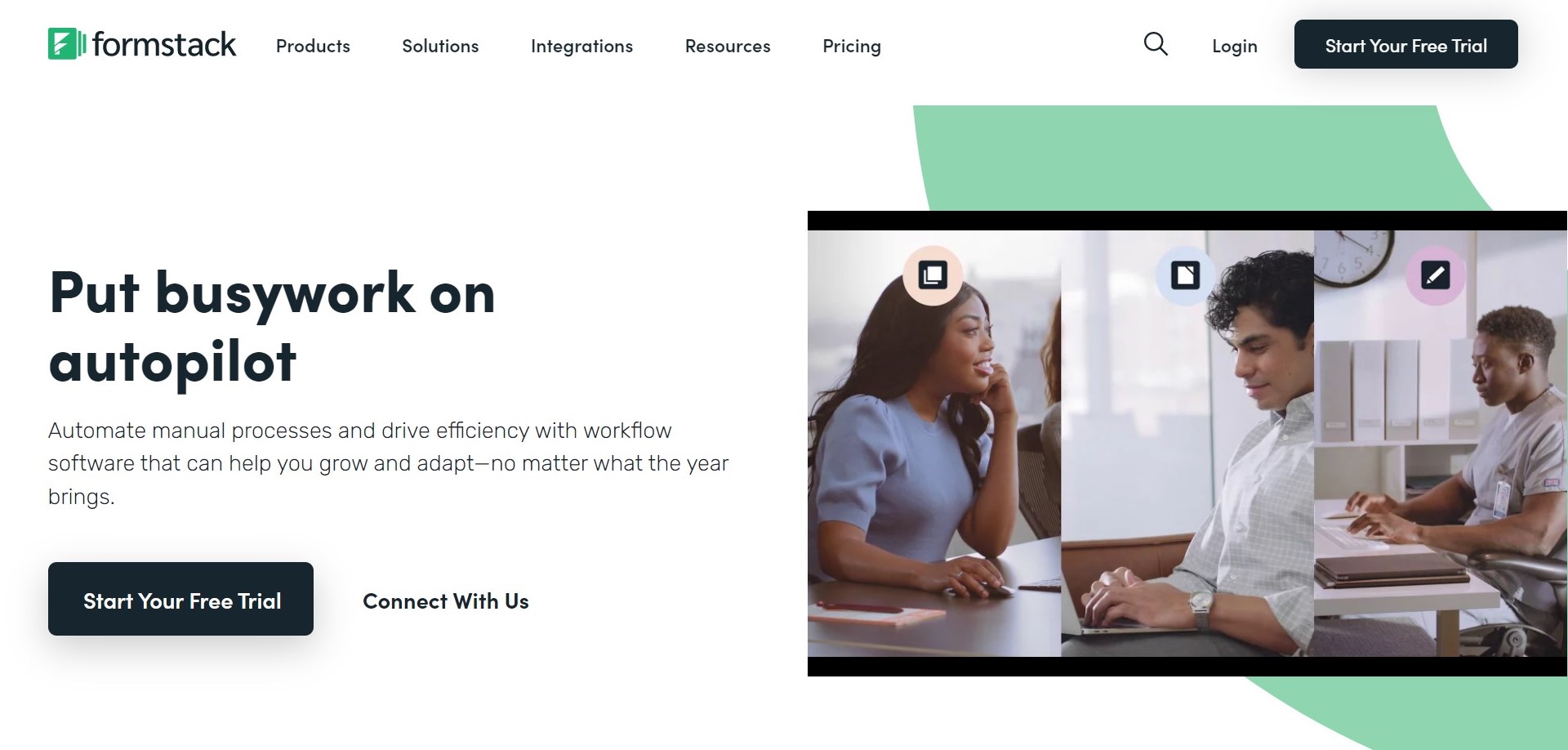
Formstack is a workflow automation software that lets you create forms and surveys, streamline document preparation, and gather eSignatures effortlessly. The best part? All this is done using no-code workflows suitable for all skill levels.
Formstack has evolved as a form builder since being founded in 2006 by Ade Olonoh.
Let’s see how:
Switch providers effortlessly with Form Importer, design mobile-friendly surveys, and minimize abandonment with Save and Resume. Manage evolving options with Smart Lists, enhance brand recognition with custom Subdomains, and create dynamic forms using Conditional Logic.
Automate data flow with Advanced Integrations, collect various files with File Uploads and optimize forms with the Conversion Kit. Confirm submissions with Email Notifications, auto-verify data with Field Validation, and capture real-time data with Partial Submissions.
Process transactions securely with Payment Processors, enhance customer experience with Discount Codes and ensure PCI compliance with PCI Compliant Forms.
Access enhanced security with Form Security, ensure GDPR compliance with GDPR Compliant Forms and facilitate HIPAA-friendly data collection. Seamlessly manage users with SCIM and enhance security with Invisible reCAPTCHA.
Efficiently manage access with User Permissions, create dynamic Workflow, and streamline approvals with Approvals. Organize data with bundled forms using Portals.
Ease of Use: Formstack forms are pretty much self-explanatory. Anyone who goes through it once can get a hang of the form builder. A customer on a G2 review praises the platform for its responsiveness.
Customer Support: Some customers think that they lack in the customer service and support arena.
If you’re looking for Alternatives: 10 Best Formstack Alternatives
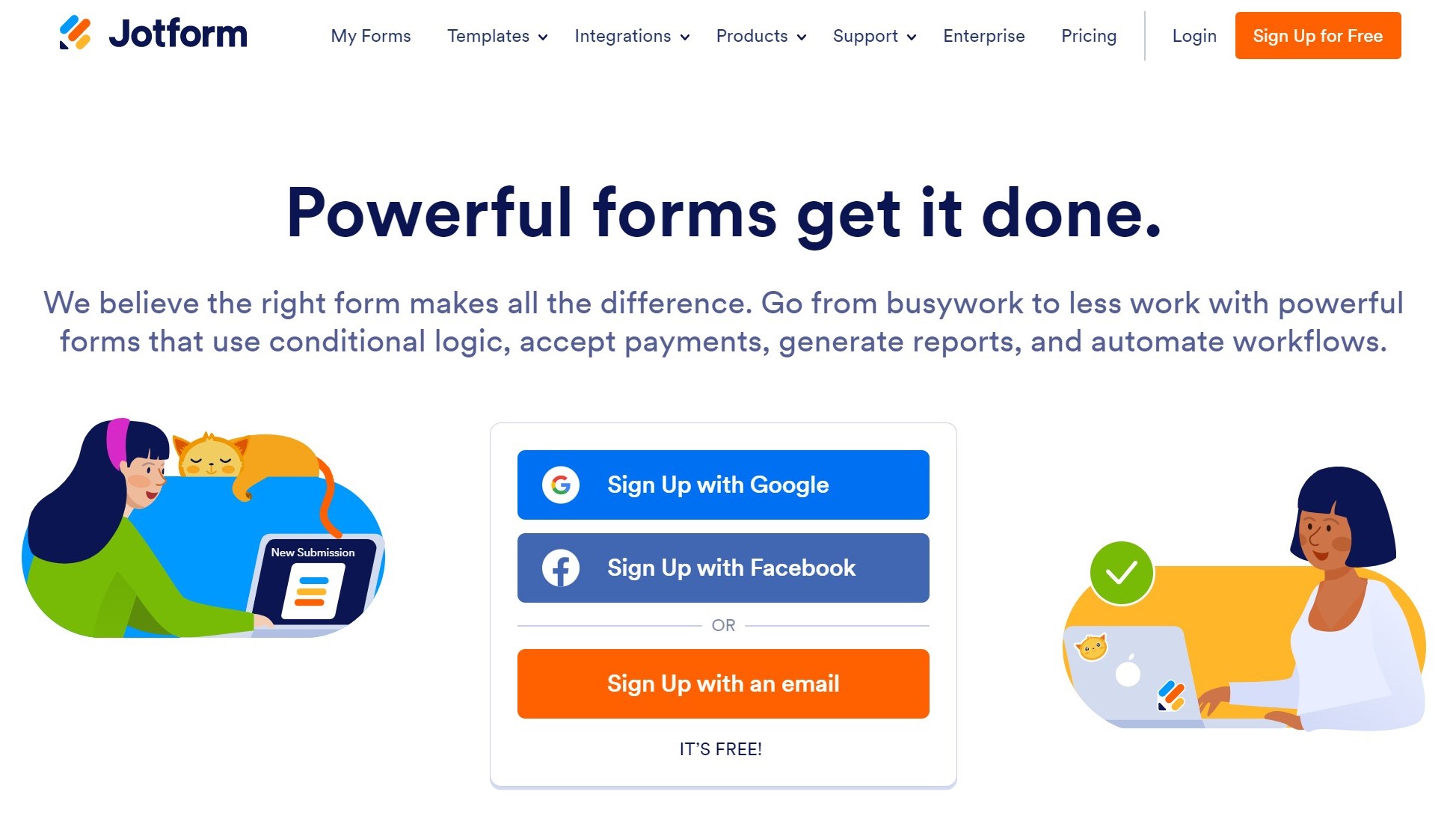
This San-Francisco based company, just like its contender here, was founded by Aytekin Tank in 2006.
With the intuitive interface, Jotform simplifies the form-building process. You need not be a tech wizard to handle the tool. Yes! You heard it right. No need to be a coder! Whether you need a simple survey or a detailed registration form, the platform covers it.
Well, who wouldn’t like a personal form-building assistant?
Conditional logic makes Jotform intuitive and responsive. You can customize user experiences by showing or hiding form fields, sending targeted emails, and personalizing the entire interaction based on user responses.
Create conversational forms with the drag-and-drop form builder. You can automatically enable and disable your forms when it hits your chosen limit. Plus, you’ll never lose progress with the “Save & Continue Later” feature. You can also enable autofill and never lose data.
Break down the language barrier! The Form Translation feature lets you open your forms to a global audience. How? By offering translations! It enables users to fill them out comfortably in their preferred language.
Easily customize URLs. You get custom CSS code for precise styling, ensuring form fields, widgets, and positioning align perfectly with your brand aesthetics. Also, you can effortlessly embed your forms into your website. Features like answer piping add a personalized touch as well.
User-Friendly Versatility: Jotform’s drag-and-drop Form Builder makes creating various forms a breeze, from surveys to payment forms.
Expensive: Though it offers advanced features, some users on G2 find the pricing plan a little over their budget.
If you’re looking for alternatives, here’s Top 10 Jotform Alternatives and Competitors
We already saw the form features. So, why don’t we start with the next most important point? How much do they cost you?
We will look into this a little too deep. You can’t commit unless you know what’s in it for you. Right?
Formstack’s pricing model is signed to accommodate diverse user needs. While Formstack’s plans come with comprehensive features, it’s essential to note that some users might find the pricing relatively higher, especially if they need advanced functionalities.
Users should carefully assess the features included in each plan to make an informed decision based on their budget and specific use case.
| Plan | Price/Month |
|---|---|
| Forms | $50 |
| Documents | $92 |
| Sign | $18 |
| Recommended Suite | $191 |
| Enterprise | Customized |
Salesforce Native Plans:
The platform provides a free plan with essential features, making it an excellent starting point for budget-conscious users. Jotform also offers paid plans for users who require additional features and increased usage limits. This flexibility enables users to begin with a cost-effective solution and scale up as their needs evolve.
Let’s take a look at their plans:
| Plan | Price/Month |
|---|---|
| Starter | Free |
| Bronze | $34 |
| Silver | $39 |
| Gold | $99 |
| Enterprise | Custom |
Jotform extends its support beyond the plans with:
If you want a comprehensive outlook, check Formstack integrations.
Jotform has around 100+ categories of integrations. We’ll look into some of the major players here. If you want to know all about their integrations, check out their website.
(But mind it, it could be a little costly for some users as the HIPAA-compliant forms are available in the Gold Plan and the Enterprise Plan)
They exceed industry standards, mind you!
Now, did you get a clear idea of which one is perfect for your needs? Before that, what if I tell you there is a better alternative? If you want the best of both worlds, you should try SurveySparrow. Why? Let me show you.
SurveySparrow stands out as an innovative and user-friendly form builder, offering more than just a tool to create forms. This tool is designed to make your life easier by introducing smart features that go beyond traditional form creation.

Why don’t you try it out and see for yourself? You get a 14-day free trial. And worry not! Nobody will ask for your credit card details. Take it for a spin today!

A personalized walkthrough by our experts. No strings attached!
| Feature | SurveySparrow | Formstack | JotForm |
|---|---|---|---|
| Form Building | Conversational, Single Page | Workflow Automation, Customization | Drag-and-Drop, Customization |
| Ease of Use | User-friendly with a conversational form approach | Intuitive Interface | No-code Builder, Drag-and-Drop |
| Mobile Forms | Responsive design, Mobile-friendly forms | Mobile-Optimized Forms | Mobile Forms, Responsive Design |
| Advanced Features | AI Form Builder, CX Module | Workflows, Integrations, Conditional Logic | Integrations, Conditional Logic, Advanced Options |
| Security Compliance | Advanced Security Features, HIPAA Compliance | HIPAA Compliance, SSL Encryption | HIPAA Compliance, SSL Encryption, GDPR Compliance |
| Starting Price | $19 per month | $18 per month (Sign) | $34 per month |
| G2 Rating | 4.4/5 | 4.4/5 | 4.7/5 |
| Suitable for Businesses | Small to Large | Medium to Large | Small to Large |
Keep these points in mind before you make a decision:
Ease of Use: Look for an online form builder with an intuitive interface, drag-and-drop features, and simple navigation to streamline the survey creation process.
Customization Options: Choose a tool that allows for easy customization of survey questions, themes, and branding to ensure your surveys align with your brand identity.
Response Analysis: Opt for one that provides robust analytics and reporting features, enabling you to gain valuable insights from survey responses and make data-driven decisions.
User Engagement: Seek features like conversational forms or interactive elements that enhance user engagement, leading to higher response rates and more meaningful feedback.
There’s no winner in the battle of Formstack vs Jotform. The right tool fits right. SurveySparrow, Formstack, and JotForm are versatile form-building platforms with unique features.
SurveySparrow stands out with its conversational forms and AI form builder, making it suitable for various business sizes. Formstack excels in workflow automation and customization, which is ideal for medium to large businesses. JotForm offers a no-code builder and diverse integrations catering to small to large businesses.
Each platform has strengths, so the choice depends on specific requirements and preferences.
And hey, if you have any queries on SurveySparrow, reach out. Our support team is just a chat away!
Happy exploring!


Thousands of brands trust SurveySparrow to turn feedback into growth. Try it free today!


Compare
1 MINUTES
17 July 2024

Brand Experience
24 MINUTES
28 September 2021
Compare
12 MINUTES
7 March 2024
Compare
11 MINUTES
27 August 2023

