Compare
Formstack vs Google Forms: A Detailed Comparison

Article written by Kate Williams
Content Marketer at SurveySparrow

14 min read
6 March 2024


Compare
Article written by Kate Williams
Content Marketer at SurveySparrow
14 min read
6 March 2024
Choosing the perfect form builder for you can be a bit of a hassle, especially when your mind is conflicted in a battle of Formstack vs Google Forms.
Do you go for the free and familiar or the feature-rich and customizable one?
Don’t worry if you’re confused. We will look into both platforms’ features, strengths, and weaknesses and give you all the data you need to make an informed decision.
Here’s a table of comparison for a quick sneak peek!
| Features | Formstack | Google Forms |
|---|---|---|
| Best For | Logic and Branching | Free Form Builder |
| G2 Reviews Rating | 4.4 (399) | 4.6 (42k) |
| Intuitive Interface | ✔ | ✔ |
| Offline Forms | ✔ | – |
| Mobile First Surveys | ✔ | ✔ |
| Insert Images & Videos | ✔ | ✔ |
| Conditional Logic | ✔ | ✔ |
| Analytics | ✔ | ✔ |
| Field Bottle Necks | ✔ | – |
| HIPAA | ✔ | ✔ |
| Starting Pricing | $29/month | Free |
(Psst…If you want an even better alternative, there’s a table at the end that compares:
For the rest of us, let’s start with an overview.

Formstack, created by Ade Olonoh in 2006, has evolved as a workflow automation software. The platform lets you create forms and surveys, prepare documents, and collect e-signatures effortlessly.
From conditional logic that adapts your form based on responses to workflow automation that makes your tasks as easy as pie, Formstack helps you create forms that work as hard as you do!
Let’s look at the form builder’s key elements that make it a sought-after tool in the market.
Design mobile-friendly forms and increase survey completion with the Save and Resume feature. Plus, you can switch providers with the Form Importer. Handle hanging options with Smart lists and enhance brand visibility with the custom subdomains.
Also, personalize the questions per the target audience or individual customer with advanced conditional logic features.
You can upload and collect different formats and optimize the forms with the Conversion Kit. Easily create custom visual reports and add graphs and charts. You can pinpoint the issues with the help of Bottle Neck and enable UTM tracking. Email Notifications, Filed validation, and partial Submission are other perks.
You can easily create custom agreements, proposals, and contracts with Formstack’s document. These are also HIPAA compliant, ensuring safe and secure handling of sensitive patient information. You also get customizable templates and advanced data routing to create multiple documents from a single chunk of data.
Formstack Sign saves you the time waiting for signatures. It lets your respondents or customers sign a document from any device.
Supervise access with User Permissions and streamline them with Approvals. Formstack also lets you create a dynamic workflow and organize data with Portals.
Ease of Use: Customers praise the intuitive interface and ease of setup. The forms are self-explanatory and require no coding knowledge to build.
Pricing: Formstack can be a bit pricey for those on a budget, especially when it has a free contender like Google Forms.
If you have tried Formstack and want other options, why don’t you check out this list of the best Formstack Alternatives?
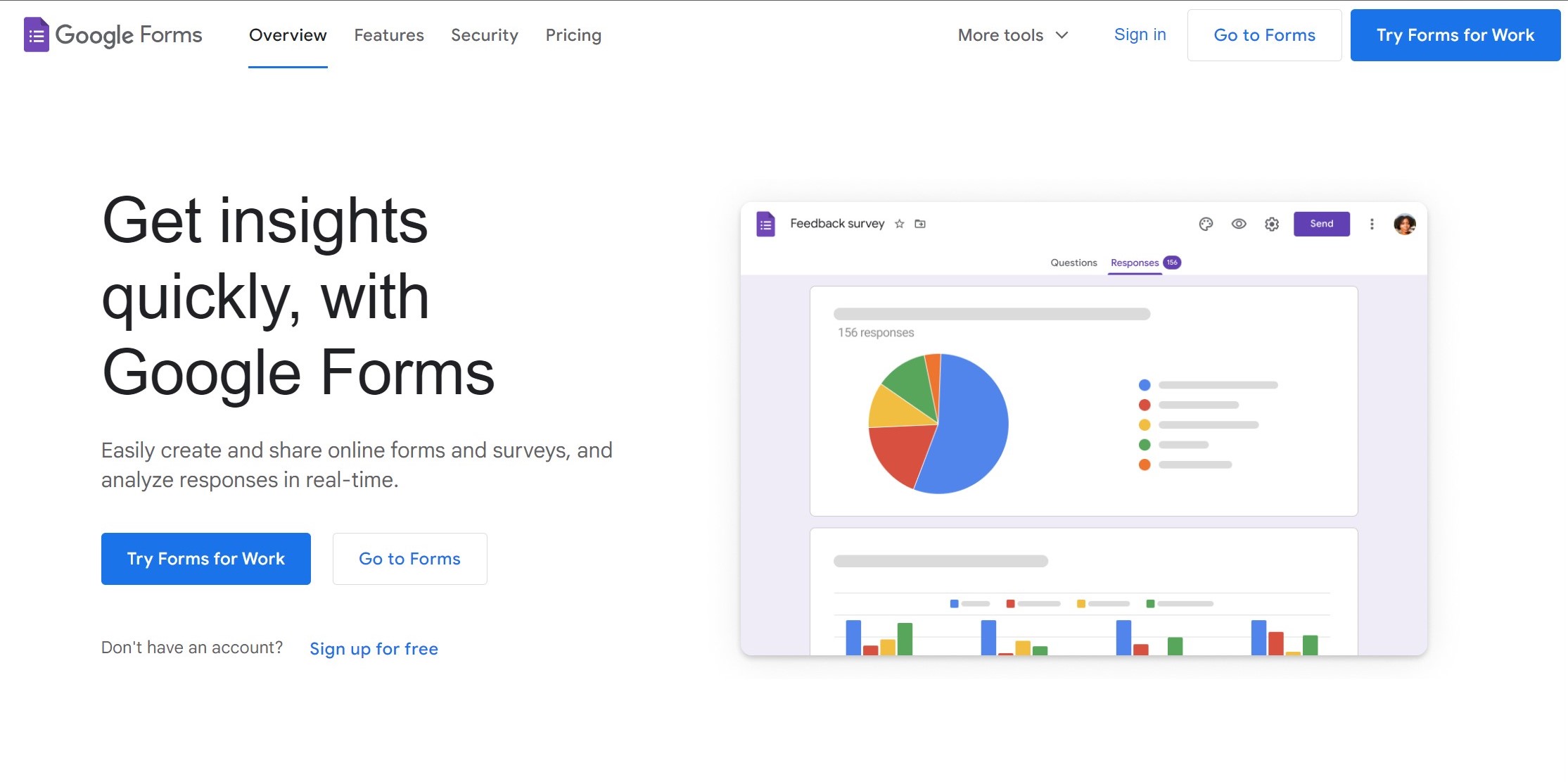
Google Forms is a free online form builder available to anyone with a Google account. No subscription fees or complex setup here! The platform offers a clean and intuitive interface that can be steered by anyone, from a beginner to a Form pro!
The best part about it is its integration with the Google Suite. Anyone with access can join in and edit the form simultaneously.
Let’s look at these points in detail:
There are no subscription fees or complicated setup processes. Log in to your Google account and dive into form-building without financial commitments.
This straightforward setup eliminates the need for lengthy registration forms or payment details.
Collaborate effortlessly with multiple users, allowing for real-time edits and form updates. This feature is especially beneficial for team projects, facilitating efficient communication and idea sharing among team members.
You can share the forms with a specific individual or a broad audience via a website, link, or email.
Whether you are working on a group assignment, conducting a team meeting, or brainstorming ideas for an upcoming project, the platform makes it easy to collaborate and share feedback in real time.
Google Forms seamlessly integrates with other Google services, providing users with a cohesive experience across the Google ecosystem. This integration enhances productivity and simplifies data management processes.
You have Google Drive for storage, Sheets for analytics, and Workspace for business communication and collaboration.
Now, for more options, check out this list of Google Forms Alternatives.
Let’s compare the two form builders on the most important aspects.
Formstack integrates with a lot of your favorite apps. Check out their integration page for a detailed view of each category. Here, I’ll include a few popular ones.
Since that’s done, let me talk about an alternative that gives you the best of both worlds. SurveySparrow! Don’t take my word for it. Here are a few facts to back this up.
SurveySparrow is an experience management platform that lets you create conversational forms that boost engagement rates and help you reap a 40% higher response rate.
It does not end with creating. You can share via multiple platforms, collect data, visualize, and analyze it to make informed decisions based on the insights.
Beta Testing Feedback Form Template
Use This TemplateFormstack might be a bit pricy for you if you are on a budget.
Now, you’ll say: Isn’t Google Forms Free? Yes, it is. And it is perfect for basic forms. But do you just want basic? Think of it.
What you need is something that brings you the best of both worlds. You saw the features, and here’s a detailed pricing plan.
| Pricing Plans | Starting Price | Features |
|---|---|---|
| Basic Plan | $19 | Multiple question types and basic features |
| Business Plan | $79 | Advanced features |
| Professional Plan | $249 | Additional features |
| CX Suite | $249 | NPS, CSAT, CES surveys- measuring customer loyalty, satisfaction, and effort scores |
| 360 Assessments | Custom Quote | Research-backed question banks, advanced performance analytics, and group reports |
| Reputation Management | $0 | Limited free version; $79 for full features |
Why don’t you give it a try? A 14-day free trial will provide you with an idea of the tool.
| Features | SurveySparrow | Formstack | Google Forms |
|---|---|---|---|
| Best For | Logic and Branching | – | Free Form Builder |
| G2 Reviews Rating | 4.4 (1903) | 4.4 (399) | 4.6 (42k) |
| Intuitive Interface | ✔ | ✔ | ✔ |
| Conversational Forms | ✔ | – | – |
| Offline Forms | ✔ | ✔ | – |
| Mobile First Surveys | ✔ | ✔ | ✔ |
| Insert Images & Videos | ✔ | ✔ | ✔ |
| Conditional Logic | ✔ | ✔ | ✔ |
| Analytics | ✔ | ✔ | ✔ |
| HIPAA | ✔ | ✔ | ✔ |
| AI Surveys | ✔ | – | – |
| Starting Pricing | $19/month | $29/month | Free |
So, do we have a winner for Formstack vs Google Forms? Depends right? The best one depends on you and your needs.
So, if you need top-notch security and advanced features, Formstack could be your best bet. But if you’re on a tight budget and need something simple, Google Forms is worth checking out. If you want conversational, engaging forms that reap responses, go for SurveySparrow.
Choose wisely on what works best for you!
Happy surveying!


Thousands of brands trust SurveySparrow to turn feedback into growth. Try it free today!


Compare
9 MINUTES
30 November 2021

Compare
8 MINUTES
28 April 2023

Compare
1 MINUTES
17 July 2024
Compare
12 MINUTES
7 March 2024
14-day free trial • Cancel Anytime • No Credit Card Required • No Strings Attached

